


New Text Control HTML5 Ad Campaign

Text Control previewed its 2015 international print advertising campaign for the HTML5 rich text editor component. The campaign highlights the browser-based WYSIWYG editing capability of TX Text Control .NET Server, which operates in HTML5-compatible browsers without plugins or add-ons.

I thought to share a preview of the new international advertisement print campaign for our HTML5 based rich edit control that will be visible in 2015:
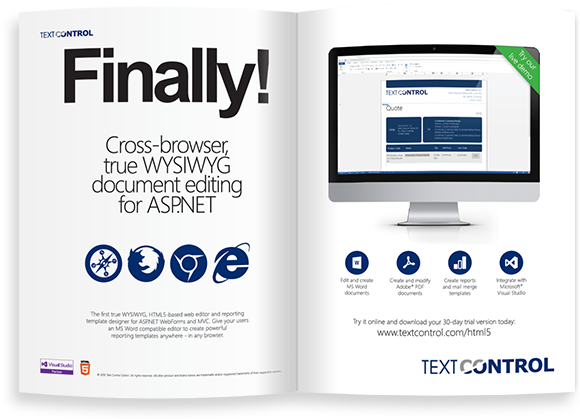
Did you already try TX Text Control .NET Server with the web version of TX Text Control?
Related Posts
Grouping Undo Steps with TX Text Control
TX Text Control manages undo history through snapshots and message queues. Applying multiple formatting changes via the Selection object registers as one undo step. For grouped operations, a…
Windows FormsGetting StartedTutorial
Windows Forms Tutorial: Create Your First Windows Forms C# Application
This tutorial shows how to create your first Windows Forms application with C# using TX Text Control .NET for Windows Forms in Visual Studio 2022.
How to Mail Merge MS Word DOCX Documents in ASP.NET Core C#
Mail merge is the process of merging data, such as Json or IEnumerable objects, into a template document, such as a DOC or DOCX file. This tutorial is a walkthrough of the steps necessary to…
Creating an Angular Document Editor Application with a Node.js WebSocket Server
This tutorial shows how to create an Angular application that uses the Document Editor with a Node.js WebSocket server.
Adding SVG Watermarks to Documents
This article shows how to add SVG images to document section headers that repeat automatically on each page. This watermark will be inserted vertically and horizontally centered on each section page.