





Products Technologies Demo Docs Blog Support Company

Document workflow Document workflow

Connect Every Step of the Document Lifecycle

Prepare, review, approve, sign, and archive business documents with flexible workflows built into your applications.

Start trialLaunch demo

TX Text Control document workflow

Trusted by leading enterprises worldwide

Document workflow

One document workflow. Every business process.

Bring document creation, collaboration, approval, signing, and system integration together in one controlled workflow.

Prepare documents

Prepare documents

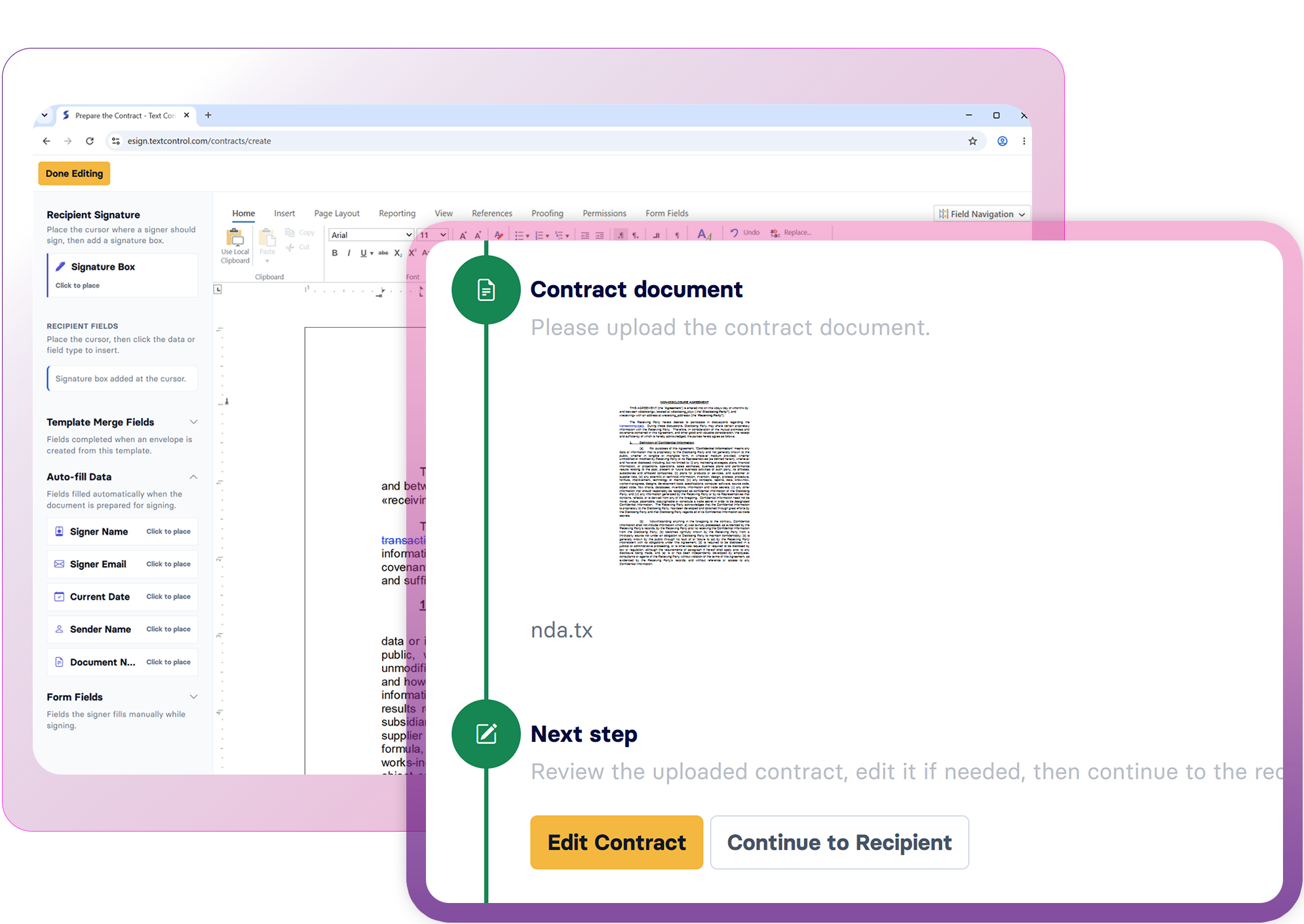
Create reusable templates and prepare documents with a full Word-compatible browser editor.

Review together

Review together

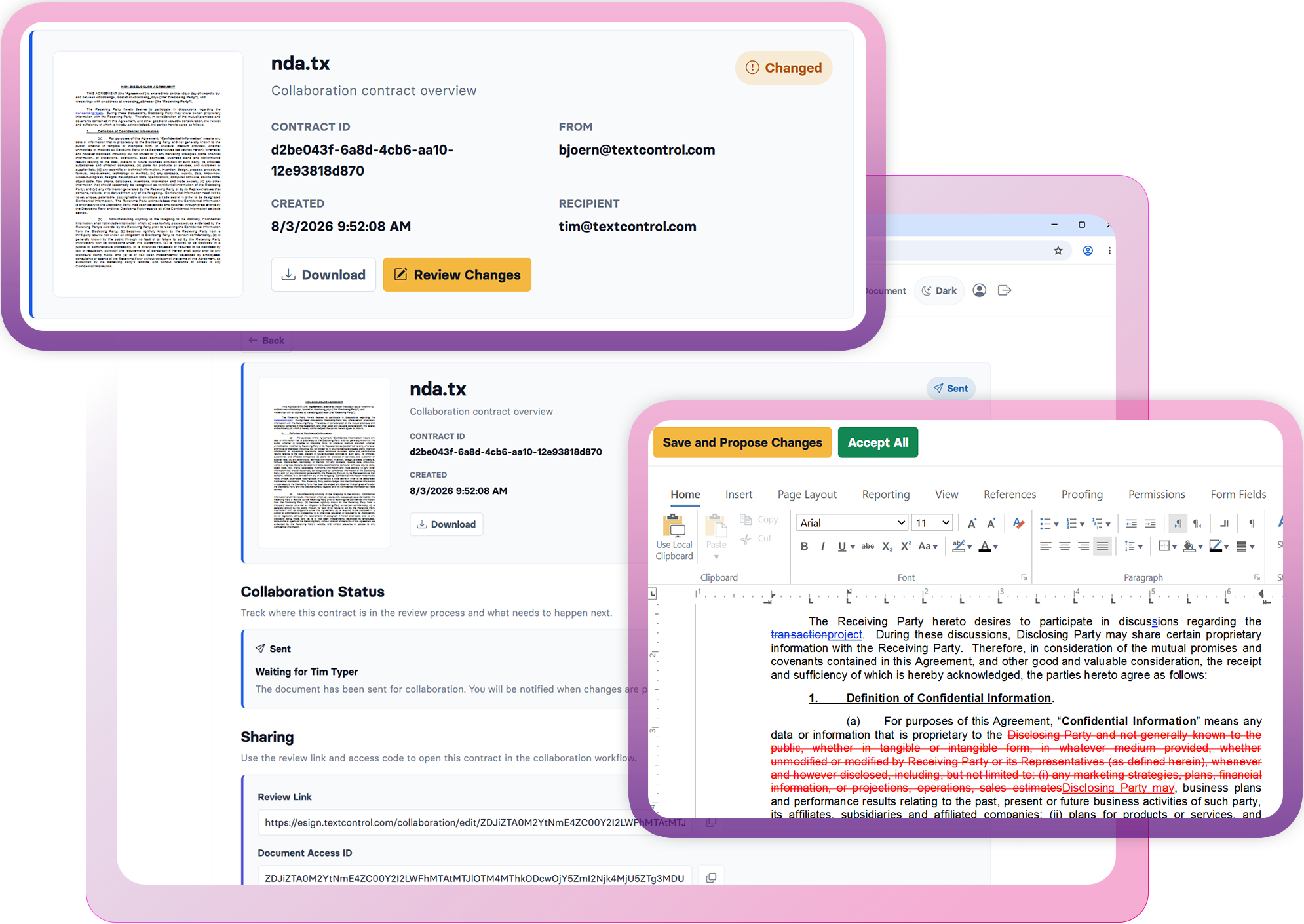
Collaborate with annotations, comments, redlining, and tracked changes before approval.

Approve and sign

Approve and sign

Move approved documents into electronic signature workflows without leaving your application.

Integrate systems

Integrate systems

Connect ERP, CRM, HR, and business applications to document templates and workflow data.

Workflow capabilities

One workflow. Every document lifecycle.

Build document processes that connect people, templates, data, approvals, and signatures in one application-controlled flow.

Prepare capabilities

Create reusable templates and document instances with professional Word-compatible editing.

  • WYSIWYG document editor
  • Merge fields and form fields
  • DOCX, DOC, RTF, and TX
  • Tables, images, and sections
  • Reusable templates
  • PDF output

Connect templates, data, and approvals

Automate document workflows by connecting templates, business data, and approval processes. Integrate with ERP and business systems such as SAP and Oracle to generate, review, approve, and sign contracts and other business documents in a single, controlled workflow.

Learn more

Connect templates, data, and approvals
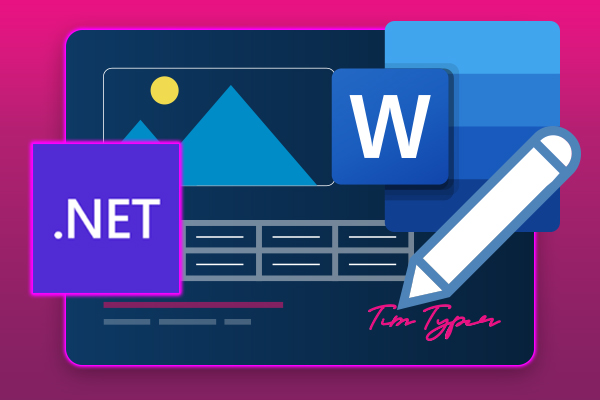
Prepare documents with Word-compatible editing

Prepare documents with Word-compatible editing

Give users a professional, Word-compatible editing experience to create, review, and finalize business documents. Edit templates, contracts, and other documents with familiar tools, track changes, and accept or reject revisions before moving documents to the next stage of the workflow.

Launch demo

AI Ready

Designed for developersDesigned for devs
Ready for AI

Robot

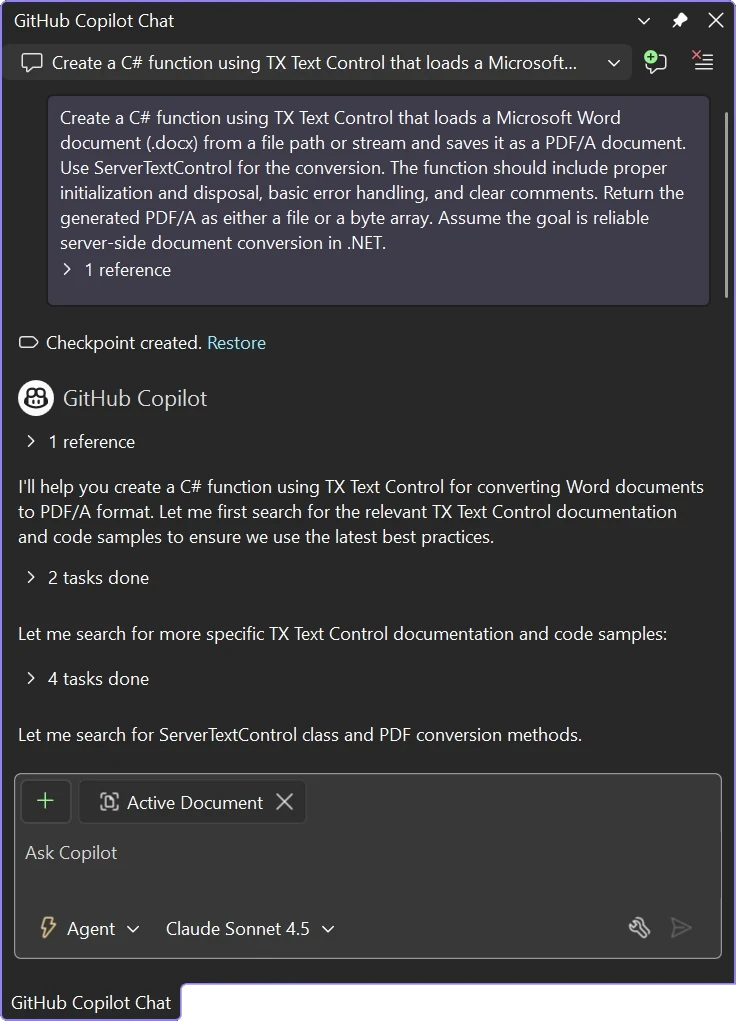
AI coding assistants like ChatGPT, Claude, GitHub Copilot, and OpenAI Codex, along with autonomous development agents, are now part of modern software development.

TX Text Control is built to integrate seamlessly with them.

Chat with TX Text Control resources in GitHub Copilot

Review, collaborate, and approve

Keep document reviews, redlining, and revisions in a single workflow. Collaborators can add comments, track changes, and review edits before approval, ensuring every revision is captured. Once finalized, seamlessly move the approved document to sharing, approval, or electronic signing without manual handoffs.

Launch demo

Review, collaborate, and approve
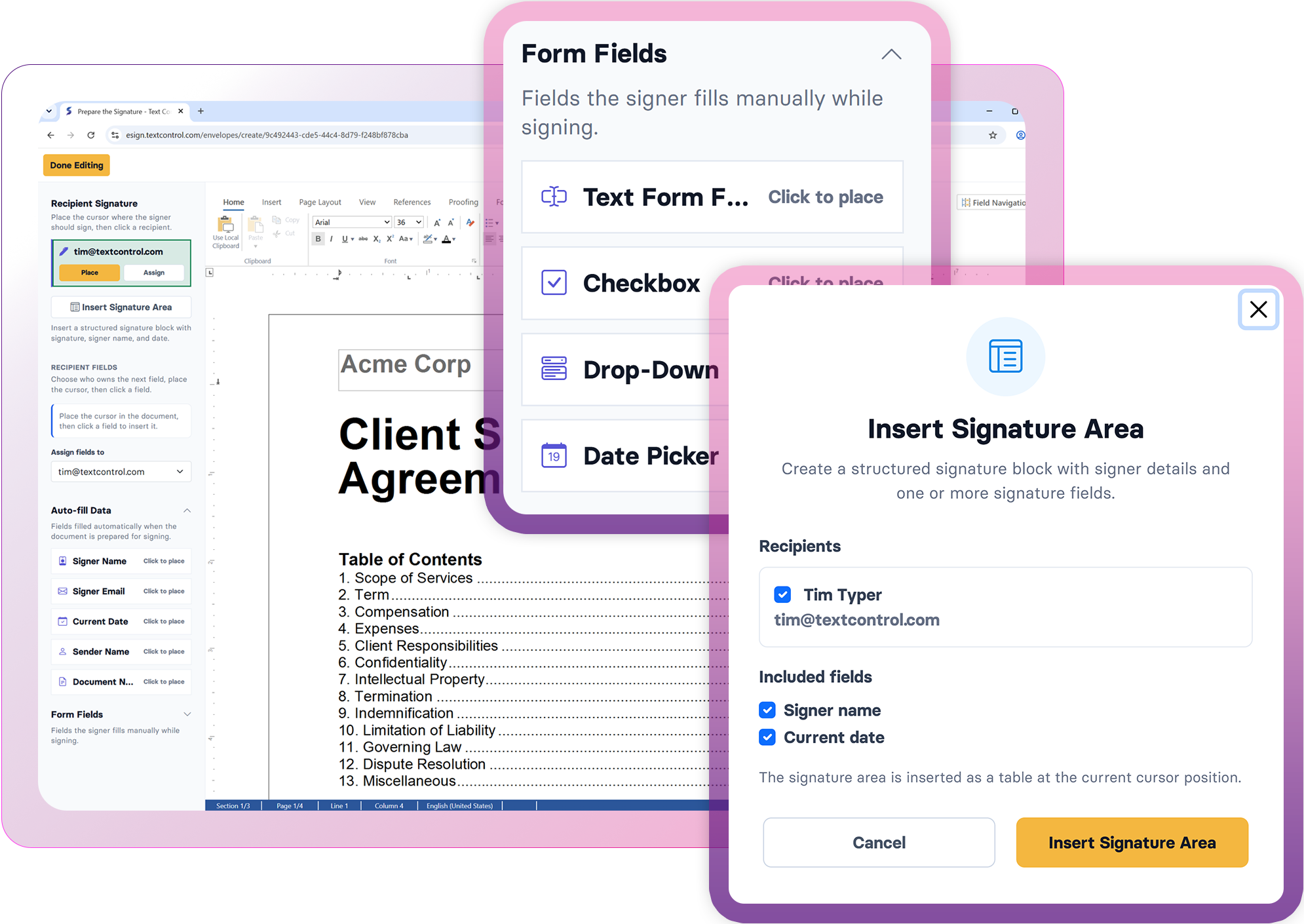
Create reusable workflow templates

Create reusable workflow templates

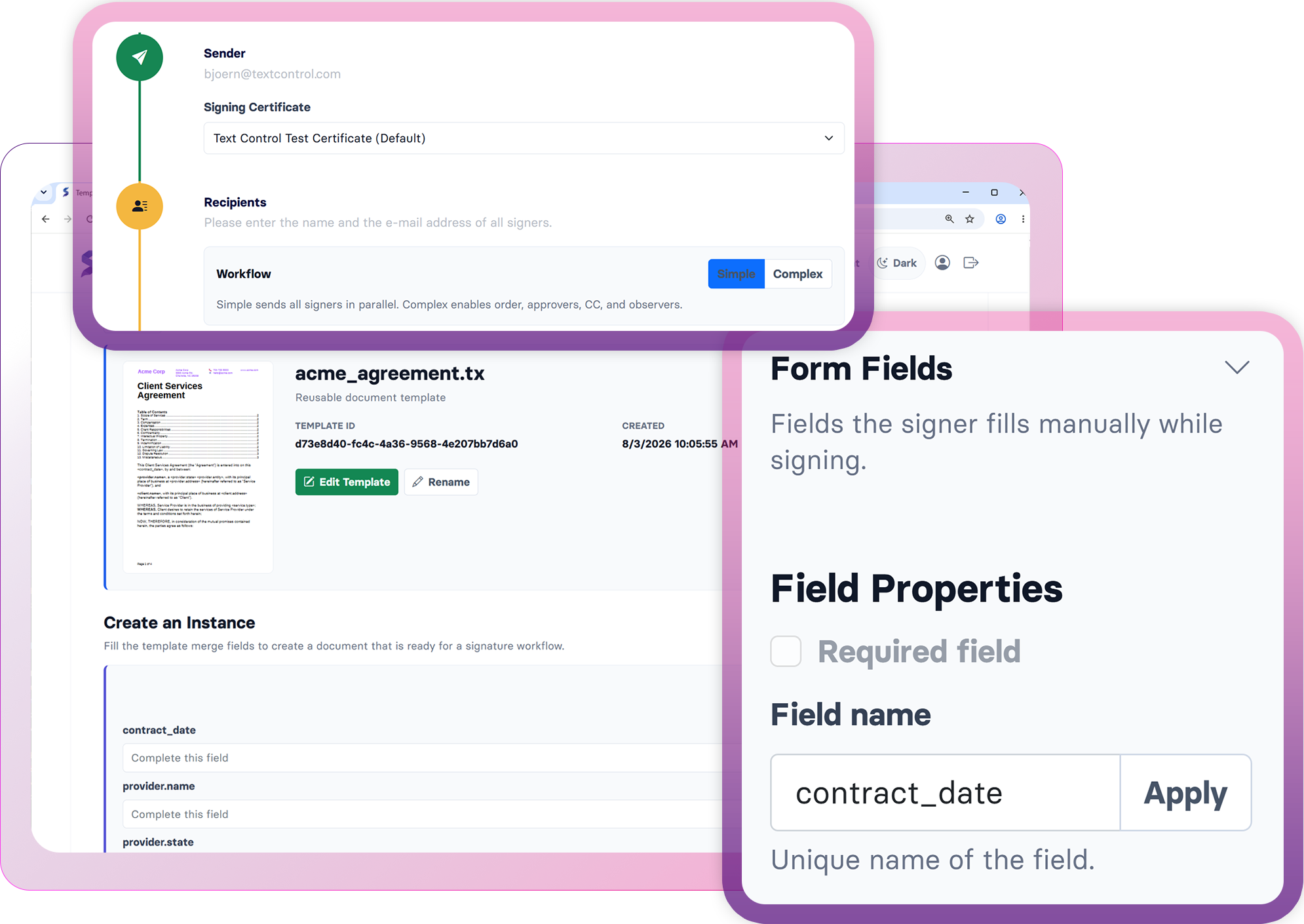
Standardize recurring document workflows with reusable templates. Add merge fields, form fields, and dynamic content to contracts, agreements, and other business documents, then populate them automatically from business data or complete them manually before advancing to the next workflow stage.

Technical Insights

Deep dive articles

ASP.NETASP.NET Core

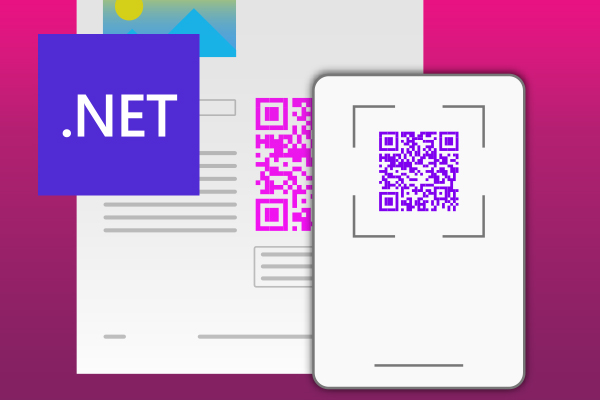
Enhancing Documents with QR Codes and Barcodes in .NET C#: A Comprehensive Guide

QR codes and barcodes can be highly beneficial on various documents or PDFs, providing a convenient way to access information, verify authenticity, track items, and enhance user interaction. This article shows how to create documents with QR codes and barcodes in .NET C# using TX Text Control .NET Server.

ASP.NETASP.NET Core

Document Automation 101: Leveraging TX Text Control for Business Efficiency in .NET C# Applications

Document automation is a powerful tool that can help businesses save time and money. In this article, we will explore how to leverage TX Text Control for document automation in ASP.NET and ASP.NET Core applications.

ASP.NETASP.NET Core

Optimizing Digital Signature Workflows: Starting with MS Word DOCX Files Instead of PDFs in C#

Starting a digital signature workflow with MS Word DOCX files instead of PDFs provides greater flexibility, ease of editing, and collaboration during the document preparation phase. DOCX files are easier to edit and allow multiple stakeholders to contribute without the need for specialized software.

AngularASP.NET

Modern Contract Lifecycle Management

Modern CLM systems provide streamlined processes that help companies to focus on more high-value tasks and core business functions. This article shows the advantages and how to use Text Control technology to implement a modern contract workflow.

FAQ

Frequently asked

questions

Stay in the loop!

Subscribe to the newsletter to receive the latest updates.

Start a free 30-day evaluation today!

No credit card required