





Products Technologies Demo Docs Blog Support Company

Document editor Document editor

Enable MS Word-Like Document Editing in Your Applications

Integrate high-performance WYSIWYG document editing into your applications with our SDK. Create, edit, and collaborate on professional documents from a single, unified experience.

Start trialLaunch demo

TX Text Control document editor with comments and form fields

Trusted by leading enterprises worldwide

Document Editing

Professional document editing

Add a complete, browser-based word processing experience to your applications.

True WYSIWYG

True WYSIWYG

The only true WYSIWYG document editor. Our unique rendering technology delivers pixel-perfect editing that always matches the generated PDF and printed output.

HTML5 cross-platform

HTML5 cross-platform

Built for cross-platform applications, the document editor offers a consistent interface and identical functionality across Windows, Linux, web, and mobile platforms.

MS Word compatible

MS Word compatible

Load, edit, and create Microsoft Word documents with a professional document editor. Built-in features include Track Changes, sections, headers and footers, form fields, and more.

JavaScript API

JavaScript API

Take full control with a rich JavaScript API. Create documents programmatically, customize built-in functionality, and seamlessly integrate the editor into your application.

Editor Capabilities

Enterprise-grade editing. Every document.

Create rich content, work with industry-standard formats, and build reusable templates in one browser-based editor.

Elements capabilities
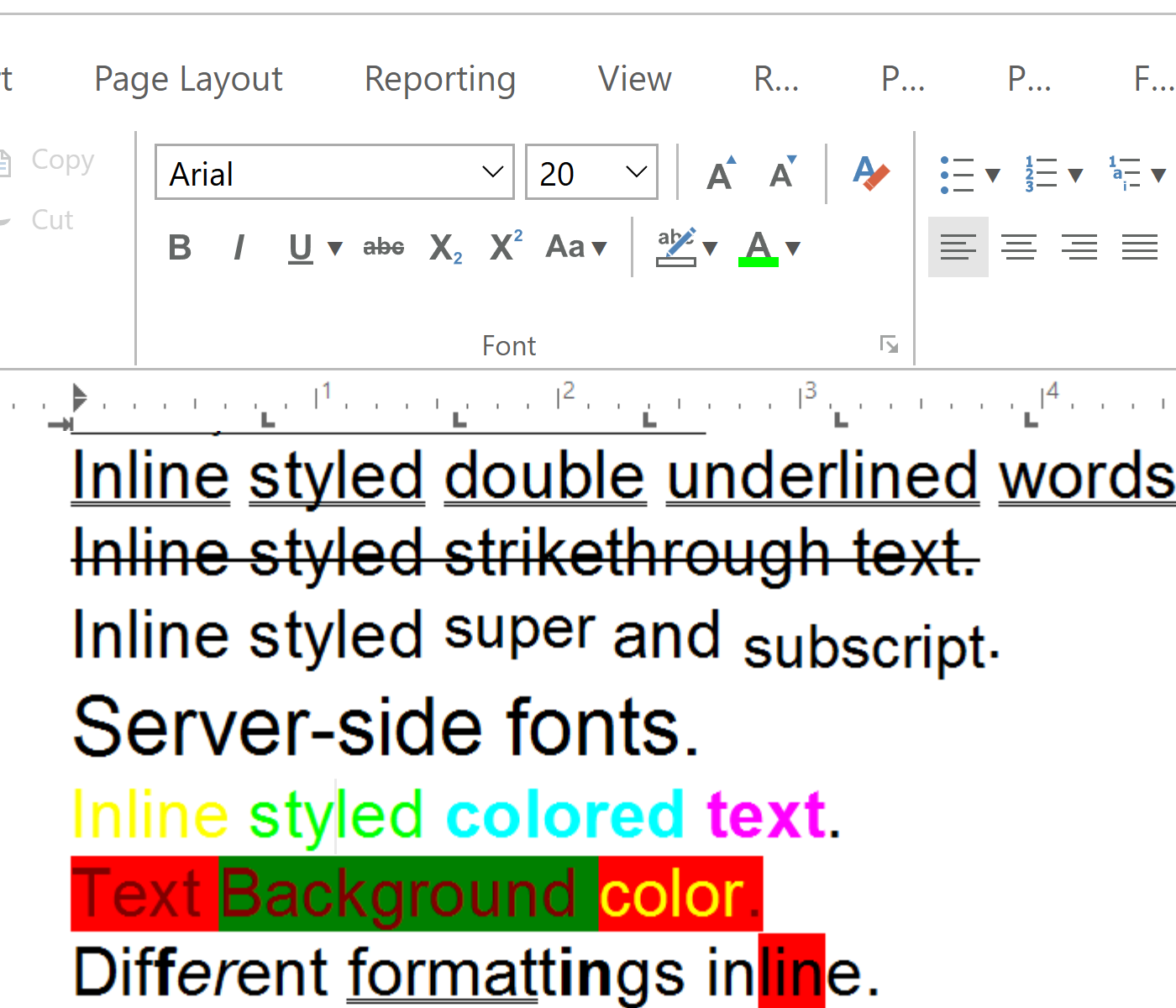
Create sophisticated documents with professional formatting, layout, collaboration, and rich content elements.

Enterprise-grade Microsoft Word-like editing

Enterprise-grade Microsoft Word-like editing

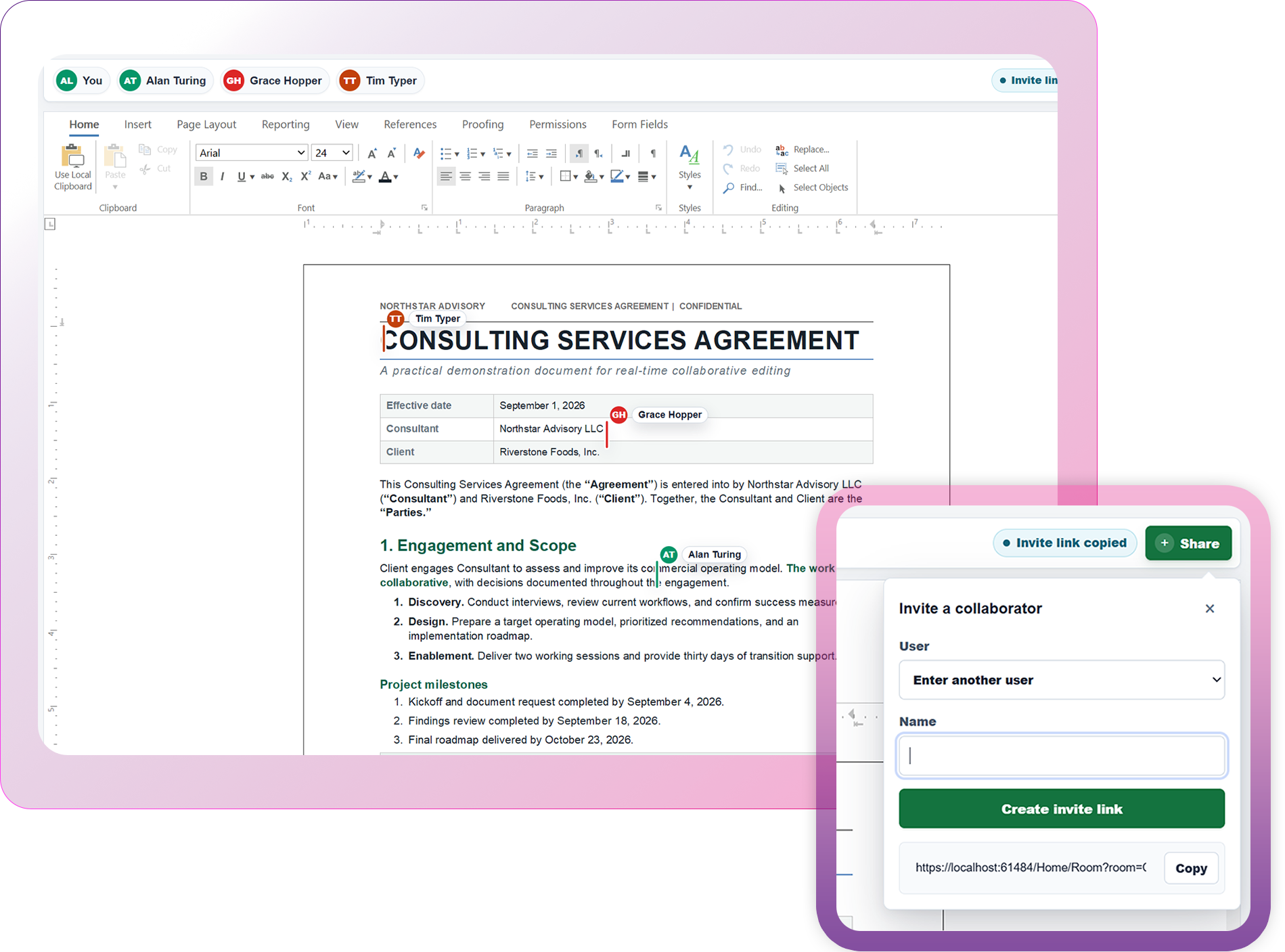
Integrate a professional Microsoft Word-like editing experience into your applications. Users can create, edit, and collaborate on DOCX documents, templates, and reports with an intuitive interface and advanced word processing features they already know.

Launch demo

Reporting and Mail Merge

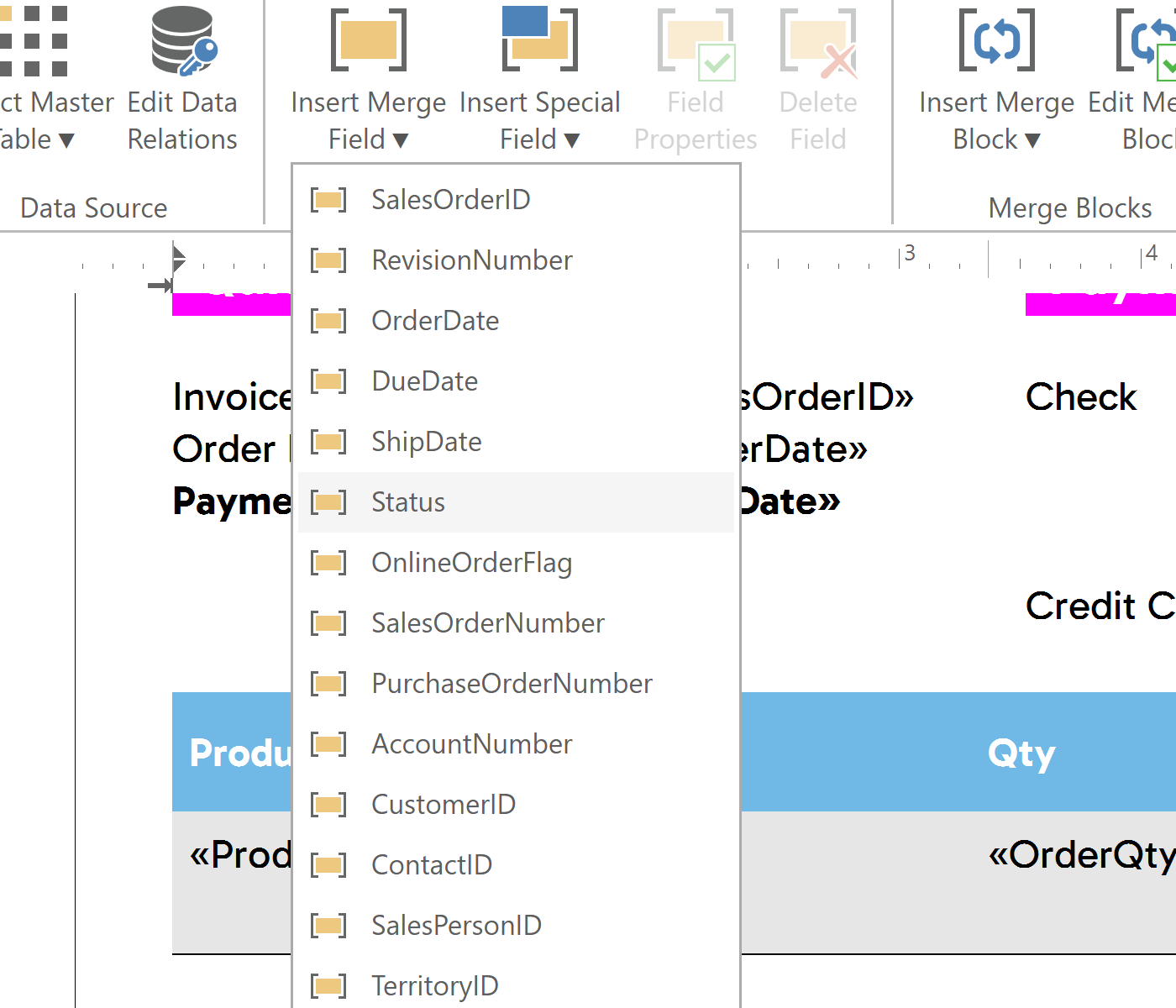
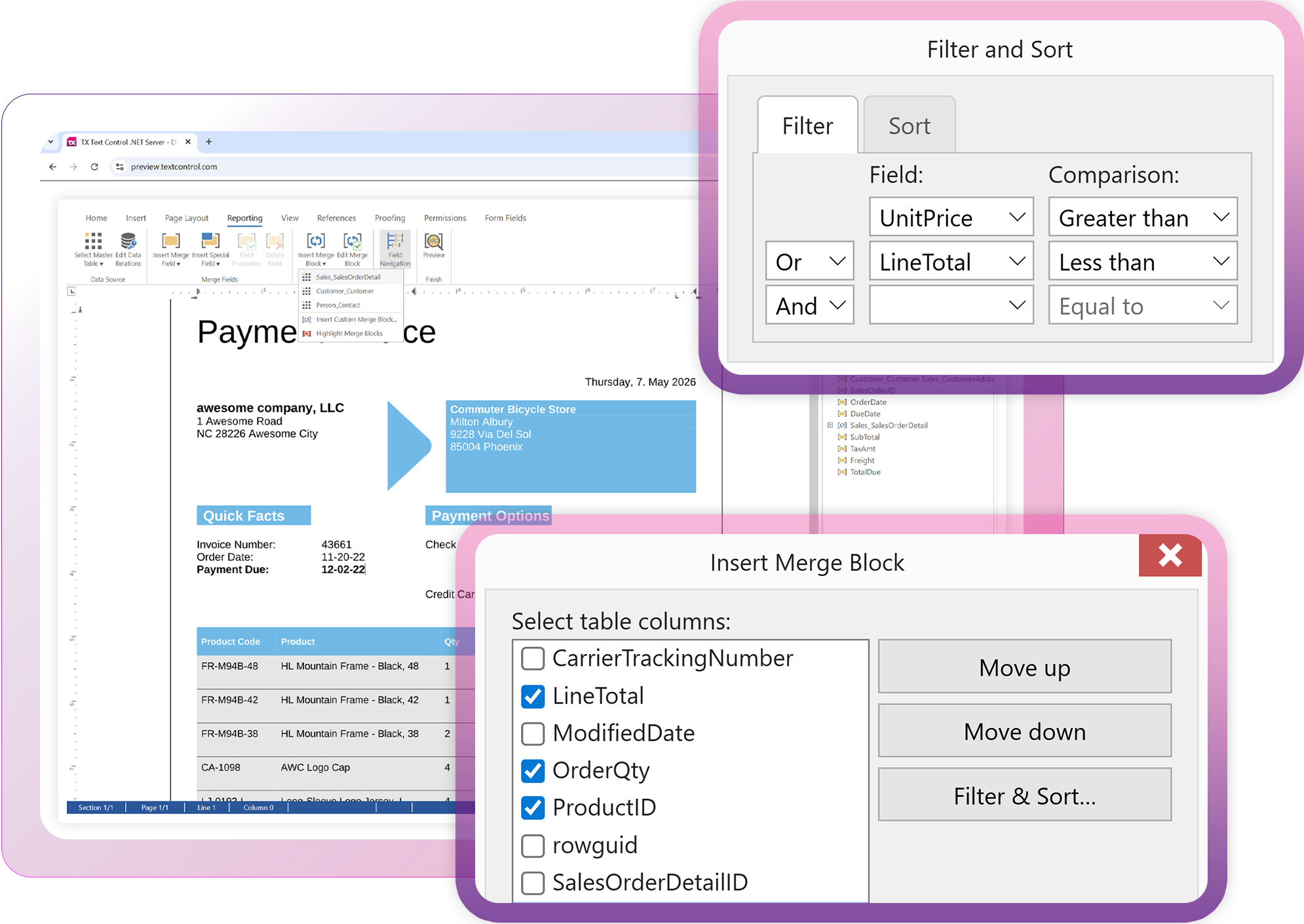
Build reusable document templates with a WYSIWYG editor and generate personalized documents at scale. Design templates with merge fields, repeating blocks, sorting, and filtering, then merge data from JSON, XML, or IEnumerable objects using the included high-performance reporting and MailMerge engine. Fully programmable and ready to embed in your applications.

Launch demo

Reporting and Mail Merge
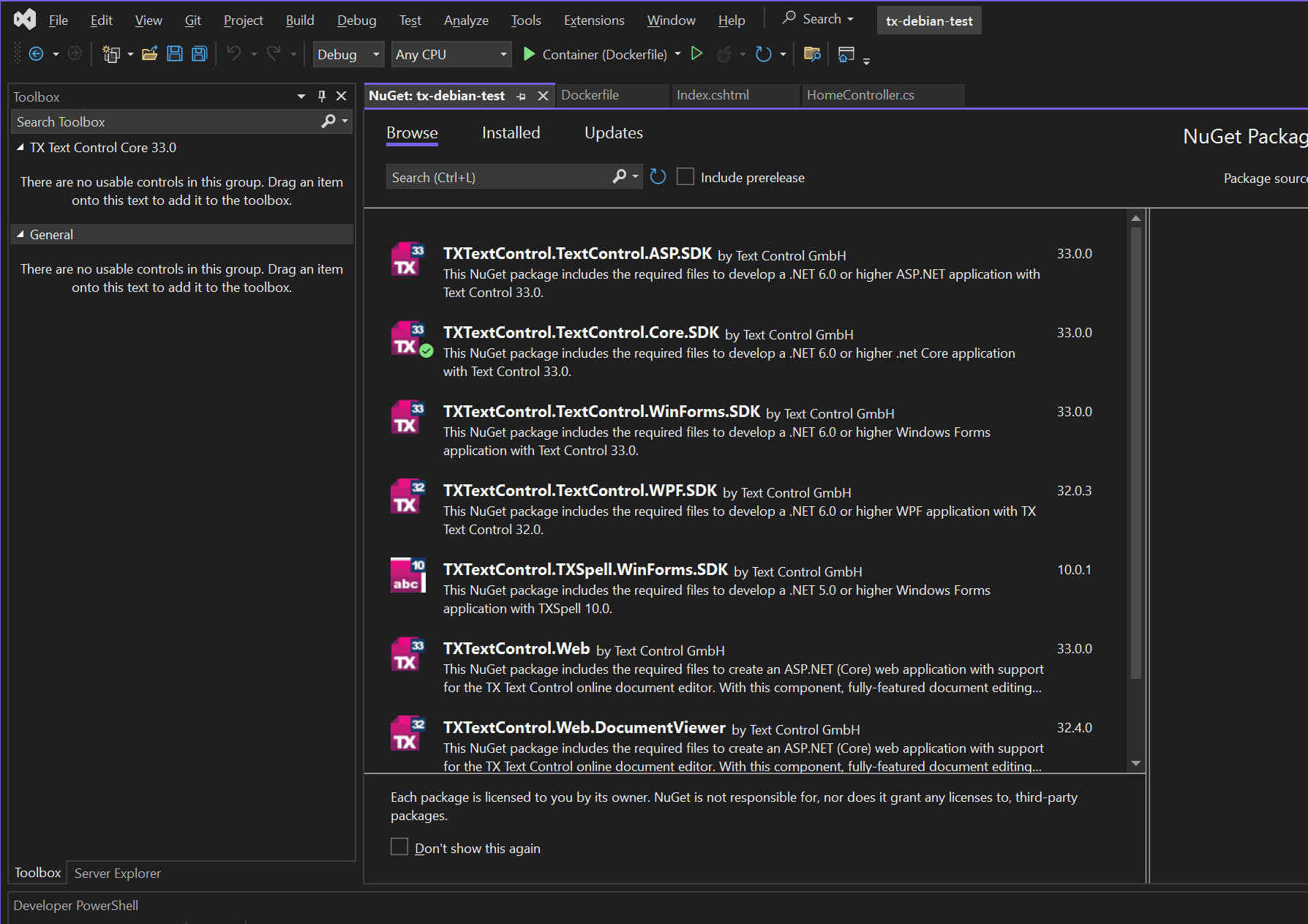
NuGet packages in Visual Studio

Angular, React, ASP.NET Core, or JavaScript

Effortlessly integrate with any frontend. Integrate TX Text Control with Angular, React, Blazor, ASP.NET Core, JavaScript, and more using production-ready NuGet and npm packages.

ASP.NET Core

ASP.NET Core

Angular

Angular

Blazor

Blazor

JavaScript

JavaScript

React

React

Get started

Enterprise-grade spell checking

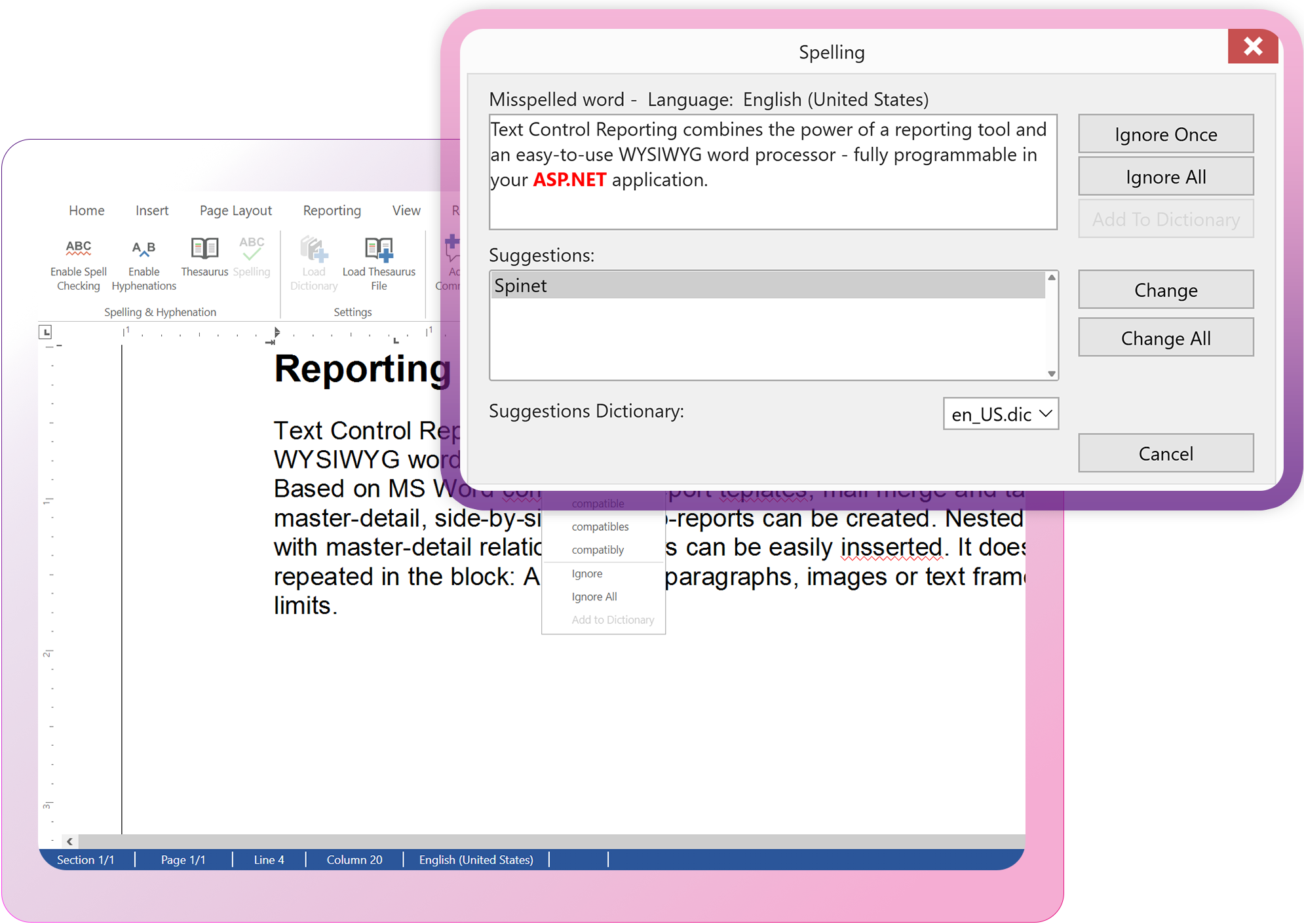
Fast, accurate spell checking for your applications with seamless TX Spell .NET integration. Misspelled words are highlighted as users type, with built-in suggestions, ignore options, and support for over 60 dictionaries.

Launch demo

Enterprise-grade spell checking
Track Changes and Collaboration

Track Changes and Collaboration

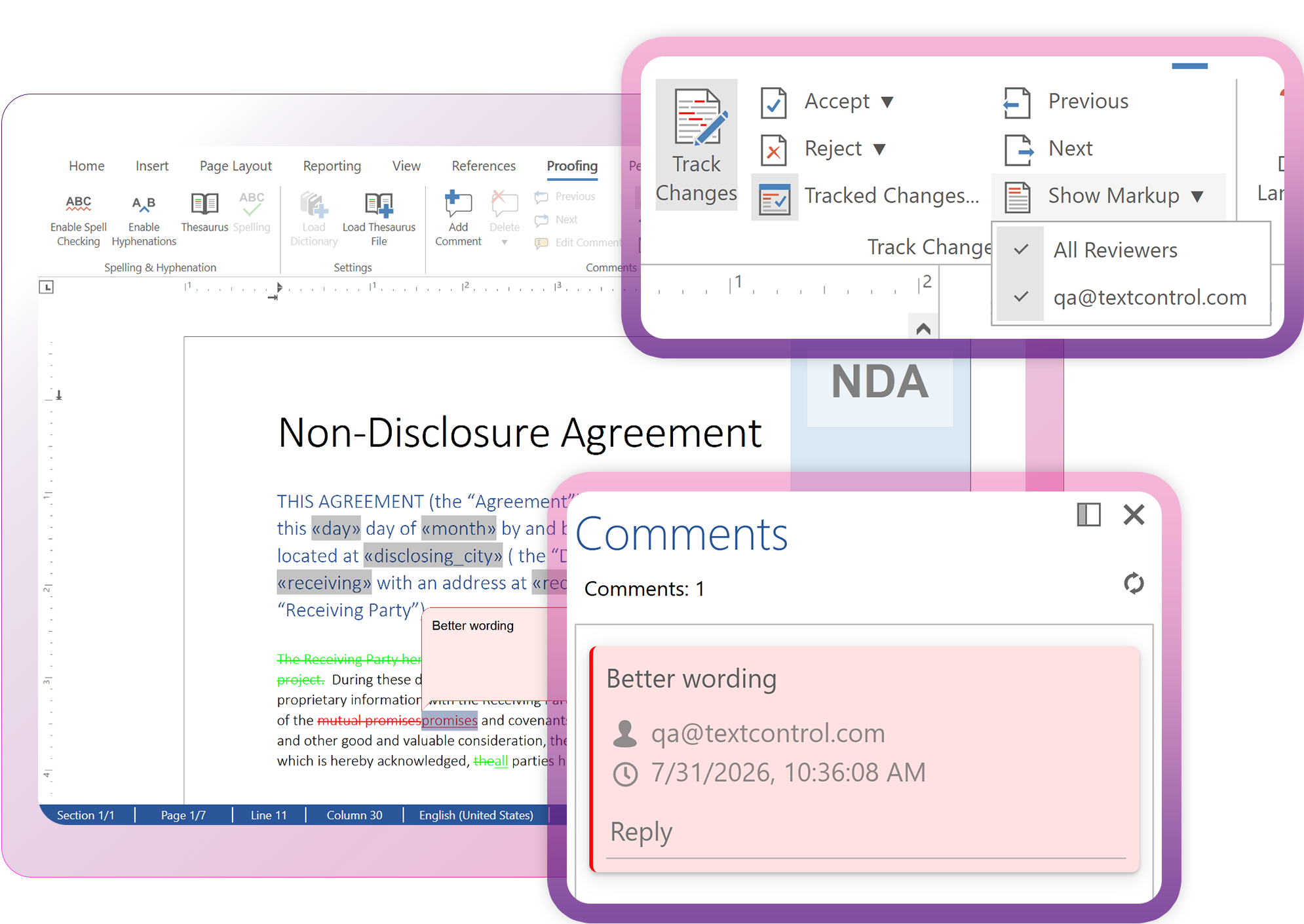
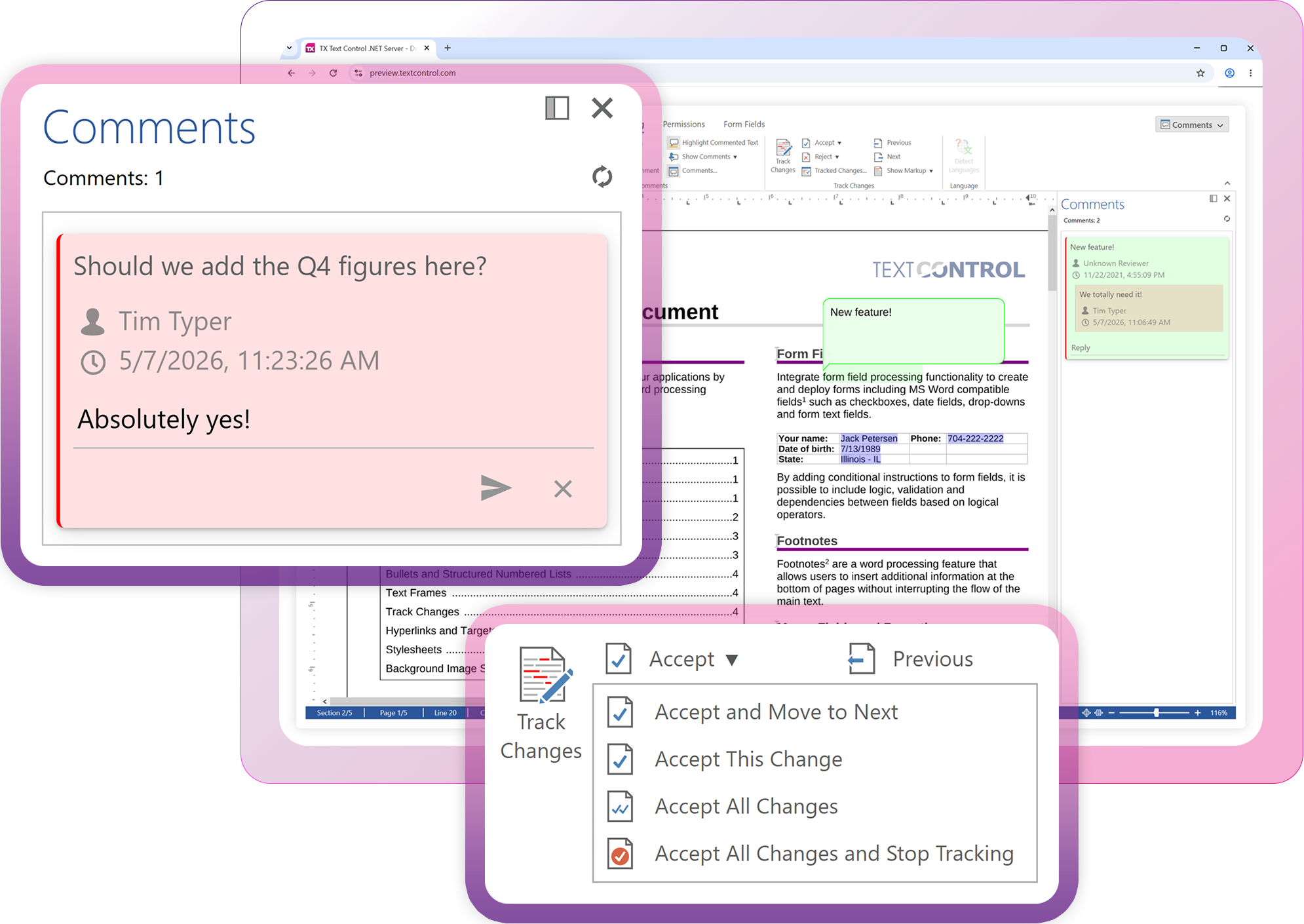
Enable Microsoft Word-compatible collaboration with built-in Track Changes, comments, and redlining. Review, accept, or reject edits, add comments, and collaborate seamlessly on DOCX documents while preserving full compatibility with Microsoft Word.

Launch demo

AI Ready

Designed for developersDesigned for devs
Ready for AI

Robot

AI coding assistants like ChatGPT, Claude, GitHub Copilot, and OpenAI Codex, along with autonomous development agents, are now part of modern software development.

TX Text Control is built to integrate seamlessly with them.

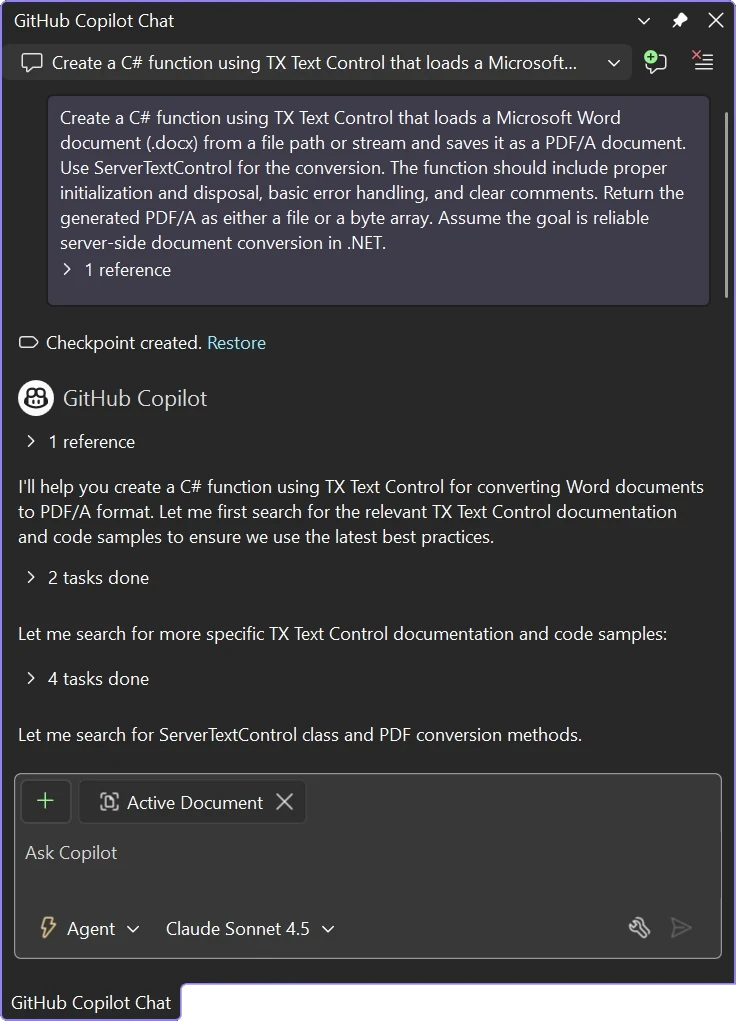
Chat with TX Text Control resources in GitHub Copilot

Technical Insights

Deep dive articles

AngularASP.NET

Building an ASP.NET Core Backend (Linux and Windows) for the Document Editor and Viewer

This article shows how to create a backend for the Document Editor and Viewer using ASP.NET Core. The backend can be hosted on Windows and Linux and can be used in Blazor, Angular, JavaScript, and ASP.NET Core applications.

ASP.NET Core

Getting Started: Document Editor with ASP.NET Core and Linux WSL Support

In this article, we will create a simple document editor application using the Document Editor component from the TX Text Control .NET Server product. We will use ASP.NET Core and run the application on Linux using Windows Subsystem for Linux (WSL).

ASP.NETASP.NET Core

ASP.NET Core: Loading Documents in the Document Editor

Learn how to load a document in the Document Editor using ASP.NET Core. This article explains how to load a document from a file or a byte array and how to load a document from client-side JavaScript code.

App ServicesASP.NET

Deploying the TX Text Control Document Editor in an ASP.NET Core Web App to Azure App Services

This tutorial shows how to deploy the TX Text Control Document Editor to Azure App Services using an ASP.NET Core Web App. The Document Editor is a powerful word processing component that can be used to create, edit, view and print documents in ASP.NET Core applications.

FAQ

Frequently asked

questions

Stay in the loop!

Subscribe to the newsletter to receive the latest updates.

Start a free 30-day evaluation today!

No credit card required