







Products Technologies Demo Docs Blog Support Company

Electronic signatures Electronic signatures

Build Secure Electronic Signature Workflows

Prepare, send, sign, and validate business documents with a complete on-premises e-signature solution, including SignFabric.

Start trialLaunch demo

TX Text Control electronic signature workflow

Trusted by leading enterprises worldwide

Electronic signatures

One workflow for every signature

Prepare documents, protect sensitive data, and collect legally binding signatures in your applications.

MS Word compatible

MS Word compatible

Prepare DOC, DOCX, RTF, and TX documents with familiar form fields and signature boxes.

On-premises control

On-premises control

Keep documents and signature data on infrastructure you control, without requiring a third party.

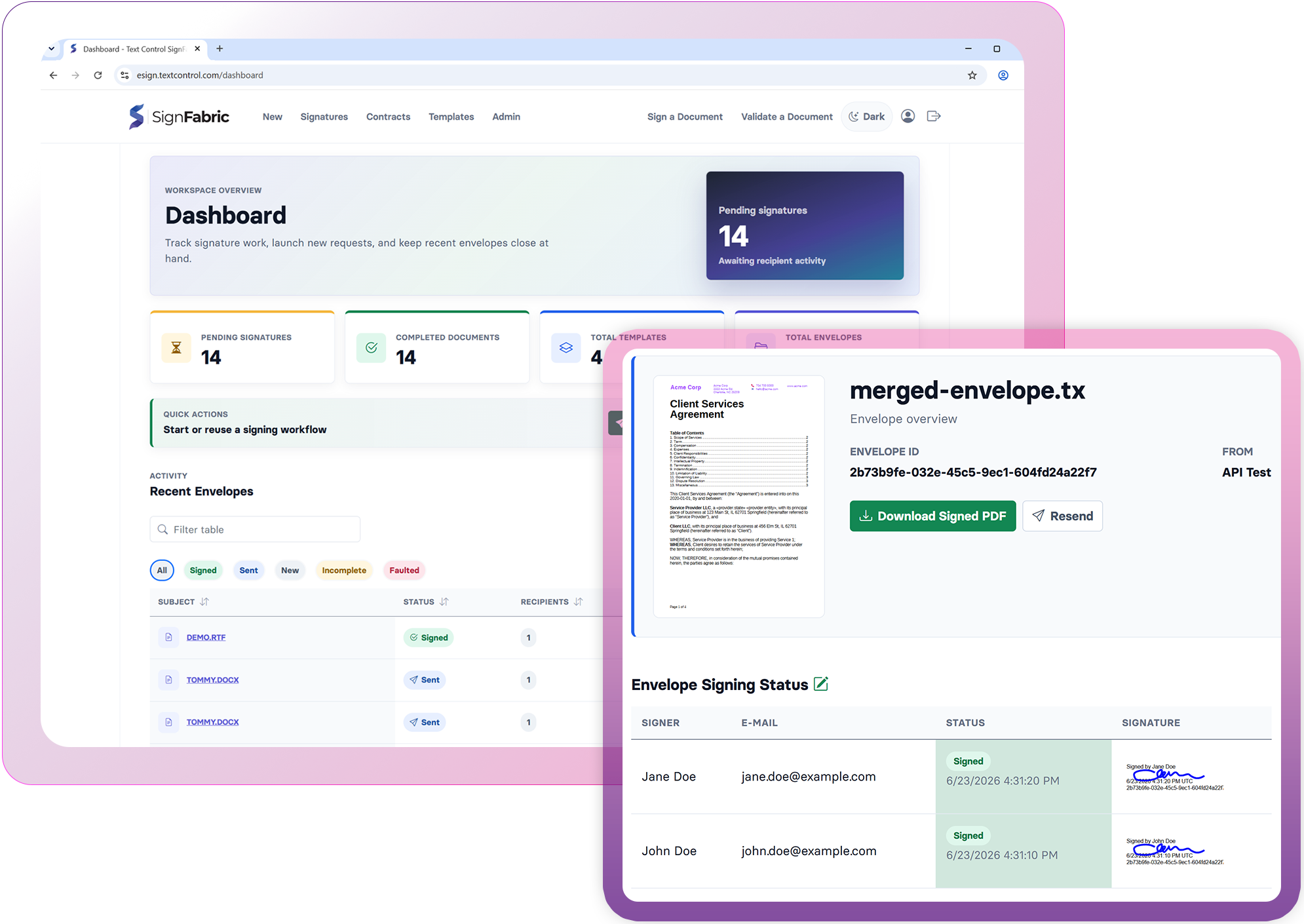
SignFabric workflows

SignFabric workflows

Connect document preparation, signature requests, and execution workflows with SignFabric.

Forms and validation

Forms and validation

Collect form data, sign PDF documents, and verify the integrity of completed documents.

SignFabric

Own your e-signature infrastructure.

An open source, enterprise-ready e-signature platform built with ASP.NET Core and TX Text Control.

SignFabric gives enterprises and software vendors a customizable foundation for preparing documents, managing signing workflows, collecting signatures, and validating completed documents inside their own applications and infrastructure.

Complete source code
On-premises and private cloud
OpenID Connect and OAuth 2.0
Versioned REST API
SignFabric electronic signature platform

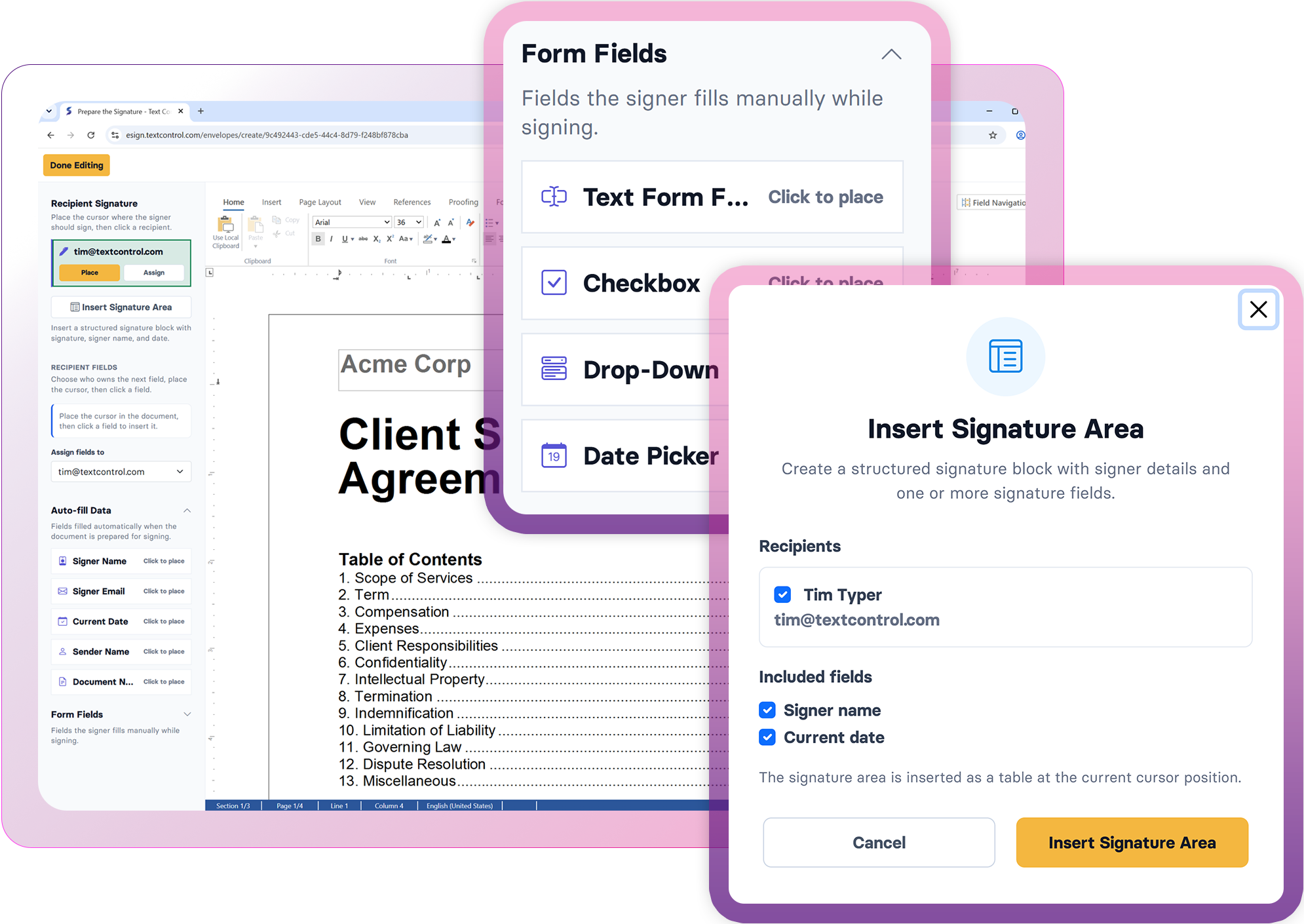
Prepare signature-ready documents

Create and edit signature-ready documents in a professional, browser-based WYSIWYG editor with full Word compatibility. Add signature fields, form fields, and advanced document elements while working with DOC, DOCX, RTF, and TX documents to build seamless digital signing workflows.

Launch demo

Prepare signature-ready documents
Sign documents from any device

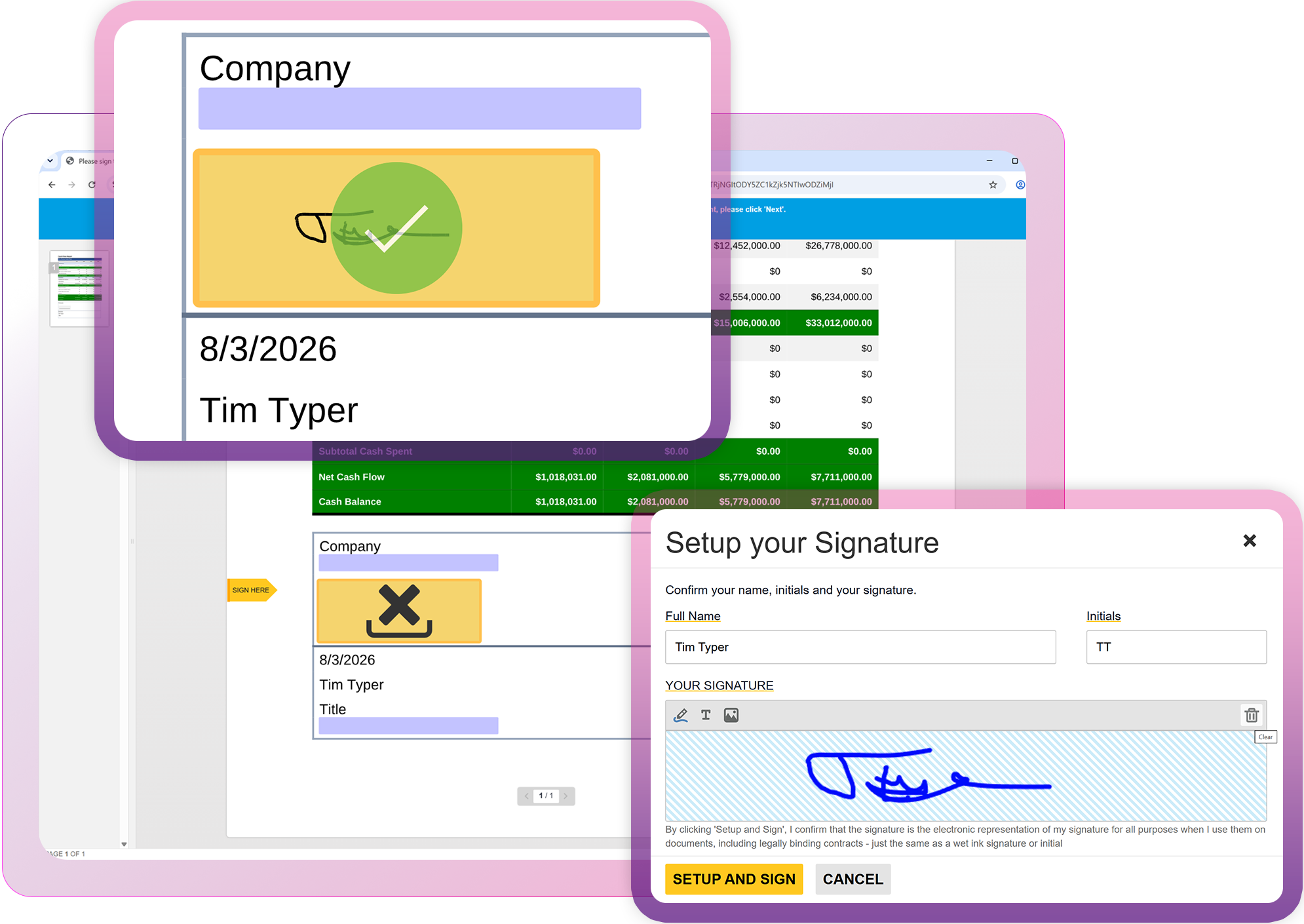
Sign documents from any device

Enable secure electronic signatures on any desktop, tablet, or mobile device with nothing to install. Recipients can review and sign documents directly in the browser, while handwritten signatures are captured as high-quality vector data for a smooth, responsive signing experience.

AI Ready

Designed for developersDesigned for devs
Ready for AI

Robot

AI coding assistants like ChatGPT, Claude, GitHub Copilot, and OpenAI Codex, along with autonomous development agents, are now part of modern software development.

TX Text Control is built to integrate seamlessly with them.

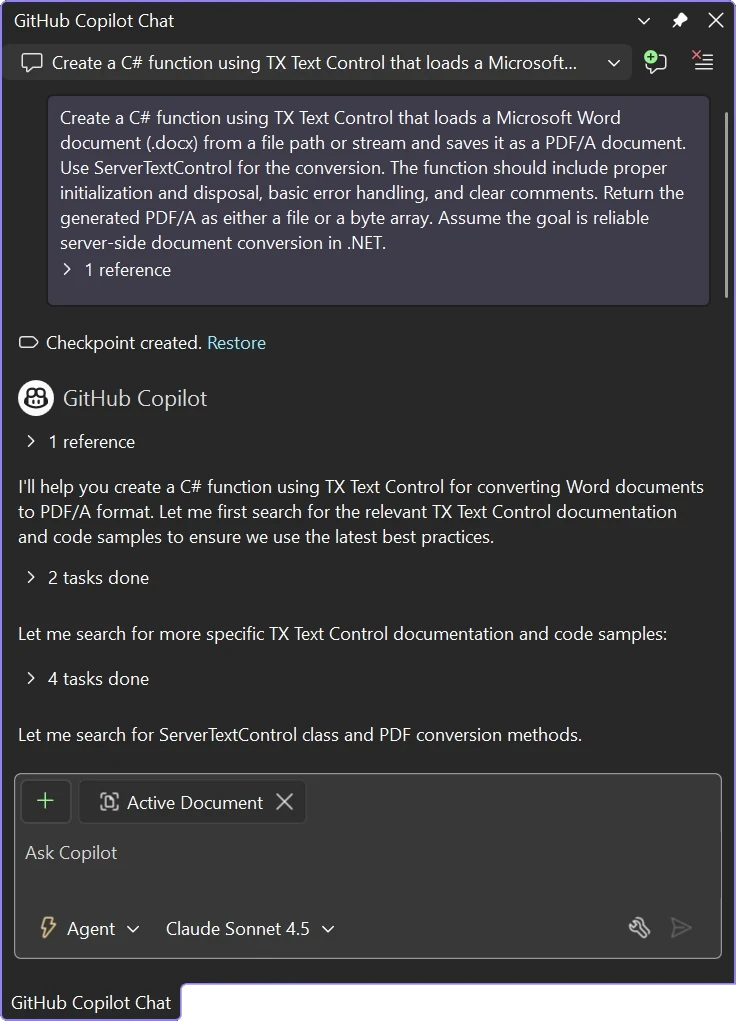
Chat with TX Text Control resources in GitHub Copilot

Build forms into signature workflows

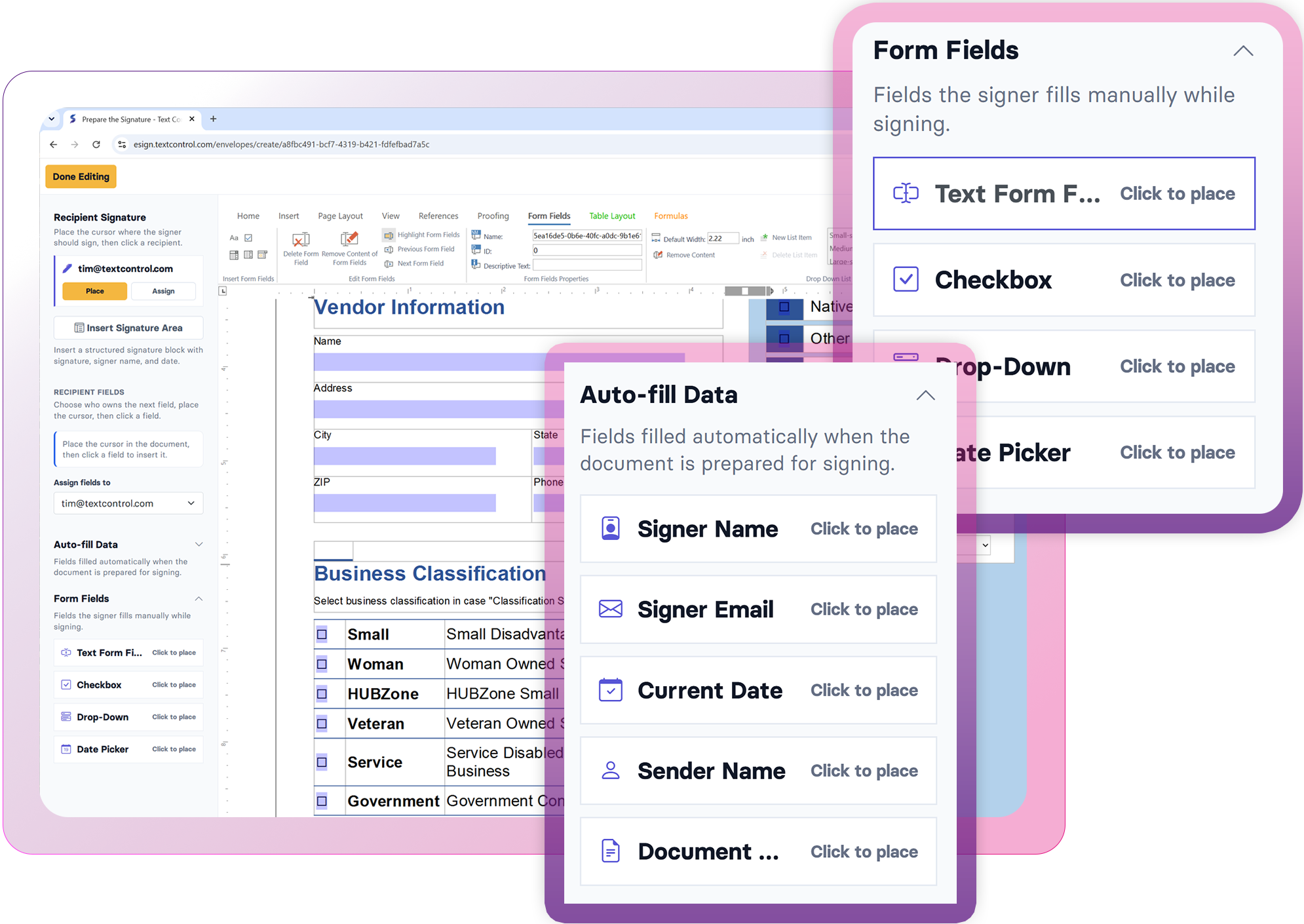
Collect the information you need before and during signing. Add text boxes, checkboxes, drop-down menus, and date pickers to documents designed in the editor or imported from Microsoft Word.

Pre-fill known values, merge completed form data, and extract field values for storage and downstream processing.

Build forms into signature workflows
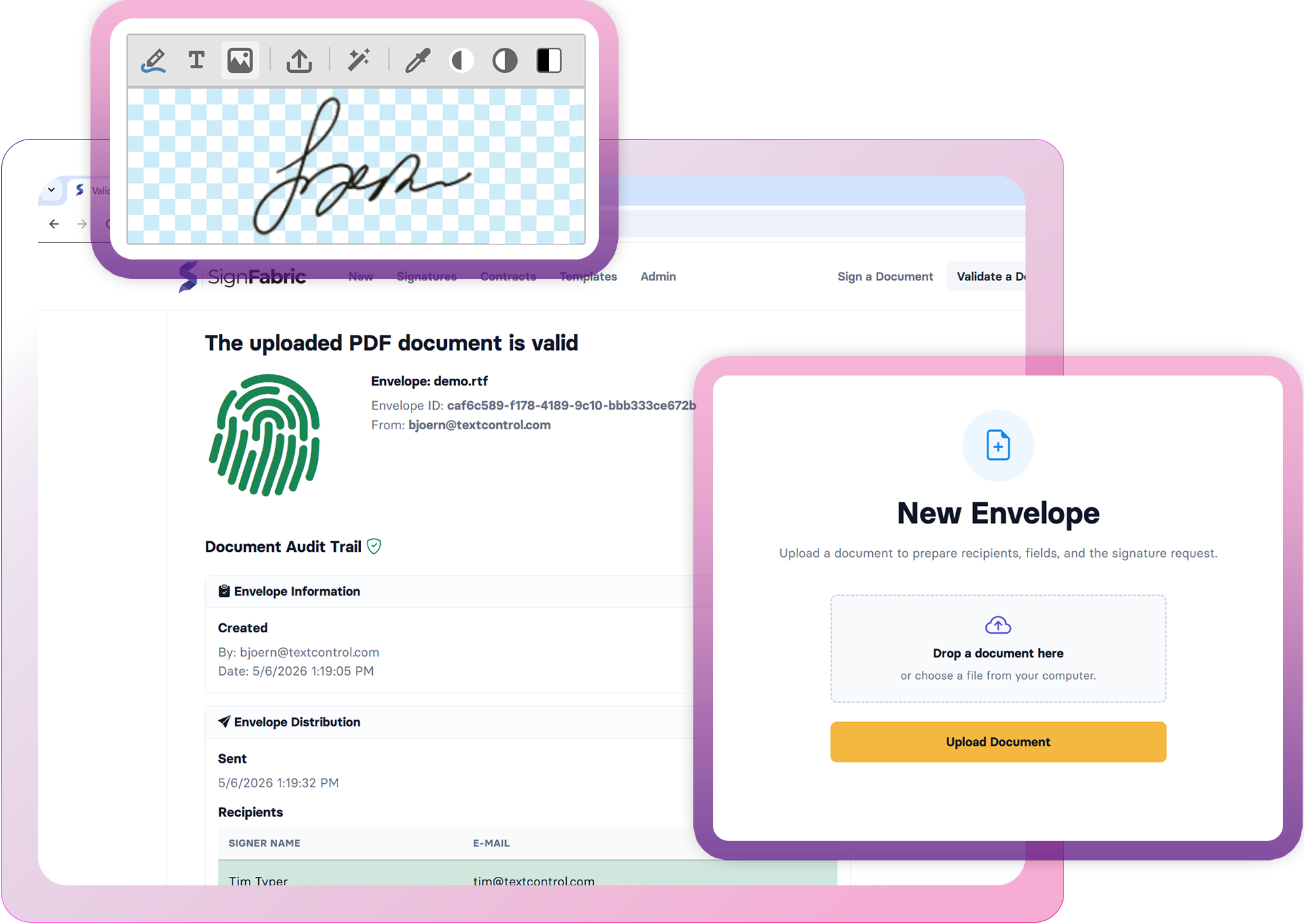
Create tamper-proof audit trails

Create tamper-proof audit trails

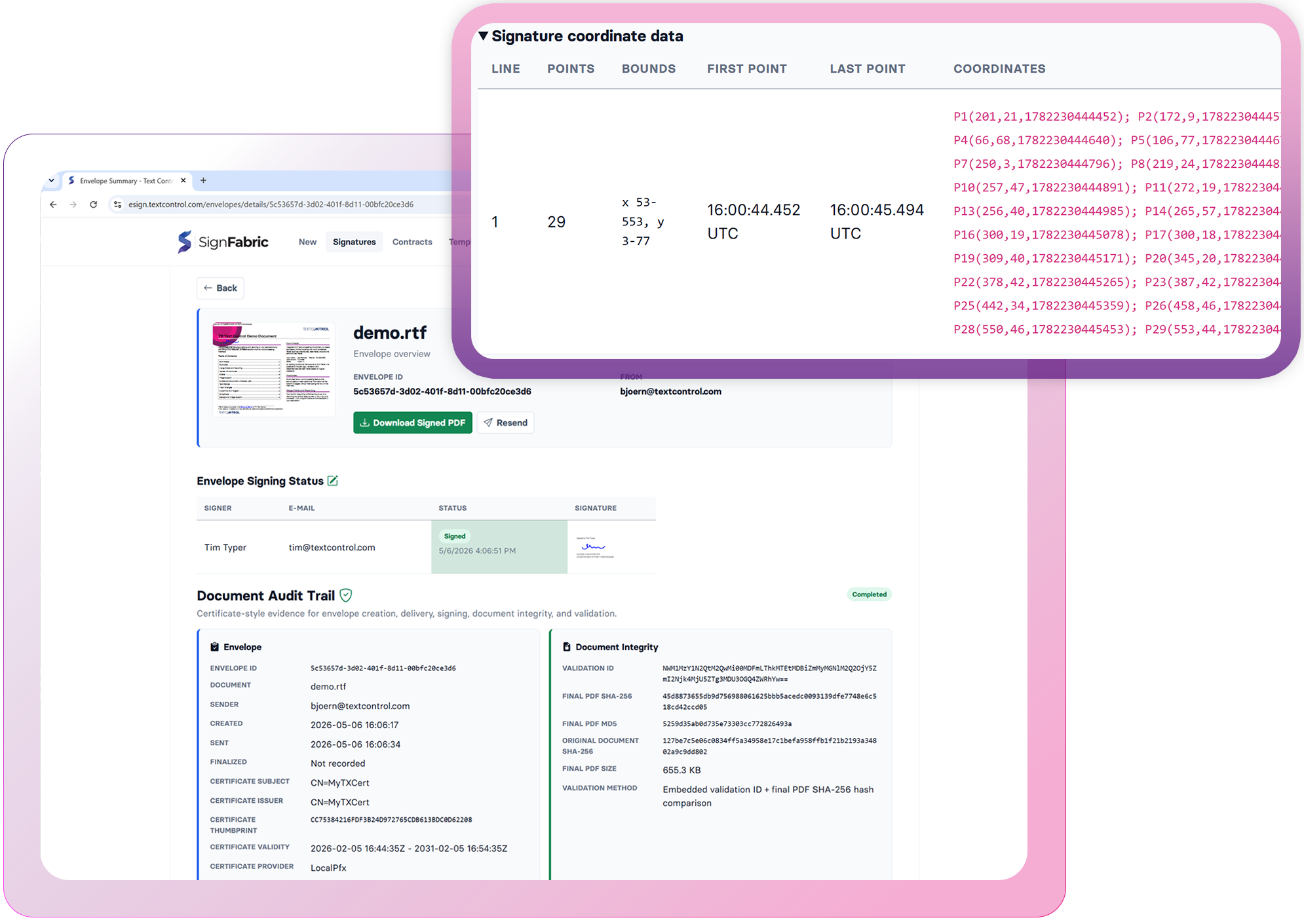
Verify that signed documents are authentic and unchanged. Compare the executed PDF with the original using cryptographic hash validation. Build tamper-evident audit trails, preserve document integrity, and maintain a complete record of every signed document for compliance and long-term verification.

E-signature capabilities

One workflow. Every signature.

Prepare documents, request signatures, and validate executed files with secure, application-controlled workflows.

Prepare capabilities

Create signature-ready documents with familiar editing tools and flexible form elements.

  • Word-compatible documents
  • Signature fields
  • Form text boxes
  • Checkboxes and drop-downs
  • Browser-based editor
  • WYSIWYG document design

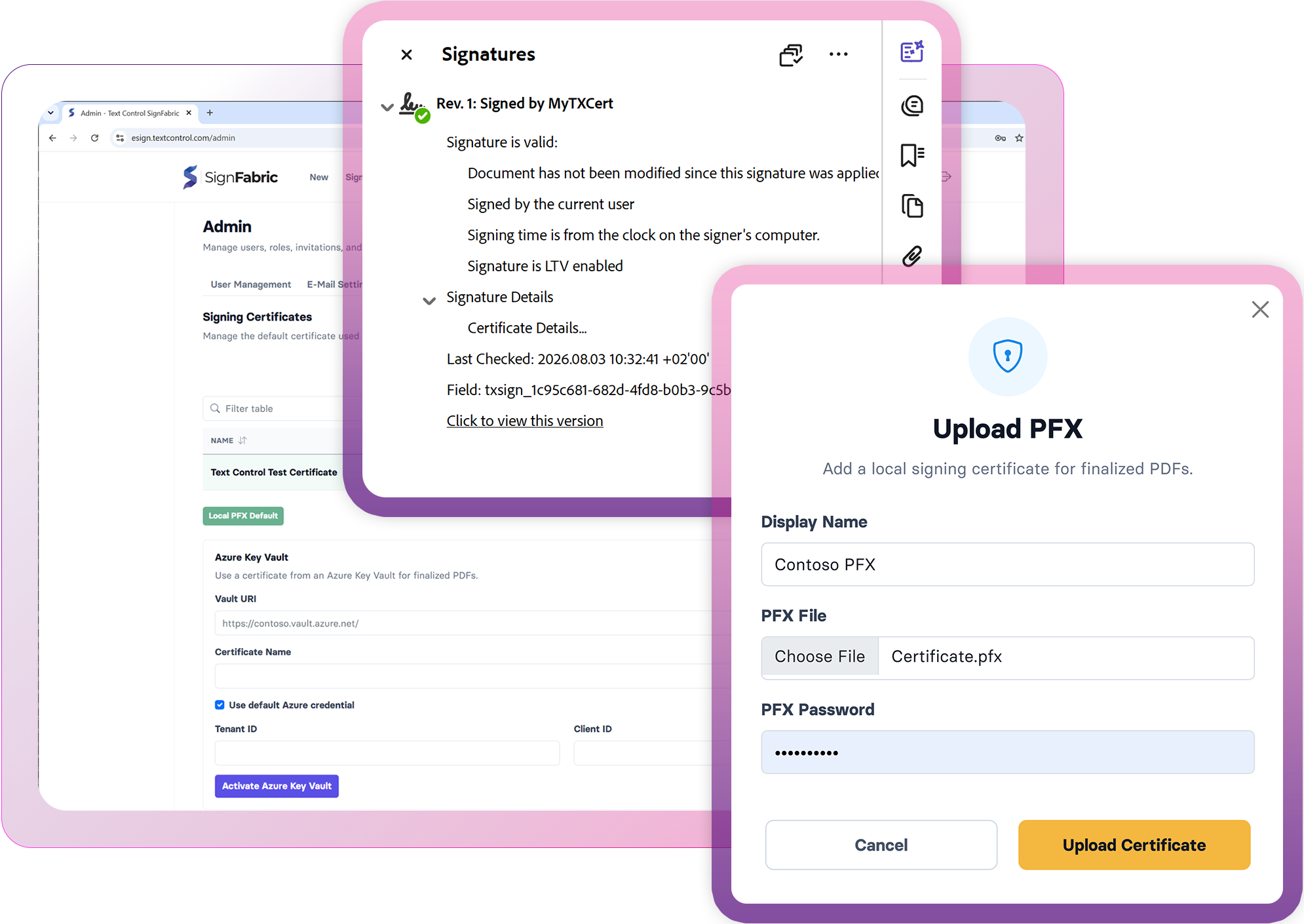
Digitally sign documents with certificates

Complete signature fields using trusted digital certificates to create legally binding, tamper-evident PDF documents. Apply certificate-based signatures that verify signer identity, protect document integrity, and support long-term validation for compliant electronic signing workflows.

Digitally sign documents with certificates

Technical Insights

Deep dive articles

ASP.NETASP.NET Core

How to Sign PDF Documents with PFX Certificates in .NET C# on Linux

This article shows how to sign PDF documents with PFX certificates in .NET C# on Linux. The sample code uses the TX Text Control .NET Server component to create a PDF document and digitally sign it with a PFX certificate.

AngularASP.NET Core

How to Add Electronic and Digital Signatures to PDFs in ASP.NET Core C# and Angular

Learn how to add electronic and digital signatures to PDFs in ASP.NET Core C# and Angular. This tutorial shows how to create an Angular application with an ASP.NET Core backend that uses the Document Viewer to display and sign PDF documents.

ASP.NETASP.NET Core

Preparing Documents for E-Signing for Multiple Signers in .NET C#

Learn how to prepare documents for e-signing by multiple signers in .NET C#. This article shows how to create signature fields and how to assign them to signers.

ASP.NETASP.NET Core

Sign PDF Documents with PFX Certificates from Azure Key Vault in .NET C#

This article shows how to sign PDF documents with PFX certificates from Azure Key Vault in .NET C#. The sample code shows how to load a certificate from Azure Key Vault and how to sign a PDF document with that certificate.

FAQ

Frequently asked

questions

Stay in the loop!

Subscribe to the newsletter to receive the latest updates.

Start a free 30-day evaluation today!

No credit card required