









SD Times .NET Component Buyers Guide 2013: Simplify Report Creation

After earning recognition in the SD Times 100, Text Control is featured in The 2013 .NET Component Buyers Guide and Visual Studio Sourcebook. This SD Times special supplement profiles leading solution providers across the Microsoft development ecosystem and their component offerings.

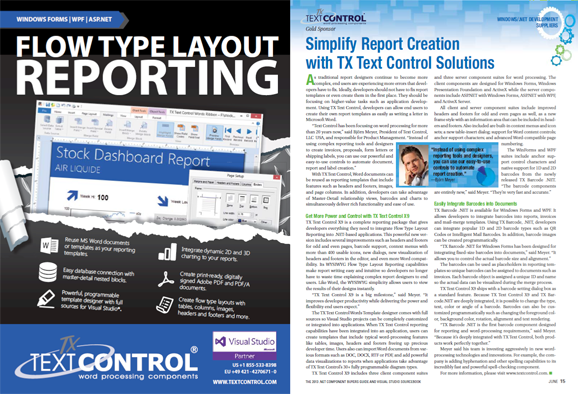
After Text Control has been recognized in the famous SD Times 100 list of innovative software companies in 2013, we are also listed in The 2013 .NET Component Buyers Guide & Visual Studio Sourcebook.
The special supplement to SD Times introduces the leading solution providers in the Microsoft ecosystem.
Related Posts
Create a Table of Contents in Windows Forms using C#
This article explains how to create a table of contents in Windows Forms using the ribbon or programmatically. Creating a table of contents is required to organize large documents.
Official TX Text Control .NET Sample Applications Are Now Hosted on GitHub
This article gives a quick overview of the new repositories, their structure and our plans for the future.
ASP.NETJavaScriptDocument Editor
Detect Toggle Button Changes Using a MutationObserver
This article shows how to detect changes of toggle buttons in the ribbon of the web editor using a MutationObserver. The state of a toggle button in the ribbon visualizes the state of a certain…
Two Ways to Restart Numbered Lists in TX Text Control
In TX Text Control, numbered lists are continued by default and need to be reset when required. There is more than one way if you want to restart numbered lists in a document. In this article, two…
Zoom Tricks: Disabling CTRL + MOUSE WHEEL and More
This article shows how to disable CTRL + MOUSE WHEEL, implement zooming with keyboard and reset the zoom factor to its default value.