








TX Text Control X10: New and Updated Icons

TX Text Control X10 provides updated 32x32 and 16x16 pixel icon sets for the TX Text Control Words template designer. Icons cover new features, settings, and barcode types. Since TX Text Control Words ships with full source code, these icons can be reused in custom applications.

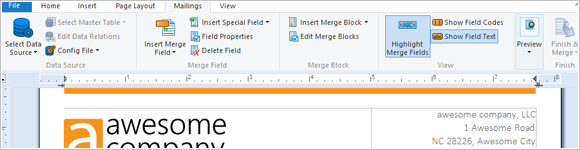
For TX Text Control X10 and the shipped template designer TX Text Control Words, we updated and created new icons to visualize new features, settings or supported barcode types.
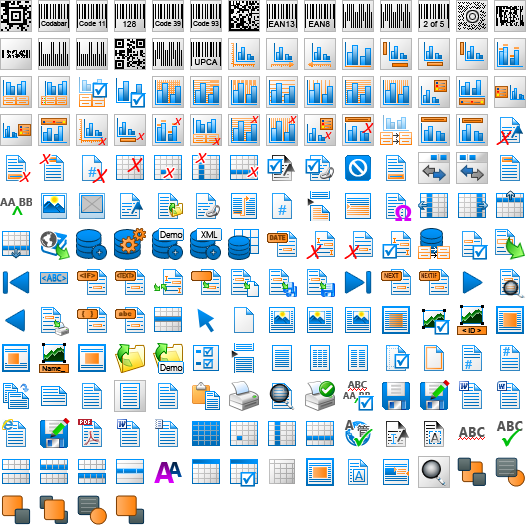
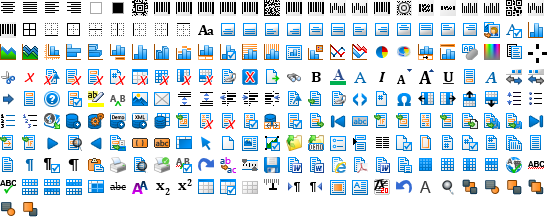
As TX Text Control Words comes with full sources, you can modify, replace or reuse these icons for your own TX Text Control based application. Find below the icon sets in different sizes.
32x32 Pixel Icon Set
16x16 Pixel Icon Set
Related Posts
TX Text Control 34.0 SP5 is Now Available: What's New in the Latest Version
TX Text Control 34.0 Service Pack 5 is now available, offering important updates and bug fixes for all platforms. If you use TX Text Control in your document processing applications, this service…
TX Text Control 34.0 SP4 is Now Available: What's New in the Latest Version
TX Text Control 34.0 Service Pack 4 is now available, offering important updates and bug fixes for all platforms. If you use TX Text Control in your document processing applications, this service…
TX Spell .NET 11.0 SP1 is Now Available: What's New in the Latest Version
TX Spell .NET 11.0 Service Pack 1 is now available, offering important updates and bug fixes for all platforms. If you use TX Spell .NET in your document processing applications, this service pack…
Announcing TX Text Control DS Server 5.0
We are excited to announce the release of TX Text Control DS Server 5.0. This release focuses on extensibility, plugin integration, and developer productivity while continuing to improve the…
TX Text Control 34.0 SP2 is Now Available: What's New in the Latest Version
TX Text Control 34.0 Service Pack 2 is now available, offering important updates and bug fixes for all platforms. If you use TX Text Control in your document processing applications, this service…