


This blog post contains outdated information.
The cited code snippets may be workarounds, and be part of the official API in the meantime.
Create or Generate Adobe PDF files in ASP.NET Core with C#

TX Text Control is used to edit, create and import PDF documents. This tutorial shows how to create a PDF document in an ASP.NET Core web application.

TX Text Control is used to edit, create and import Adobe PDF and Adobe PDF/A documents. This tutorial shows how to create a PDF document in an ASP.NET Core web application.
Requirements
In order to create the project in this tutorial, it is required to install TX Text Control .NET Server. Download a trial version here:
Create a new ASP.NET Core Project
Make sure that you downloaded the latest version of Visual Studio 2022 that comes with the .NET 6 SDK.
-
In Visual Studio 2022, create a new project by choosing Create a new project.
-
Select ASP.NET Core Web App (Model-View-Controller) as the project template and confirm with Next.
-
Choose a name for your project and confirm with Next.
-
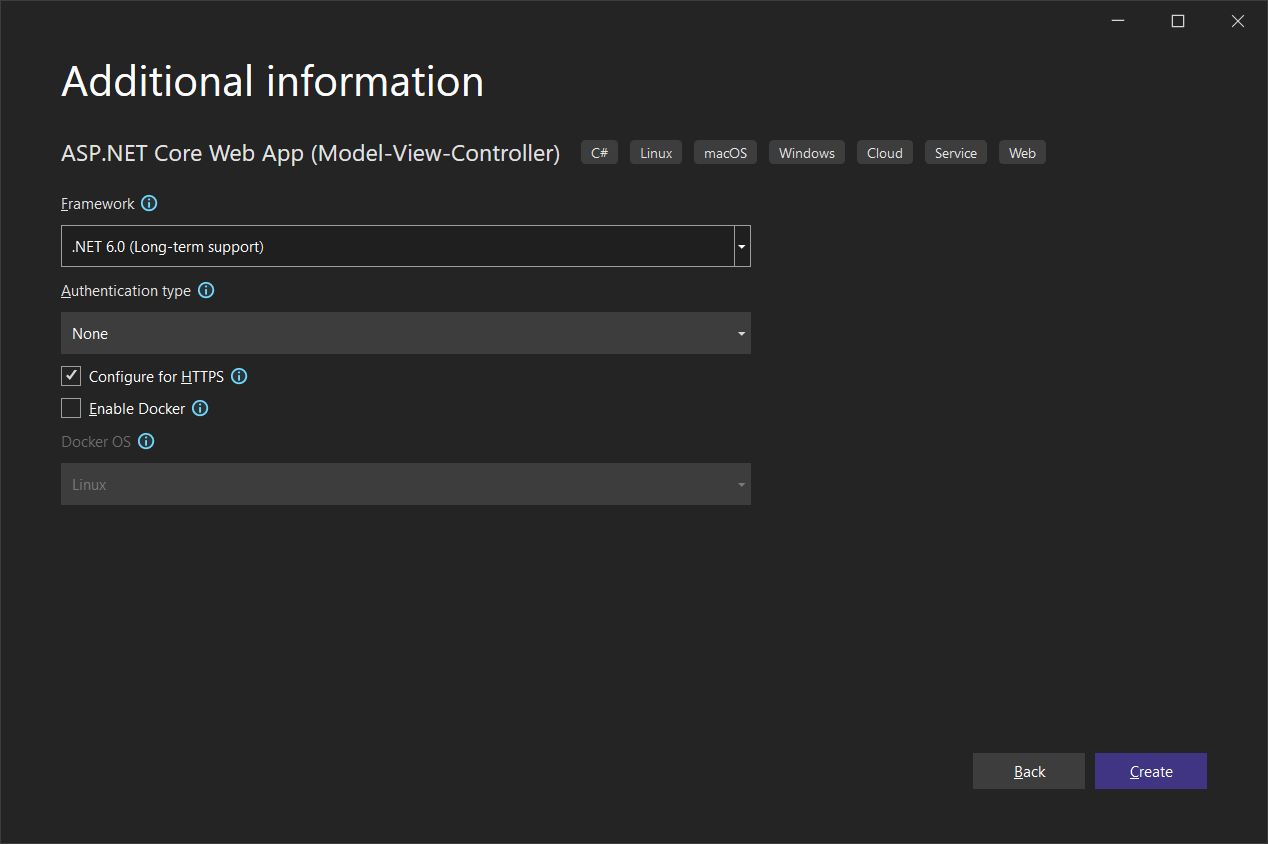
In the next dialog, choose .NET 6 (Long-term support) as the Framework and confirm with Create.
Adding ServerTextControl to the Project
-
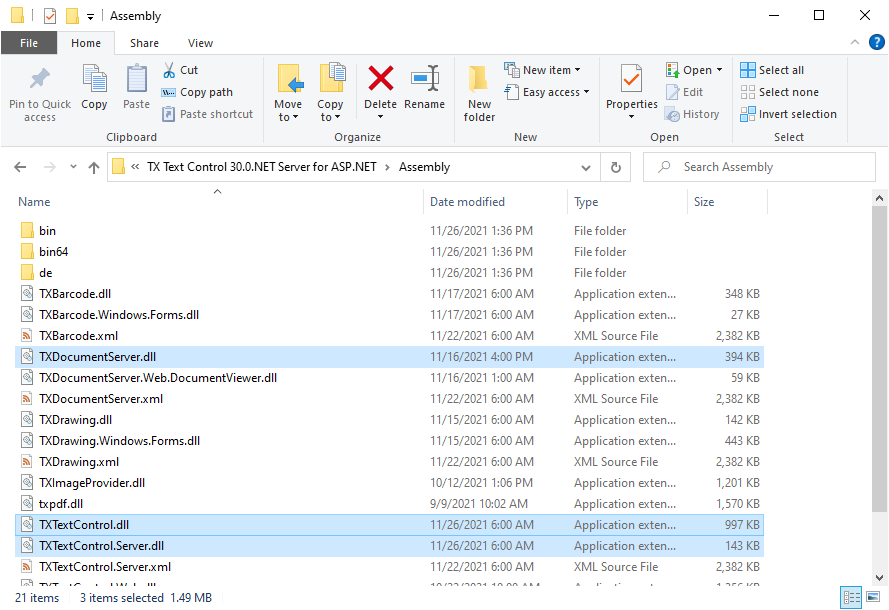
While the project is selected in the Solution Explorer, choose Project -> Add Project Reference... to open the Reference Manager. In the opened dialog, select Browse... to select the required TX Text Control assemblies. Navigate to the installation folder of TX Text Control and select the following assemblies from the Assembly folder:
- TXDocumentServer.dll
- TXTextControl.dll
- TXTextControl.Server.dll
-
Repeat this step with the following assemblies from the Assembly/bin64 folder:
- txic.dll
- txkernel.dll
- txtools.dll
After selecting these assemblies, close the Reference Manager by confirming with OK.
-
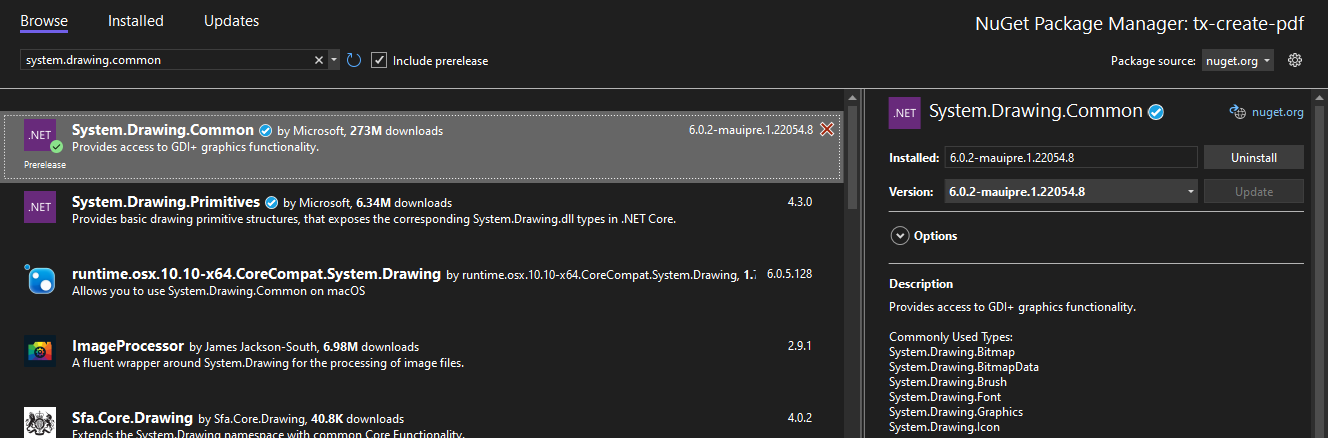
In the Solution Explorer, select your created project and choose Manage NuGet Packages... from the Project main menu.
Browse for system.drawing.common and Install the latest version of the System.Drawing.Common package.
-
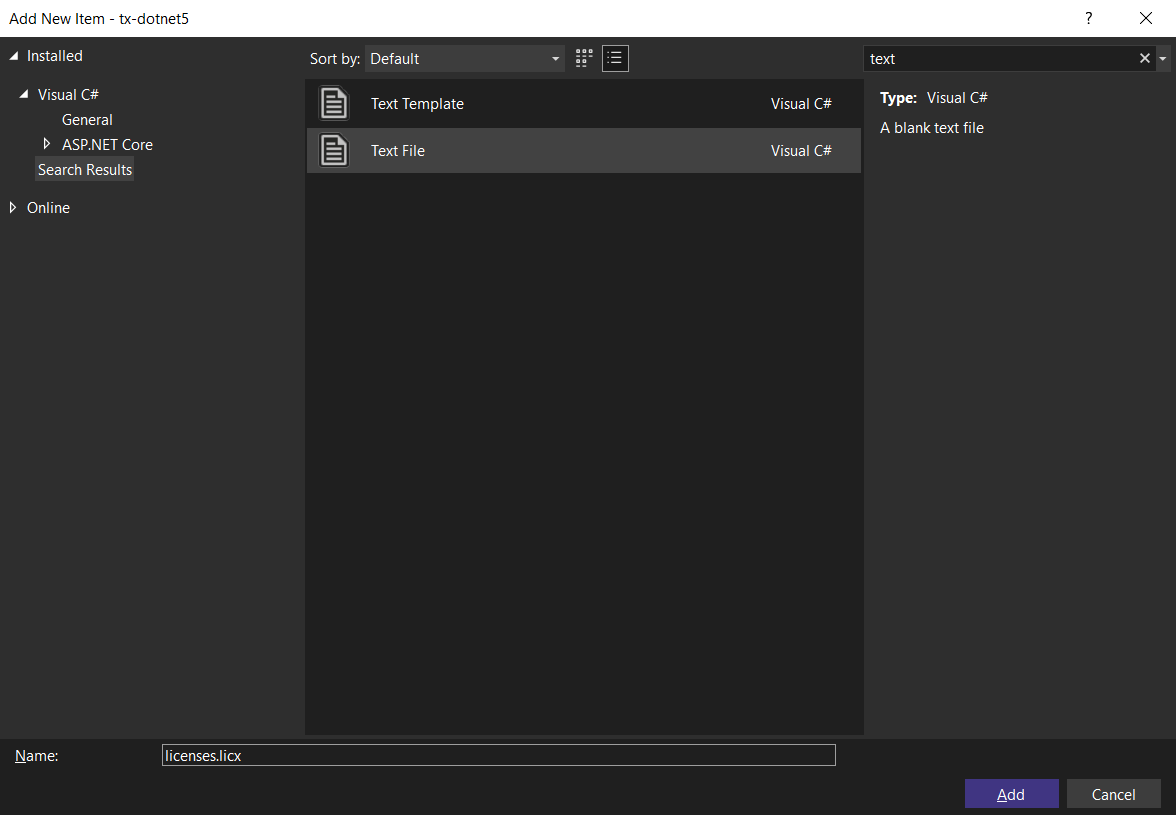
While the project is selected in the Solution Explorer, choose Project -> Add New Item.... Select Text File, name the file licenses.licx and close the dialog by clicking Add.
Open the newly added file and add the following content:
TXTextControl.ServerTextControl, TXTextControl.Server, Version=30.0.1500.500, Culture=neutral, PublicKeyToken=6b83fe9a75cfb638Set the Build Action property to Embedded Resource.
-
Select the project in the Solution Explorer and choose Edit Project File from the Project main menu. Find the PropertyGroup entry and replace the whole node with the following code:
<PropertyGroup>
        <TargetFramework>net6.0</TargetFramework>
        <EnableUnsafeBinaryFormatterSerialization>true</EnableUnsafeBinaryFormatterSerialization>
        <EnableUnsafeBinaryFormatterInDesigntimeLicenseContextSerialization>true</EnableUnsafeBinaryFormatterInDesigntimeLicenseContextSerialization>
        <ImplicitUsings>enable</ImplicitUsings>
        <Nullable>enable</Nullable>
</PropertyGroup>
BinaryFormatter Information
The above setting is required to enable the obsolete .NET BinaryFormatter while compiling the license into the assembly. We are working with Microsoft to avoid this requirement in the near future.
Creating a PDF in a Controller Method
-
In the default controller HomeController.cs, create the a new action method CreatePDF:
public IActionResult CreatePDF() { // new non-UI ServerTextControl using (TXTextControl.ServerTextControl tx = new TXTextControl.ServerTextControl()) { tx.Create(); // create a selection object TXTextControl.Selection selection = new TXTextControl.Selection() { FontSize = 1000, Text = "Welcome to Text Control", Bold = true, ForeColor = System.Drawing.Color.DarkRed }; // apply the selection tx.Selection = selection; // save the document into a byte array byte[] document; tx.Save(out document, TXTextControl.BinaryStreamType.AdobePDF); // create and return a file MemoryStream stream = new MemoryStream(document); stream.Position = 0; FileStreamResult fileStreamResult = new FileStreamResult(stream, "application/pdf"); fileStreamResult.FileDownloadName = "results.pdf"; return fileStreamResult; } } -
In the corresponding view Views -> Home -> Index.cshtml, add the following code to insert an HTML form with a button:
@{Html.BeginForm("CreatePDF", "Home", FormMethod.Get);
{
  <div>
      <input type="submit" value="Create PDF Document" />
  </div>
}
Html.EndForm();
}
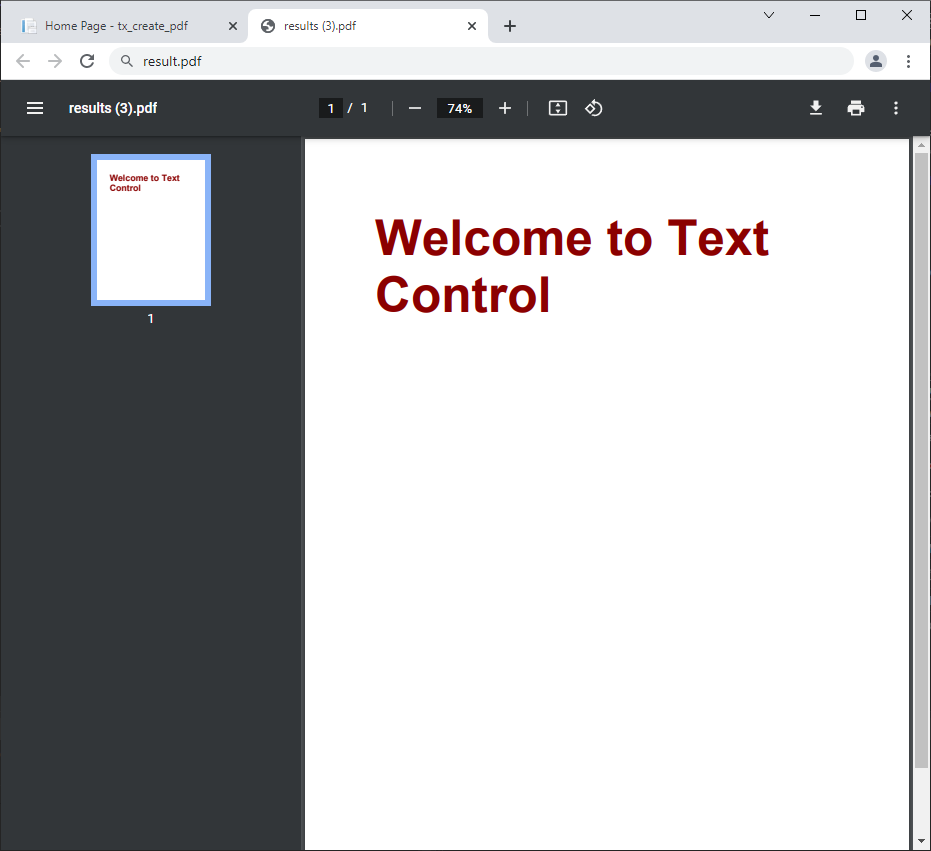
After starting the application and clicking the button, the created document is automatically downloaded or displayed in a new browser tab.
Extended PDF Functionality
TX Text Control can be used to create PDF forms, PDF files with embedded attachments or to digitally sign documents. Learn more about these feature in these articles:
Creating Adobe PDF Forms in C#
Creating ZUGFeRD Compliant PDF Invoices in C#
Adding Electronic and Digital Signatures to Documents in C# and Angular
ASP.NET
Integrate document processing into your applications to create documents such as PDFs and MS Word documents, including client-side document editing, viewing, and electronic signatures.





- Angular
- Blazor
- React
- JavaScript
- ASP.NET MVC, ASP.NET Core, and WebForms
Related Posts
Create or Generate PDF Files in ASP.NET Core with C#
Text Control's digital document processing libraries can be used for the editing, creation, and viewing of Adobe PDF documents. In this tutorial, you will learn how to create a new ASP.NET Core…
Merging Barcodes with JSON Data in C#
Barcodes are used in various applications to connect the electronic world with a paper document or to gain access to additional information. This article shows how to merge JSON data into barcode…
Introducing Text Control Agent Skills
With the introduction of Text Control Agent Skills, AI coding assistants can now understand how to correctly work with the TX Text Control Document Editor and its APIs. This means that developers…
ASP.NETApp ServicesASP.NET Core
Deploying the TX Text Control Document Editor from the Private NuGet Feed to…
This tutorial shows how to deploy the TX Text Control Document Editor to Azure App Services using an ASP.NET Core Web App. The Document Editor is a powerful word processing component that can be…
ASP.NETASP.NET CoreE-Invoicing
Why Structured E-Invoices Still Need Tamper Protection using C# and .NET
ZUGFeRD, Factur-X, German e-invoicing rules, and how to seal PDF invoices with TX Text Control to prevent tampering. Learn how to create compliant e-invoices with C# and .NET.