


Build a Word Processor in 2 Minutes

A short video demonstrates building a complete word processor with TX Text Control .NET for Windows Forms in two minutes. The five steps include dragging toolbar, editor, and status bar components onto the workspace, setting properties, adding a menu, and writing minimal code.

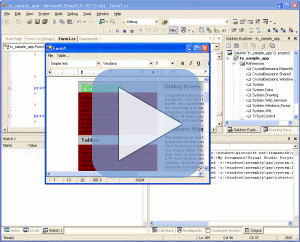
We have just released a short movie that illustrates how to build a fully featured word processor, using TX Text Control .NET for Windows Forms in just two minutes.
5 Steps to a Word Processor
The movie illustrates the following five simple steps:
- Drag components - toolbar, editor and status bar - onto workspace
- Set properties
- Add a menu
- Write a few lines of easy code
- Compile and you're done!
Launch Movie
Click on the screenshot above right to launch the video (flash required).
Need Support? Call Me!
If you need any help getting started with TX Text Control .NET for Windows Forms or have any questions about this video tutorial, please get in contact with me. I am only too happy to assist you with all matters relating to TX Text Control .NET for Windows Forms.
Related Posts
ReportingDocumentationReportingCloud
Create your First Document with ReportingCloud
ReportingCloud documentation now includes interactive tutorials for creating documents without code. Users enter an API key, choose a format such as PDF or DOCX, customize the merge data payload,…
TX Text Control .NET for Windows Forms Help and Support Center
A newly published video tours the Help and Support Center bundled with TX Text Control .NET for Windows Forms and TX Text Control Server for ASP.NET (incl. Windows Forms). It covers the API…
New Tutorial Videos Released
Two tutorial videos show how to integrate TX Text Control Server for ASP.NET (incl. Windows Forms) into an ASP.NET web application and how to embed TX Text Control .NET for Windows Forms into a…