






Products Technologies Demo Docs Blog Support Company

True WYSIWYG editing True WYSIWYG editing

.NET WYSIWYG Document Editor for your web app

Add enterprise-grade document editing to your .NET web application, with track changes, mail merge, and form fields, then export to a pixel-perfect PDF. Powered by a .NET server; no MS Word or third-party dependencies required.

Start free trial nowLaunch demo

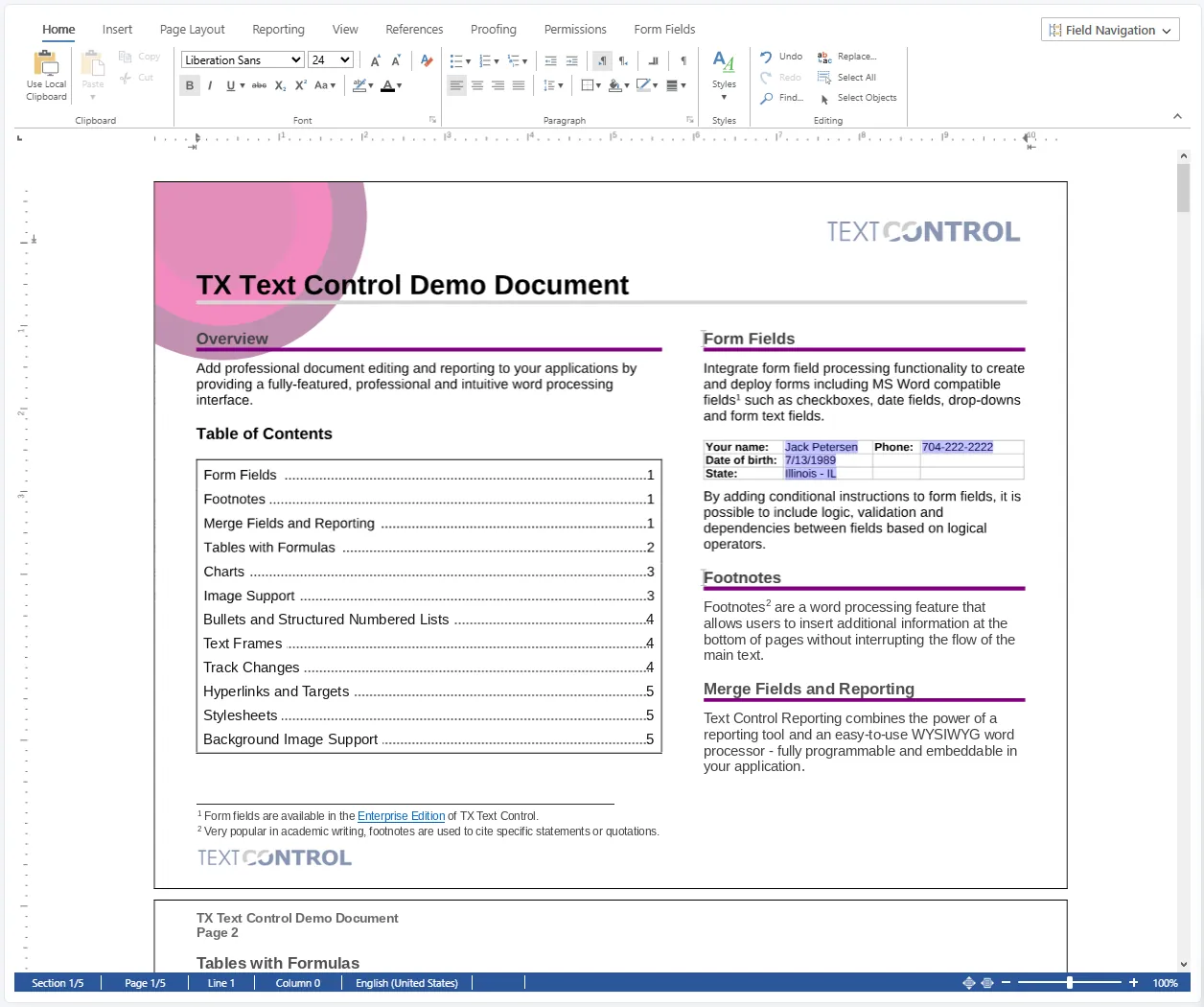
The TX Text Control document editor showing the Home ribbon and the TX Text Control Demo Document

Trusted by 250,000+ developers worldwide

Editor Capabilities

Enterprise-grade editing. Every document.

Create rich content, work with industry-standard formats, and build reusable templates in one browser-based editor.

Elements capabilities
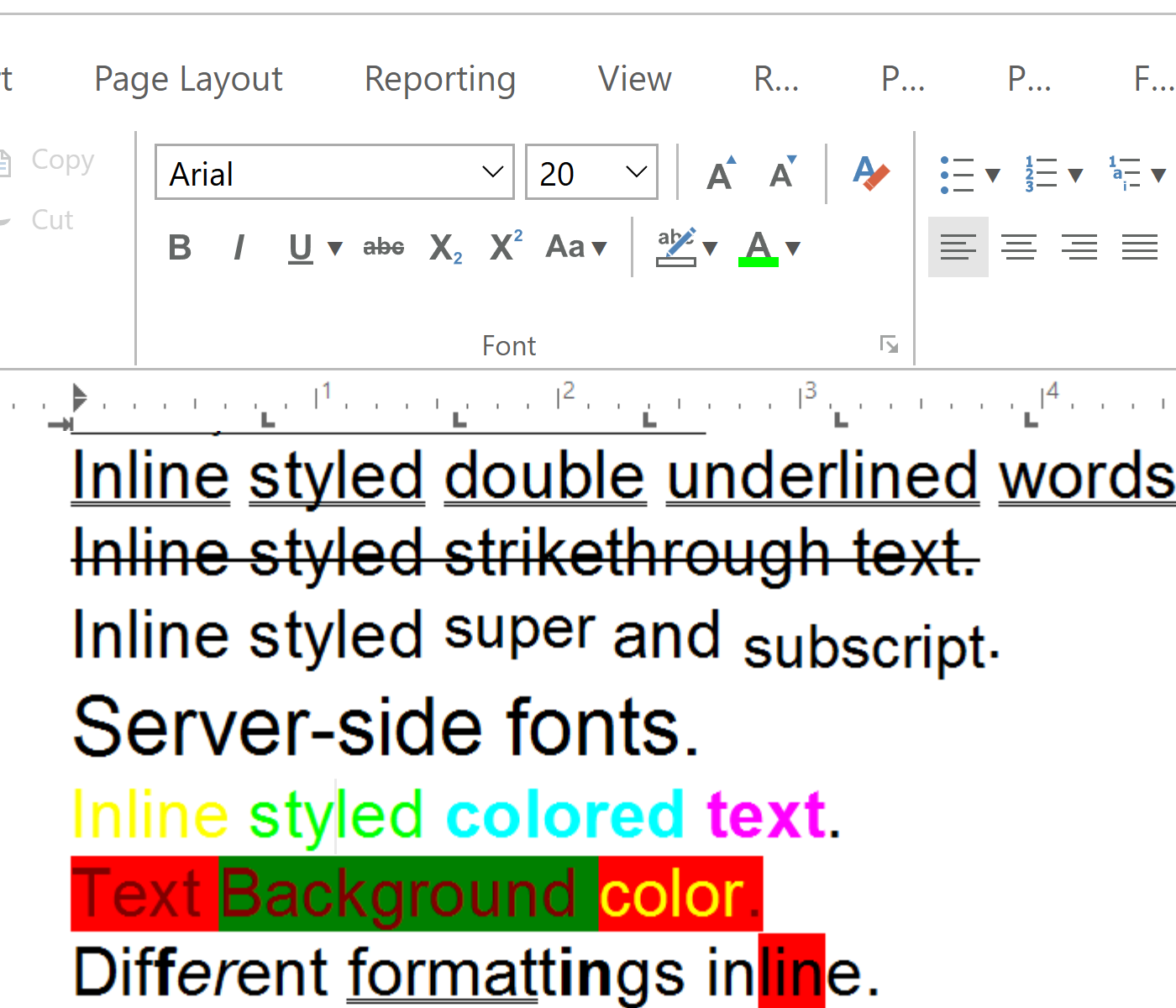
Create sophisticated documents with professional formatting, layout, collaboration, and rich content elements.

Integration

Angular, React, Blazor, ASP.NET Core, or JavaScript

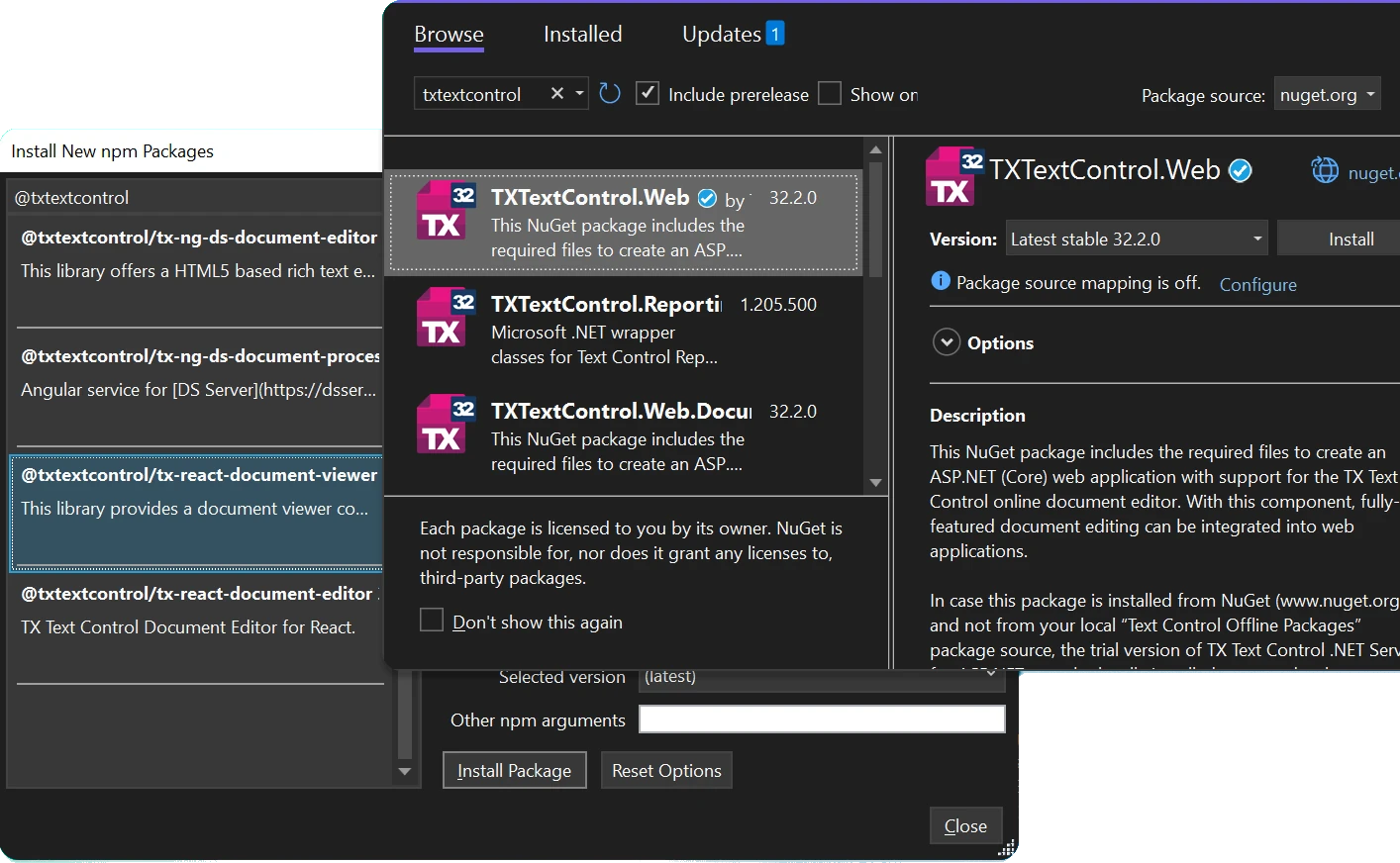
Effortlessly integrate with any frontend. Add TX Text Control to Angular, React, Blazor, ASP.NET Core, JavaScript, and more using production-ready NuGet and npm packages.

  • ASP.NET Core
  • Angular
  • Blazor
  • JavaScript
  • React
Angular
ng add @txtextcontrol/tx-ng-document-editor
ASP.NET Core
Install-Package TXTextControl.Web
React
npm i @txtextcontrol/tx-react-document-editor

Learn more Try it free

The npm and NuGet package managers listing the TX Text Control packages

AI ready

Build your editor with AI-assisted development

TX Text Control provides specialized Agent Skills and a native MCP Server that directly teach leading AI assistants. Your assistant instantly understands our APIs and patterns, generating clean, working code with zero guesswork.

Learn more

Why TX Text Control

Full-featured document editing

​

True WYSIWYG

The only true WYSIWYG document editor. Our unique rendering technology delivers pixel-perfect editing that always matches the generated PDF and printed output.

​

HTML5 cross-platform

Built for cross-platform applications, the document editor offers a consistent interface and identical functionality across Windows, Linux, web, and mobile platforms.

​

MS Word compatible

Load, edit, and create Microsoft Word documents with a professional document editor. Built-in features include Track Changes, sections, headers and footers, form fields, and more.

​

JavaScript API

Take full control with a rich JavaScript API. Create documents programmatically, customize built-in functionality, and seamlessly integrate the editor into your application.

Advanced capabilities

Document automation and collaboration

Document generation and automation

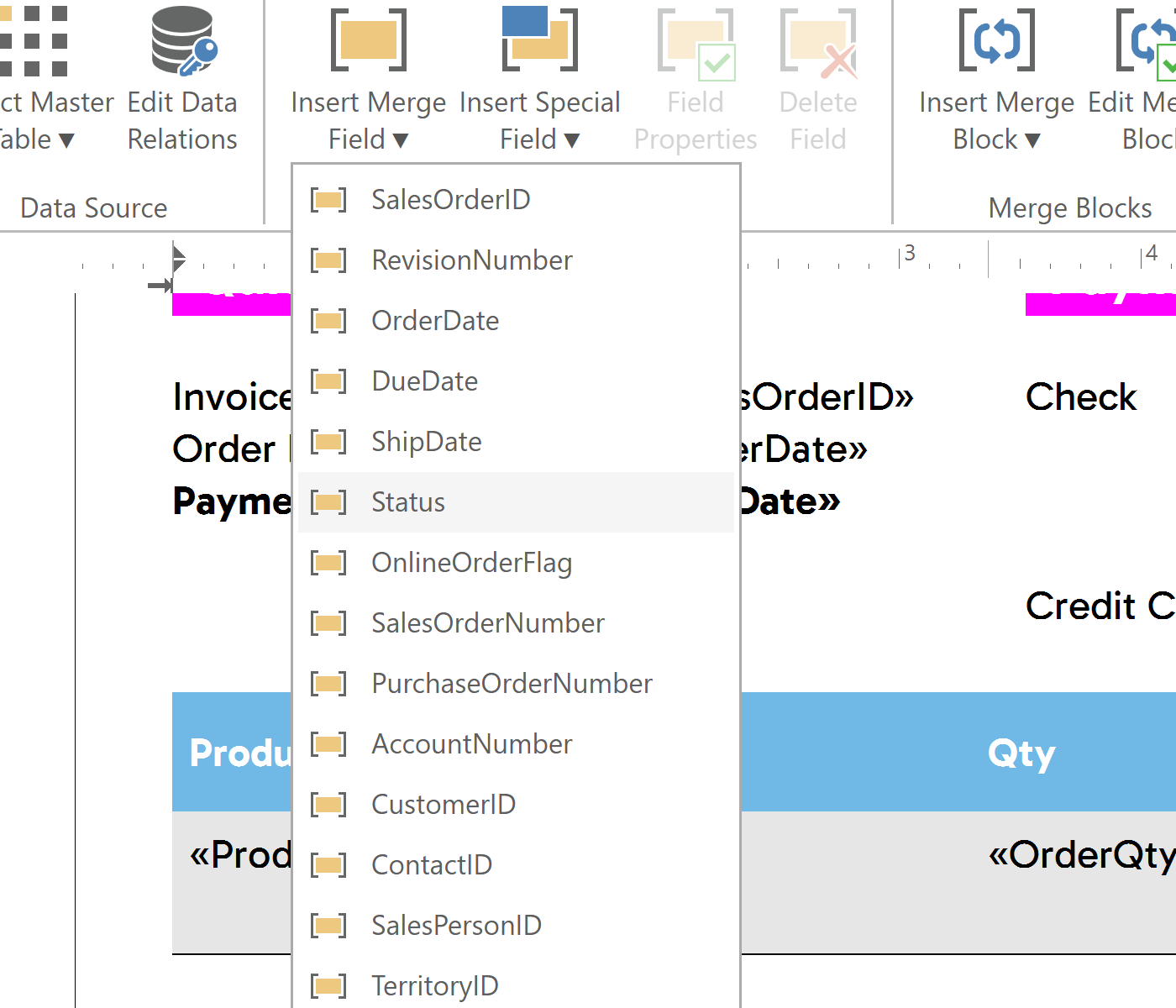
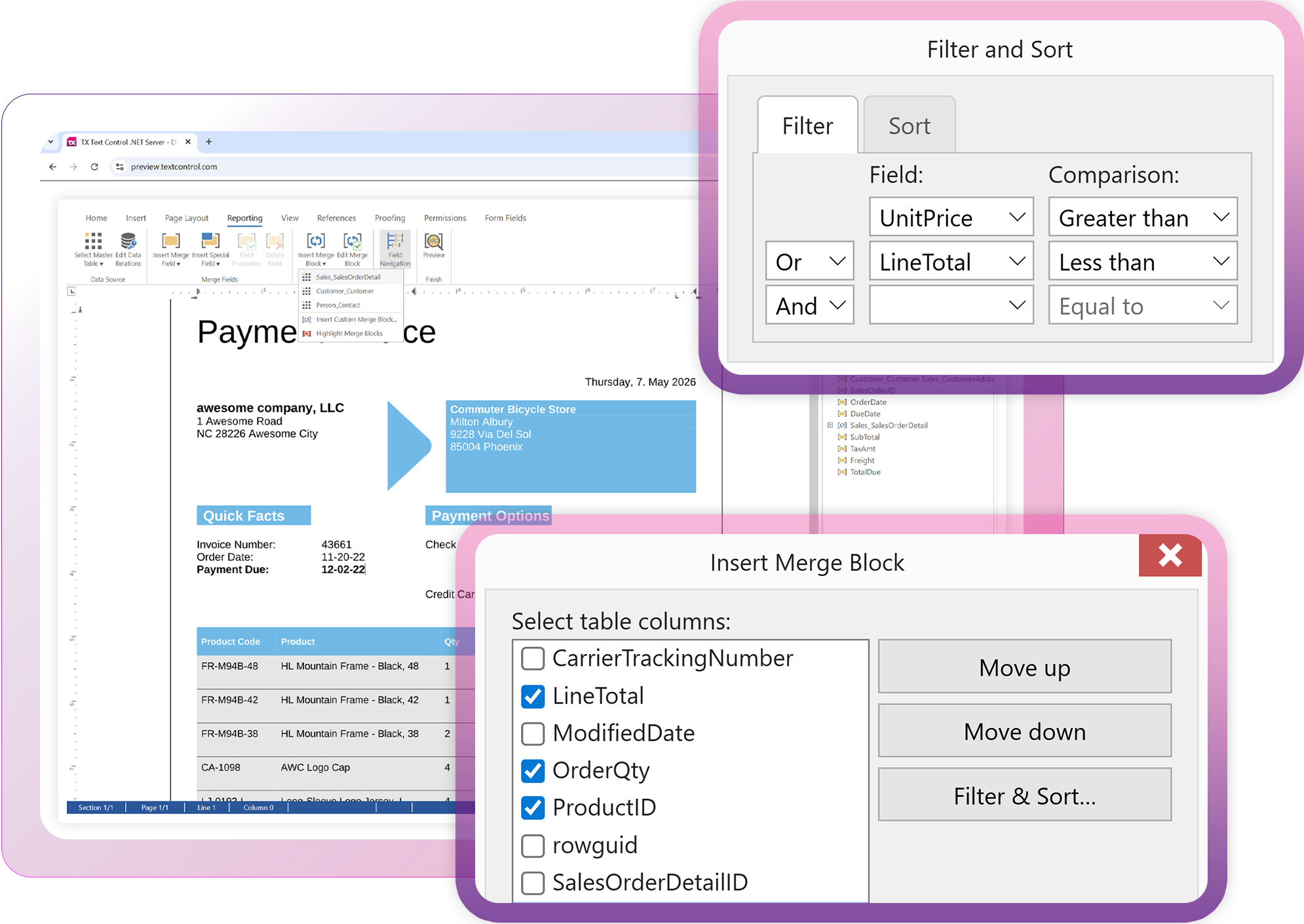
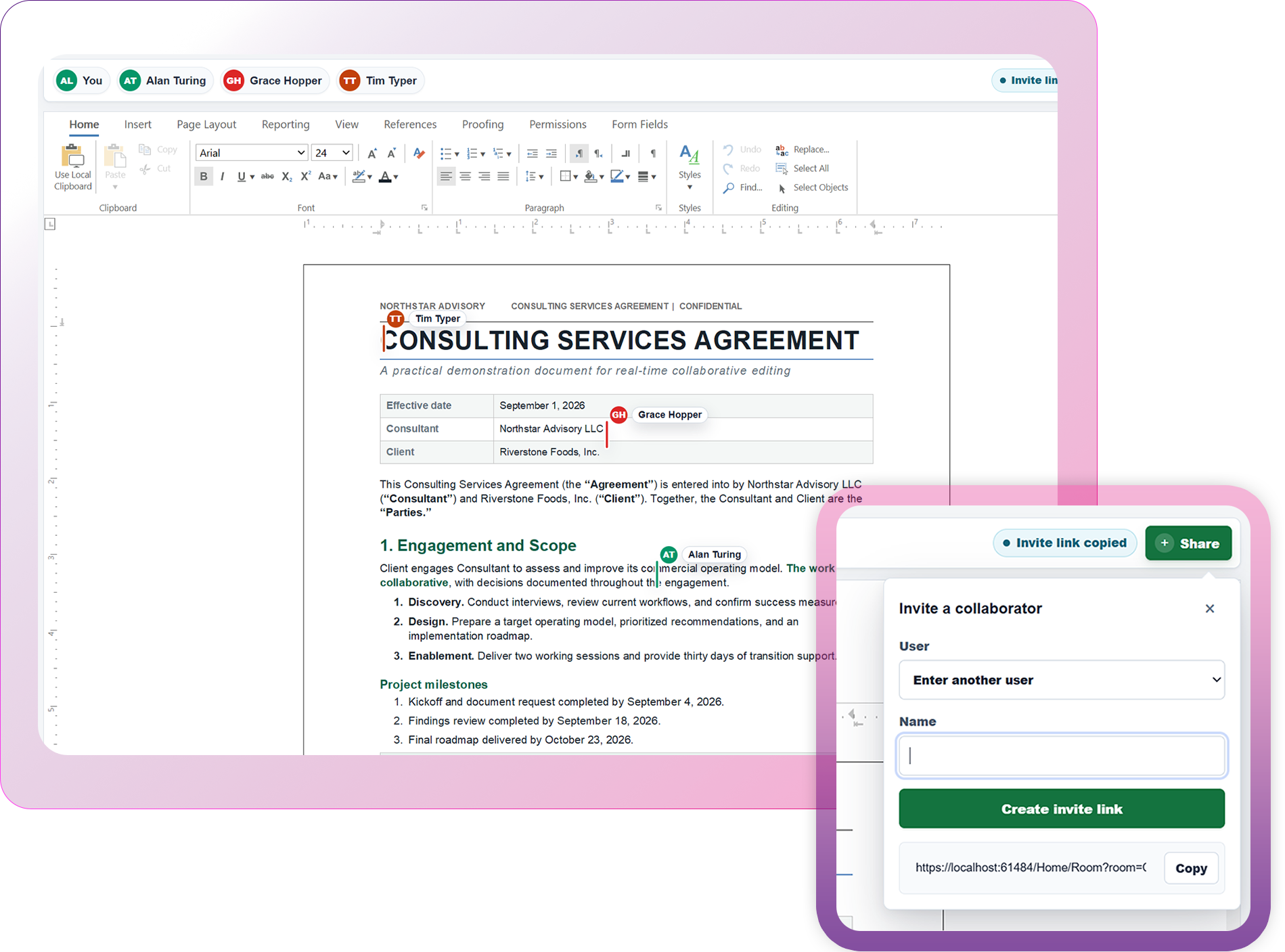
Build reusable document templates with a WYSIWYG editor and generate personalized documents at scale. Design templates with merge fields, repeating blocks, sorting, and filtering, then merge data from JSON, XML, or IEnumerable objects using the included high-performance reporting and MailMerge engine. Fully programmable and ready to embed in your applications.

Launch demo

Document generation and automation

Industries

Built for mission-critical applications

​

Legal & contract management

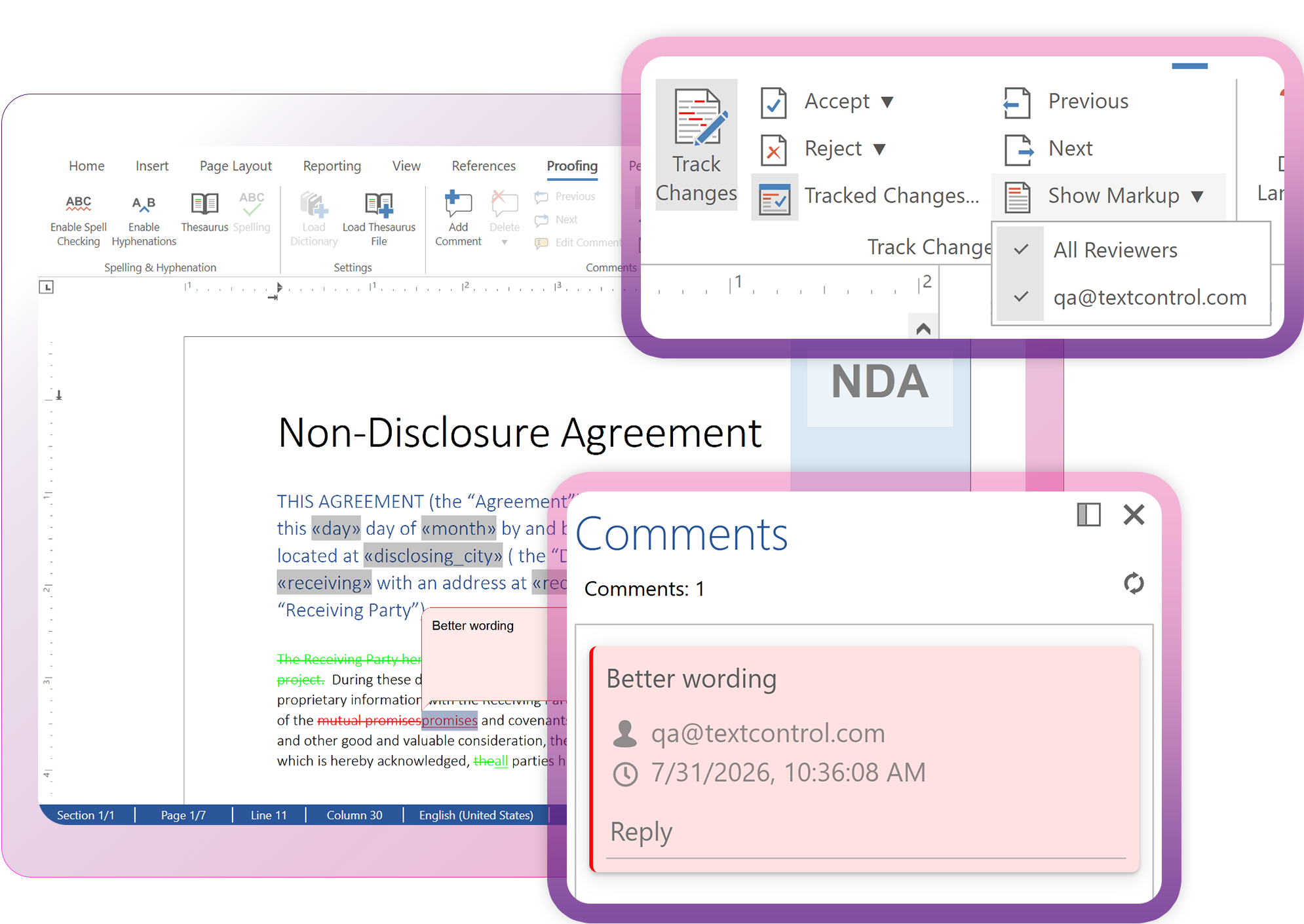
Draft and negotiate contracts in the browser. Track changes, comments, and editable regions keep multi-party redlining controlled and auditable.

​

Insurance & financial services

Policies, statements, and correspondence built from mail merge templates, so business users maintain wording without touching code.

​

Healthcare

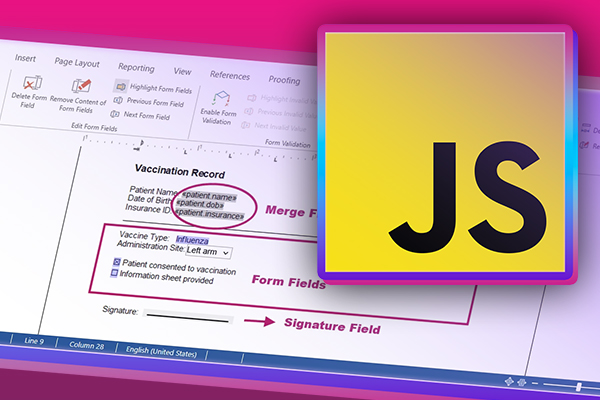
Clinical notes, referral letters, and patient forms edited inside your EHR, with form fields and role-based editing restrictions.

​

SaaS

Create, edit, and generate documents directly inside your platform, with a familiar Word-like interface and no switching to a separate editor.

Technical insights

Editor resources

ASP.NET

Document Protection in ASP.NET with TX Text Control: Healthcare Use Cases

This article explores document protection use cases in the healthcare domain. It also explains how to assign usernames, configure edit modes, and use editable regions based on user roles using the Document Editor in an ASP.NET Core application.

ASP.NETASP.NET Core

5 Document Workflows You Can Automate With JavaScript Rich Text Editor

Enterprise JavaScript rich text editors outperform open source and basic alternatives for document automation. This guide covers five document workflows with TX Text Control: contract generation via MailMerge, multi-party review with track changes, interactive form processing, role-based security, and large document management.

App ServicesASP.NET

Deploying the TX Text Control Document Editor in an ASP.NET Core Web App to Azure App Services

This tutorial shows how to deploy the TX Text Control Document Editor to Azure App Services using an ASP.NET Core Web App. The Document Editor is a powerful word processing component that can be used to create, edit, view and print documents in ASP.NET Core applications.

ASP.NETASP.NET Core

5 Layout Patterns for Integrating the TX Text Control Document Editor in ASP.NET Core C#

When integrating a document editor into an ASP.NET Core application, the technical setup is only one part of the work. Just as important is the question of how the editor fits into the user interface. In this article, we will explore 5 common layout patterns for integrating the TX Text Control document editor into ASP.NET Core applications. Each pattern has its own advantages and use cases, and we will discuss how to implement them effectively.

Ready to get started?

Embed enterprise-grade document editing into your app in a few steps. No payment information required.

Start free now Schedule meeting

FAQ

Product FAQ

A WYSIWYG Document Editor is an embeddable browser-based word processor for business applications. It enables users to create, edit, review, and collaborate on Microsoft Word-compatible documents directly inside web applications. The editor provides true page-based WYSIWYG editing with pixel-perfect rendering.

The Document Editor integrates with ASP.NET Core, ASP.NET, Angular, React, Blazor, JavaScript, and other modern web application frameworks through official NuGet packages, npm packages, and JavaScript APIs.

The editor supports Microsoft Word DOCX, DOC, RTF, HTML, Markdown, TX Text Control documents, and additional formats depending on the selected server components. Documents can also be exported to Adobe PDF.

TX Text Control uses a per-developer, non-subscription licensing model. Buy once, use forever. Every license includes one year of updates and support, with paid annual renewals to stay current with new releases.

No. The Document Editor uses the native TX Text Control document engine and does not require Microsoft Word or third-party dependencies on the client or server.

Yes. The current Document Editor uses a WebSocket-based architecture. The WebSocket backend can be hosted on Windows or Linux and deployed in Docker containers, Kubernetes, and cloud platforms including Microsoft Azure.

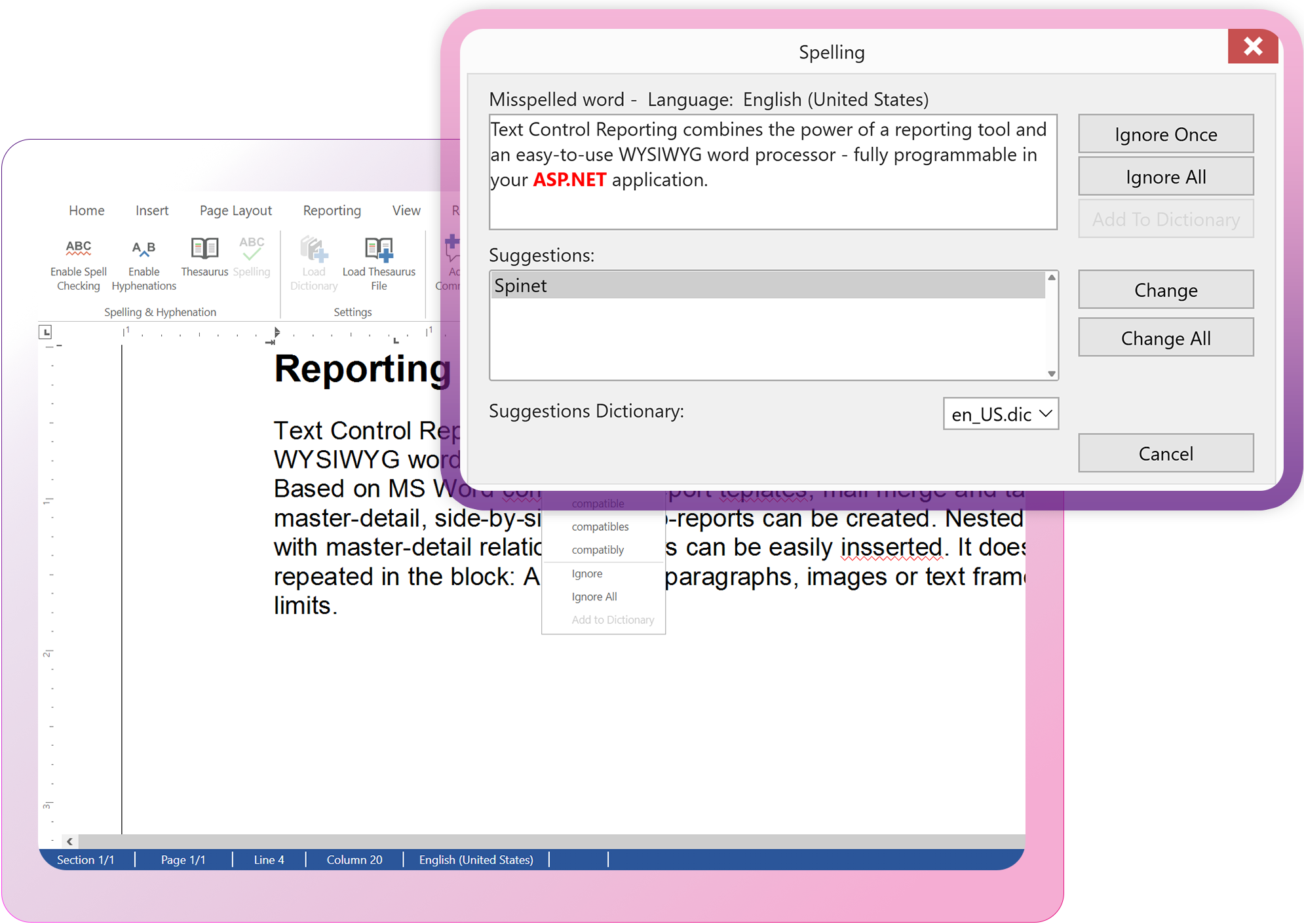
Everything you would expect from a complete word processor, running in the browser: rich text formatting, complex tables, images and shapes, barcodes, headers and footers, sections, signature fields, mail merge, table of contents, footnotes, spell checking, comments, track changes, document protection, and form fields. All features are MS Word-compatible.

Yes. Developers can customize ribbon tabs, toolbars, dialogs, context menus, commands, keyboard shortcuts, and integrate the editor into their own application workflows using JavaScript and server-side APIs.

A unified SDK with a predictable, non-subscription license model. Instead of stitching together multiple vendors, you get a full-stack solution: a client-side editor, server-side reporting, electronic signatures, and PDF processing. With a familiar, MS Word-like interface, non-technical users can design and update templates while developers handle the integration, reducing development overhead.

Yes. Documents can be exported as PDF, including PDF/A for long-term archiving and PDF/UA for accessible document workflows.

The editor processes all documents strictly within your own application infrastructure. The SDK includes digital signatures, PDF encryption, text redaction, and permission-based document protection, built for teams that need to meet regulated-industry requirements.