


Updated 1 day ago
Text Control Blog
Stay ahead with the latest news, updates, and insights on Text Control products and innovations.
Introducing Text Control Agent Skills
With the introduction of Text Control Agent Skills, AI coding assistants can now understand how to correctly work with the TX Text Control Document Editor and its APIs. This means that developers can now ask their AI coding assistants to write code that interacts with the Document Editor, making it easier than ever to create powerful applications with TX Text Control.

Deploying the TX Text Control Document Editor from the Private NuGet Feed to Azure App Services (Linux and Windows)
This tutorial shows how to deploy the TX Text Control Document Editor to Azure App Services using an ASP.NET Core Web App. The Document Editor is a powerful word processing component that can be used to create, edit, view and print documents in ASP.NET Core applications.
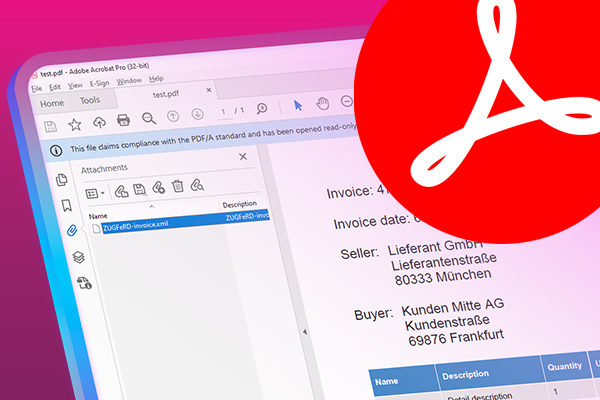
Why Structured E-Invoices Still Need Tamper Protection using C# and .NET
ZUGFeRD, Factur-X, German e-invoicing rules, and how to seal PDF invoices with TX Text Control to prevent tampering. Learn how to create compliant e-invoices with C# and .NET.

AI Generated PDFs, PDF/UA, and Compliance Risk: Why Accessible Document Generation Must Be Built Into the Pipeline in C# .NET
Ensuring that PDFs are accessible and compliant with standards like PDF/UA is crucial. This article explores the risks of non-compliance and the importance of integrating accessible document generation into the C# .NET development pipeline.
Blog
Trending posts

ASP.NETConference
Ten Years of MD-DevDays: From Community Idea to One of Germany's Largest Developer Conferences
In 2016, the first MD-DevDays conference was held in Germany, marking the beginning of a remarkable journey. What started as a community-driven initiative has evolved into one of the largest developer conferences in the country.
ASP.NETASP.NET Core
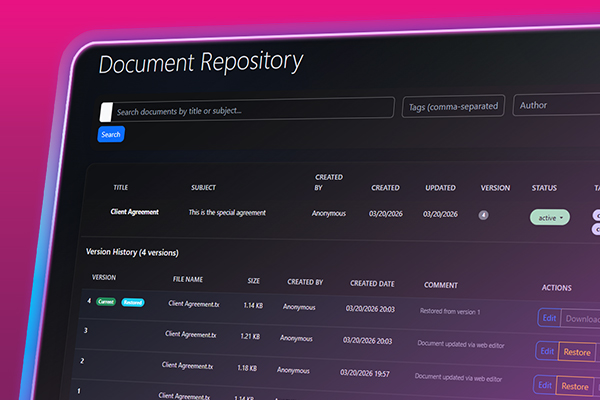
File Based Document Repository with Version Control in .NET with TX Text Control
In this article, we will explore how to implement a file-based document repository with version control in .NET using TX Text Control. This solution allows you to manage and track changes to your documents effectively.
ASP.NETASP.NET Core
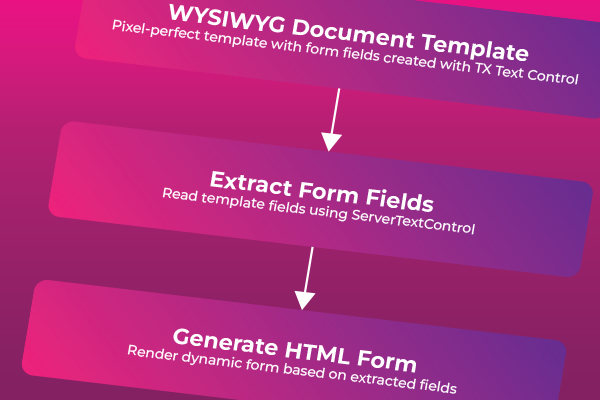
Create Fillable PDFs from HTML Forms in C# ASP.NET Core Using a WYSIWYG Template
Learn how to generate PDFs from HTML forms in ASP.NET Core using a pixel-perfect WYSIWYG template. Extract form fields from a document, render a dynamic HTML form, and merge the data server-side to produce professional PDF documents.
ASP.NETASP.NET Core
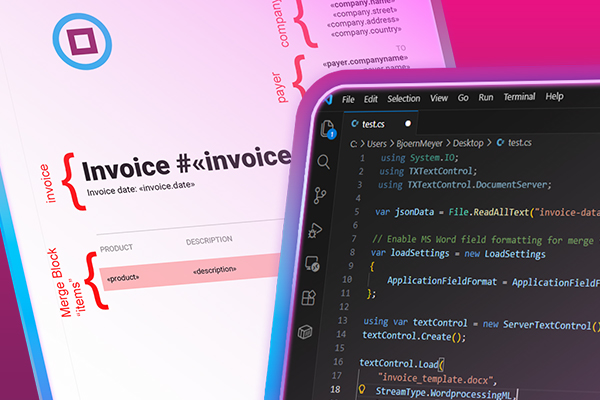
Why HTML to PDF Conversion is Often the Wrong Choice for Business Documents in C# .NET
In this article, we explore the challenges of HTML to PDF conversion for business documents in C# .NET and present alternative solutions that offer better performance and reliability. Discover why relying on HTML to PDF conversion can lead to issues such as inconsistent rendering, performance bottlenecks, and maintenance headaches, and learn about more robust approaches to generating business documents in C# .NET.

ASP.NETASP.NET Core
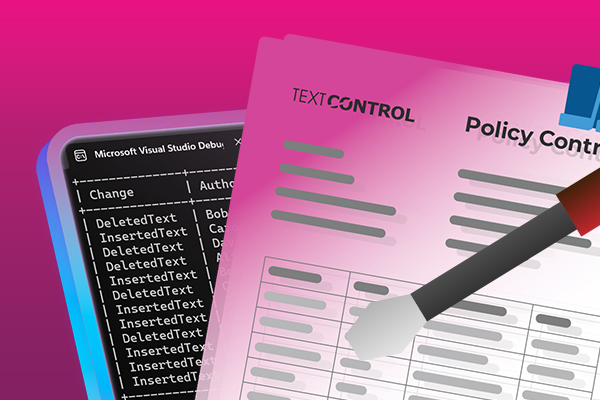
Inspect and Process Track Changes in DOCX Documents with TX Text Control with .NET C#
Collaborative document editing is a core requirement in many modern applications. In this article, we will explore how to inspect and process track changes in DOCX documents using TX Text Control with .NET C#.

ASP.NET Core
DS Server: Enabling HTTPS for TX Text Control Document Services Using Kestrel
In this article, we will explore how to enable HTTPS for TX Text Control Document Services (DS Server) using Kestrel, the cross-platform web server for ASP.NET Core. We will cover the necessary steps to configure Kestrel to serve DS Server securely over HTTPS.

ASP.NETASP.NET Core
Text Control at BASTA! Spring 2026 in Frankfurt
This week, we sponsored the BASTA! Spring 2026 conference in Frankfurt, Germany. We had a booth in the exhibition area and presented our products to the attendees. We also had the opportunity to network with other professionals in the industry and learn about the latest trends and technologies.