


Style Preview: New Ribbon Icons and Style

An internal beta of the TX Text Control HTML5 editor shown at NDC London features a redesigned ribbon interface with a modern flat style. The update includes a new icon set of over 400 icons compatible with all TX Text Control versions across both web and desktop platforms.

At NDC London, we presented a new internal beta version of the HTML5 based rich edit control and reporting template designer with stunning new features and a complete new style and layout. Find below an animated screenshot with the new ribbon interface style:
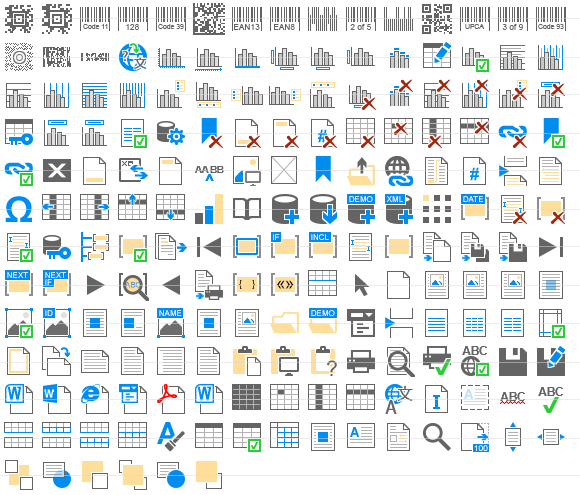
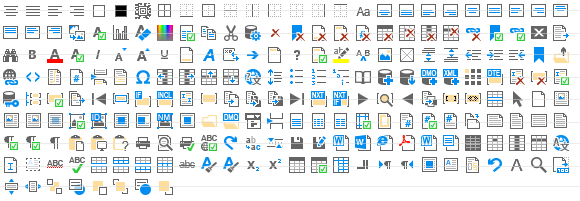
A new icon set with 400+ icons will be available as well and can be used in all versions of TX Text Control:
Related Posts
X15: Adding MS Word Compatible Fields and Form Elements to TXTextControl.Web
TX Text Control X15 adds JavaScript API support for inserting and modifying MS Word compatible fields in the HTML5-based ASP.NET editor. MergeFields, TextFields, and ApplicationFields can be…
X15: Inserting Client-Side Images using JavaScript
TX Text Control X15 adds JavaScript ImageCollection methods to insert client-side images into the HTML5-based ASP.NET editor. A local file is read and converted to a Base64 string, then placed…
Sneak Peek X15: Copy to Local Clipboard Support in ASP.NET Version
TX Text Control X15 introduces local clipboard support for the HTML5 ASP.NET editor. A toggle switches between the server-side clipboard with full formatting and the client-side HTML clipboard.…
Sneak Peek X15: Custom Field Overlays in HTML5-based Text Control
TX Text Control X15 introduces a bounds property on fields in Web.TextControl, returned through the textFieldEntered event. Developers can position custom HTML overlays at field locations to…
ASP.NET: Protected SubTextParts in TXTextControl.Web
SubTextParts in TX Text Control define named text ranges with Start, Length, and Name properties. Version X14 adds subTextPartEntered and subTextPartLeft events to the HTML5-based Web.TextControl,…