


What's New in X17
We are constantly updating our libraries with major upgrades, new features, and innovations driven by our customers.

DPI aware applications
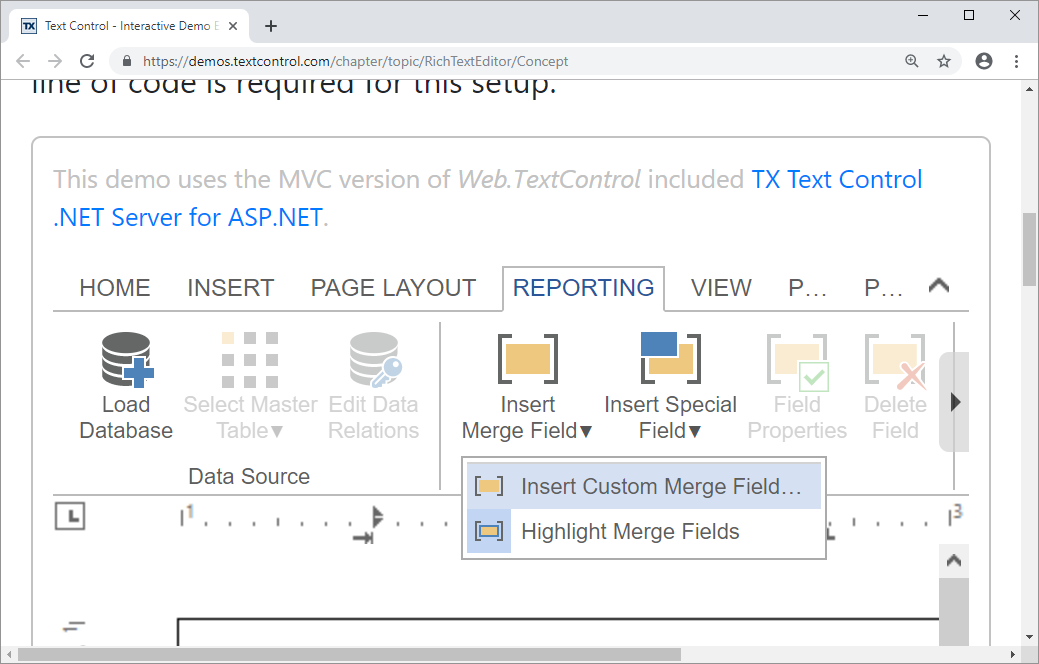
Ribbon bar with scalable SVG icons for high-DPI displays. Display technology has improved by adding more pixels into the available physical space on monitor panels. The result is that the dots-per-inch (DPI) of modern displays is way higher. For years, 96 pixels was the magical number, but nowadays 300 DPI is no longer an exception.
The ribbon bar of the HTML5-based editor is now based on vector SVG images to provide pixel-perfect scalable icons.
High resolution icon set
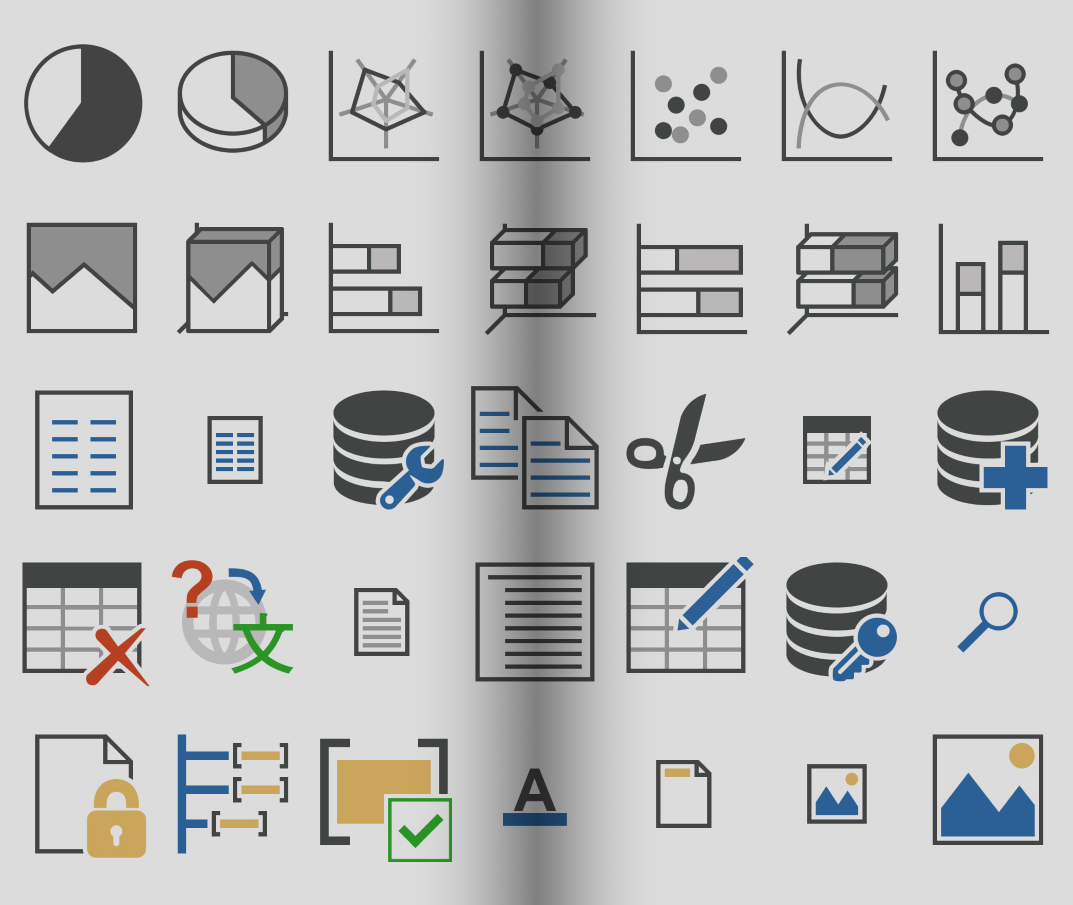
New high-resolution vector icons for perfect display scaling. We created a new, vector-based icon set with 800+ illustrations for our integrated button and ribbon bars. Depending on the selected DPI, the pixel-perfect bitmap in the requested size and resolution is used for all various ribbon tabs and groups.
With TX Text Control .NET Server X17, you can upgrade your applications to support high resolutions without any additional efforts.
Visual Studio 2019 compatibility
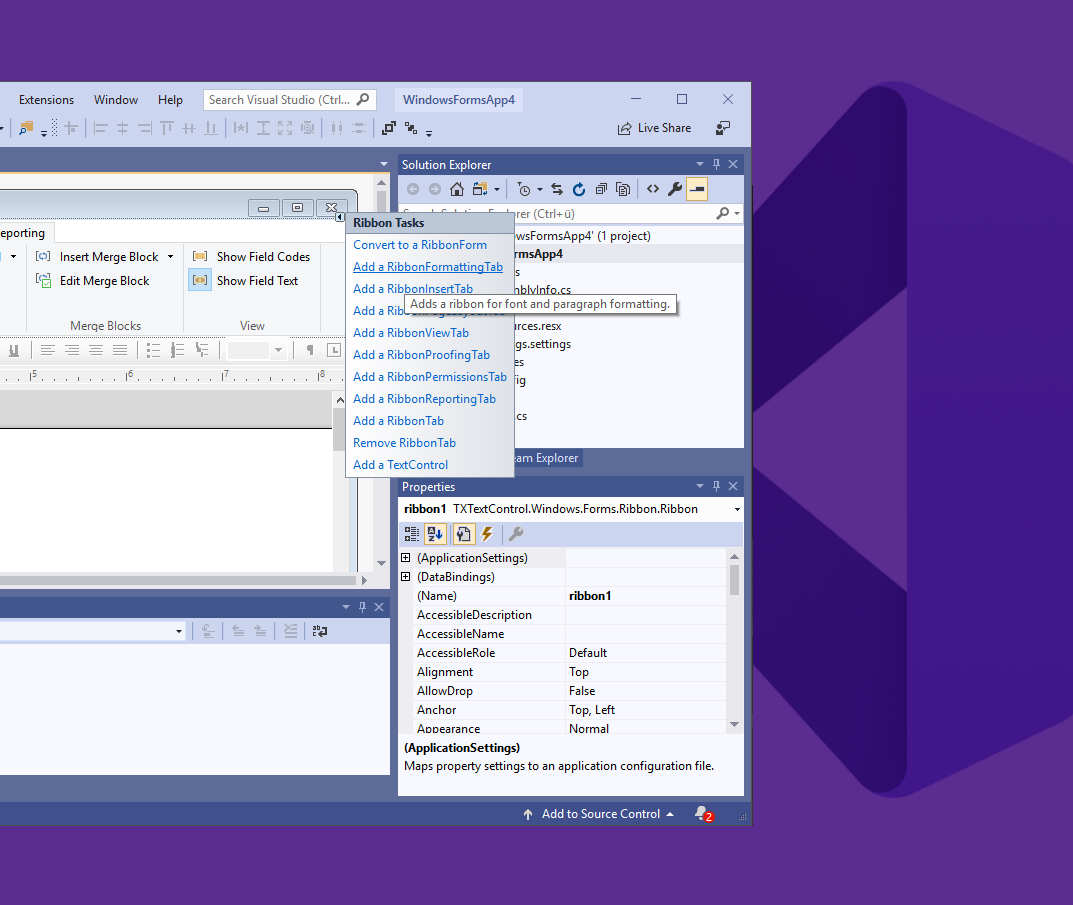
Full compatibility with Visual Studio 2019 for seamless integration. We are committed to making sure that our products work seamlessly with new versions of Visual Studio. TX Text Control .NET Server X17 is 100% compatible with Visual Studio 2019.
We have implemented and tested our setups, the toolbox support, help integration, IntelliSense support, and many more features to guarantee compatibility with our products.
Text field highlight options
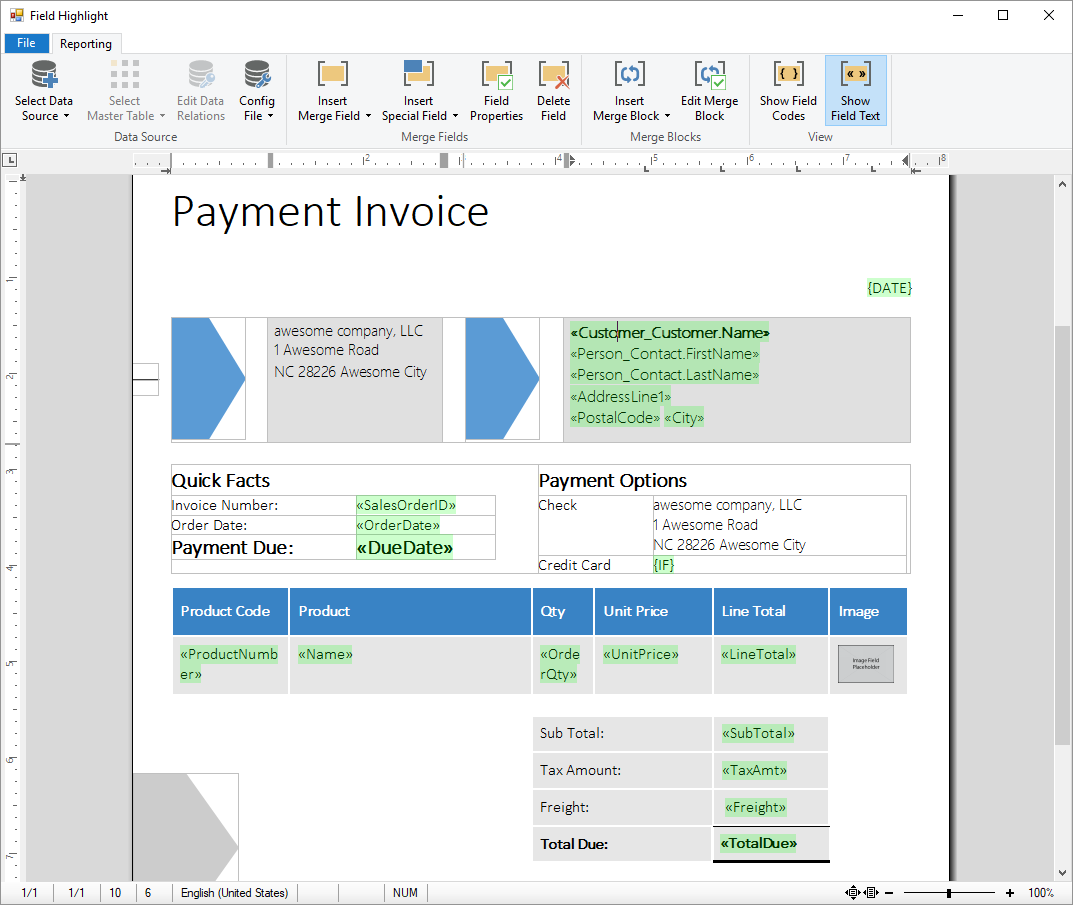
Customize text field highlights with colors and transparency. Text fields, such as HypertextLinks, ApplicationFields, and PageNumberFields, can be highlighted with a highlight color using the TXText
Each field can be highlighted with a different color which enables you to distinguish between different field types.