|
|
|
|
Our completely rebuilt technical demo platform now features more than 100 interactive examples covering document editing, PDF processing, reporting, mail merge, signatures, and much more.
Try features directly in your browser, learn how they work, and explore the actual C#, JavaScript, Razor, and JSON code behind each demo. |
|
|
|
|
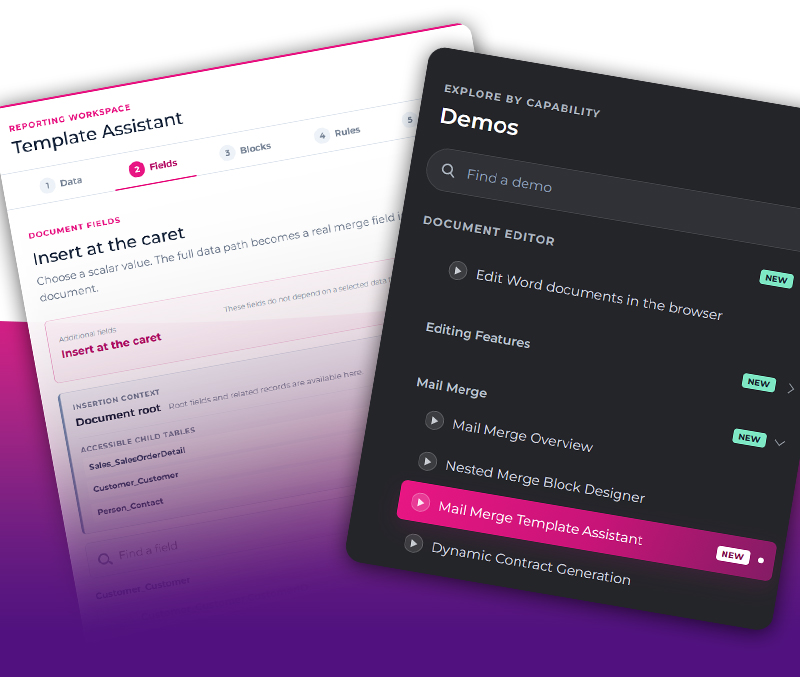
| Learn How to Build Mail Merge Templates from Basic Fields to Advanced Reporting Structures |
The new Mail Merge Template Assistant turns the TX Text Control online demo into an interactive learning experience. You can start with the basics of data binding and merge fields and then explore more advanced concepts such as nested blocks, conditional logic, sorting, filtering, images, and barcodes.
Because the assistant works directly with native TX Text Control document elements, you can see how real mail merge templates are structured and assembled. Build templates step by step, inspect the resulting document structure, and gain a better understanding of how the individual reporting features work together. |
| Learn more |
|
| From Classification to Data Extraction: New Document Analysis Samples |
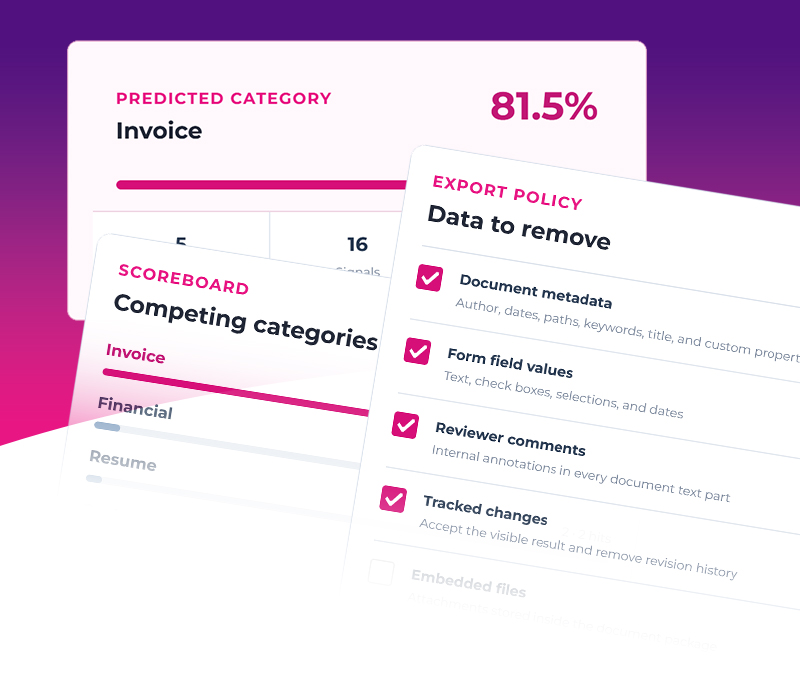
Explore four new interactive document analysis samples that show how you can classify documents, extract structured data from tables, map form fields to application data, and sanitize documents before they enter downstream workflows. Each sample lets you run the complete workflow in your browser, compare the original document with the result, and inspect the implementation in the integrated Learn and Code sections.
The samples focus on deterministic and explainable document processing with TX Text Control .NET Server. Instead of relying on external AI services, you can work directly with document structure, configurable rules, semantic mappings, and confidence scores to build fast, reproducible workflows that are easy to understand, audit, and integrate into production applications. |
| Learn more |
|
| Silicon Valley, Here We Come! |
We are heading back to Silicon Valley for the first WeAreDevelopers World Congress North America. Meet the Text Control team in the Bay Area, explore our latest document processing technology, and talk with us about the challenges you are solving in modern web and server applications.
At our booth, you can see TX Text Control in action, including browser-based document editing, PDF processing, reporting and MailMerge, digital signatures, AI-powered document workflows, and our upcoming WebAssembly document editor. If you are attending, stop by the magenta Text Control booth and see what we have been building. |
| Learn more |
|
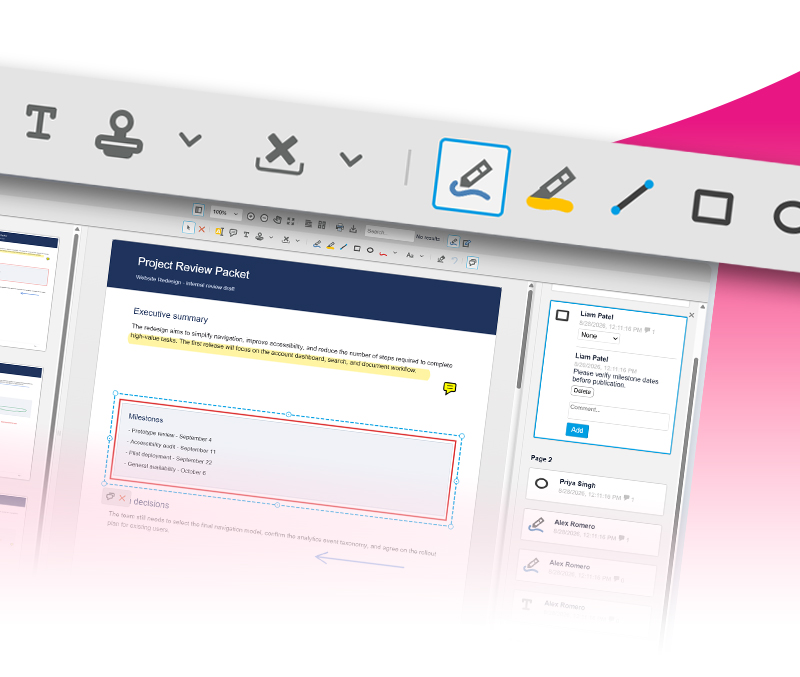
| Native PDF Annotation Support Is Coming to the TX Text Control Document Viewer |
The next version of the TX Text Control Document Viewer introduces native support for PDF-compatible annotations. You can import existing drawings, text annotations, rectangles, lines, and comments directly from PDF documents and continue working with them in the browser.
Annotations you create or modify in the Document Viewer can also be exported back into the PDF, making them available in compatible applications such as Adobe Acrobat Reader. This enables more natural collaborative PDF workflows while the existing JSON-based annotation model remains available for applications that prefer to store annotations separately from the document. |
| Learn more |
|
TX Text Control, TX Spell, ReportingCloud and DS Server are products of Text Control.
Text Control respects your privacy. You have received this email as the email address was used to create an online account. If you have not created an account, please contact us immediately, and we will take action to delete your personal identifiable information.
Contact us | Unsubscribe | Privacy Policy | Imprint
|
|
|