|
|
|
|
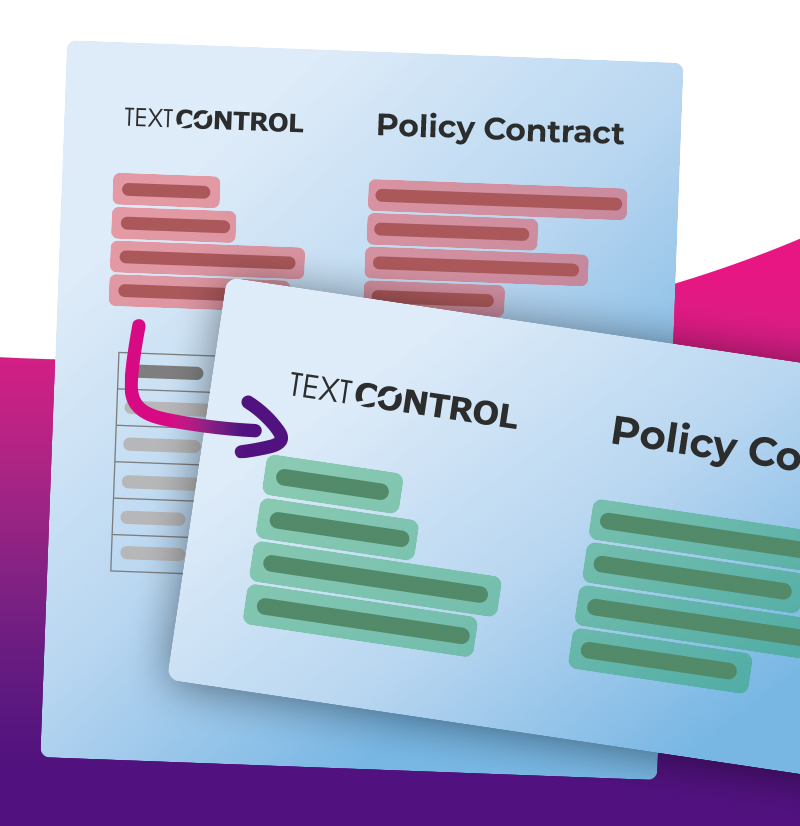
What happens when your JSON schema and document templates use different field names?
Learn how to automatically map and normalize TX Text Control form fields using fuzzy matching, eliminating manual template cleanup and simplifying document automation workflows. |
|
|
|
|
| Intelligent Form Field Mapping with String Normalization and Fuzzy Matching in .NET |
| Learn how to automatically connect TX Text Control form fields to JSON data using a combination of string normalization and fuzzy matching algorithms. This approach resolves naming inconsistencies such as underscores, casing differences, and abbreviations, enabling reliable data binding without requiring exact field name matches. |
| Learn more |
|
| Getting Started with SignFabric |
SignFabric is an open-source, enterprise-ready e-signature platform developed using TX Text Control. It provides a comprehensive foundation for preparing documents, managing signature workflows, handling user management, validating documents, and securely signing PDFs.
This article walks you through the initial steps of setting up SignFabric and creating your first signature envelope. |
| Learn more |
|
| TX Text Control 34.0 SP4 |
Have you updated to TX Text Control 34.0 SP4 yet?
TX Text Control 34.0 Service Pack 4 is now available, offering important updates and bug fixes for all platforms. If you use TX Text Control in your document processing applications, this service pack will enhance the stability and compatibility of your solutions. |
| Learn more |
|
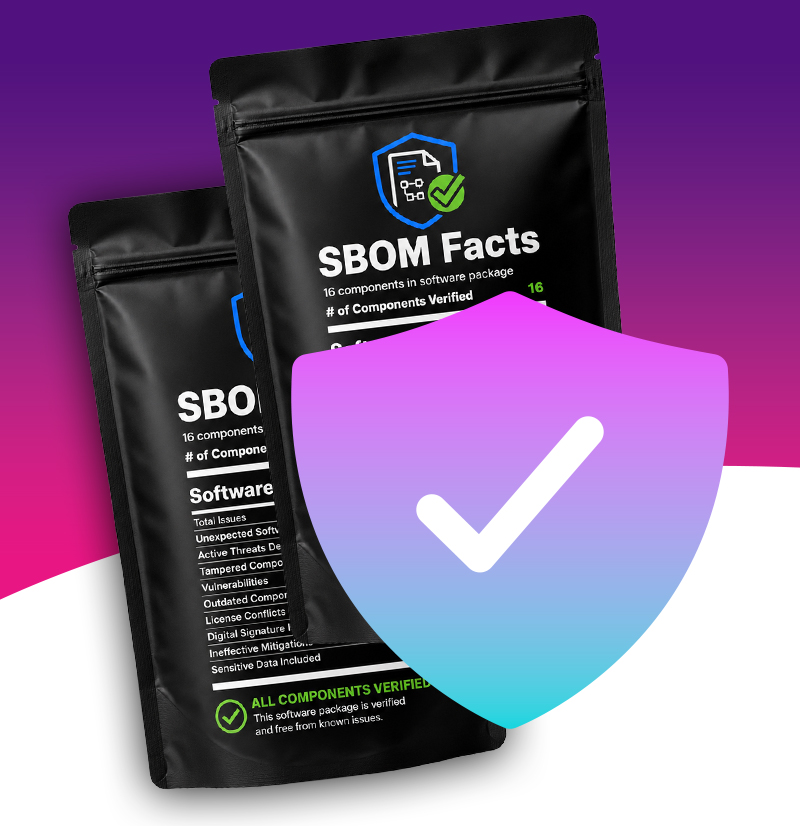
| Signed CycloneDX SBOMs for CRA Compliance Available for Text Control Products |
| Text Control is proud to announce that we now provide signed CycloneDX Software Bill of Materials (SBOMs) for our products, ensuring compliance with the Cyber Resilience Act (CRA) and enhancing transparency for our customers. This initiative reflects our commitment to security and compliance, allowing our customers to easily access detailed information about the components used in our software. |
| Learn more |
|
| Using QR Codes in PDF Documents |
QR codes are a powerful tool for embedding machine-readable information in documents. In this article, we will explore how to generate and insert them into PDF documents using C# .NET with TX Text Control.
We will cover the fundamentals of QR code generation, customizing QR code content and appearance, and the best practices for integrating them into your document workflows. |
| Learn more |
|
TX Text Control, TX Spell, ReportingCloud and DS Server are products of Text Control.
Text Control respects your privacy. You have received this email as the email address was used to create an online account. If you have not created an account, please contact us immediately, and we will take action to delete your personal identifiable information.
Contact us | Unsubscribe | Privacy Policy | Imprint
|
|