Server-Side Document Modification

Using TX Text Control .NET Server, word processing documents can be assembled from disparate data sources, such as end user data, databases and physical files. Based upon this information, documents can be created and saved to any of TX Text Control .NET Server's supported formats.

Typical Applications

  • Populate pre-saved templates (DOC, RTF, HTML) with data (XML, database)
  • Build mail merge or mass-mail applications
  • Generate customized documents on-the-fly with 'fresh' data
  • Develop aesthetically pleasing and accurate reports

Example Application: Web-Based Mail Merging

Mail merging is a popular application in the office environment. Paper-based mail shots, e-mail newsletters, quote generation and form letters are typical applications that can benefit from TX Text Control .NET Server's, flexible document modification capabilities.

A network application programmer, for example, can create a TX Text Control .NET Server based application that allows end users to send mail merged letters to a selection of customers from a customer database.

End users are presented with a web-based interface, and simply need to select the records to which their letters should be sent and then upload a document template (saved in any supported format) in to which the data should be populated.

They can then start the batch job and do something useful with their time, while TX Text Control .NET Server loads the letter template and merges the address data record by record.

The resulting documents can be either sent directly to a printer or saved as a PDF file and sent as an attachment to an e-mail.

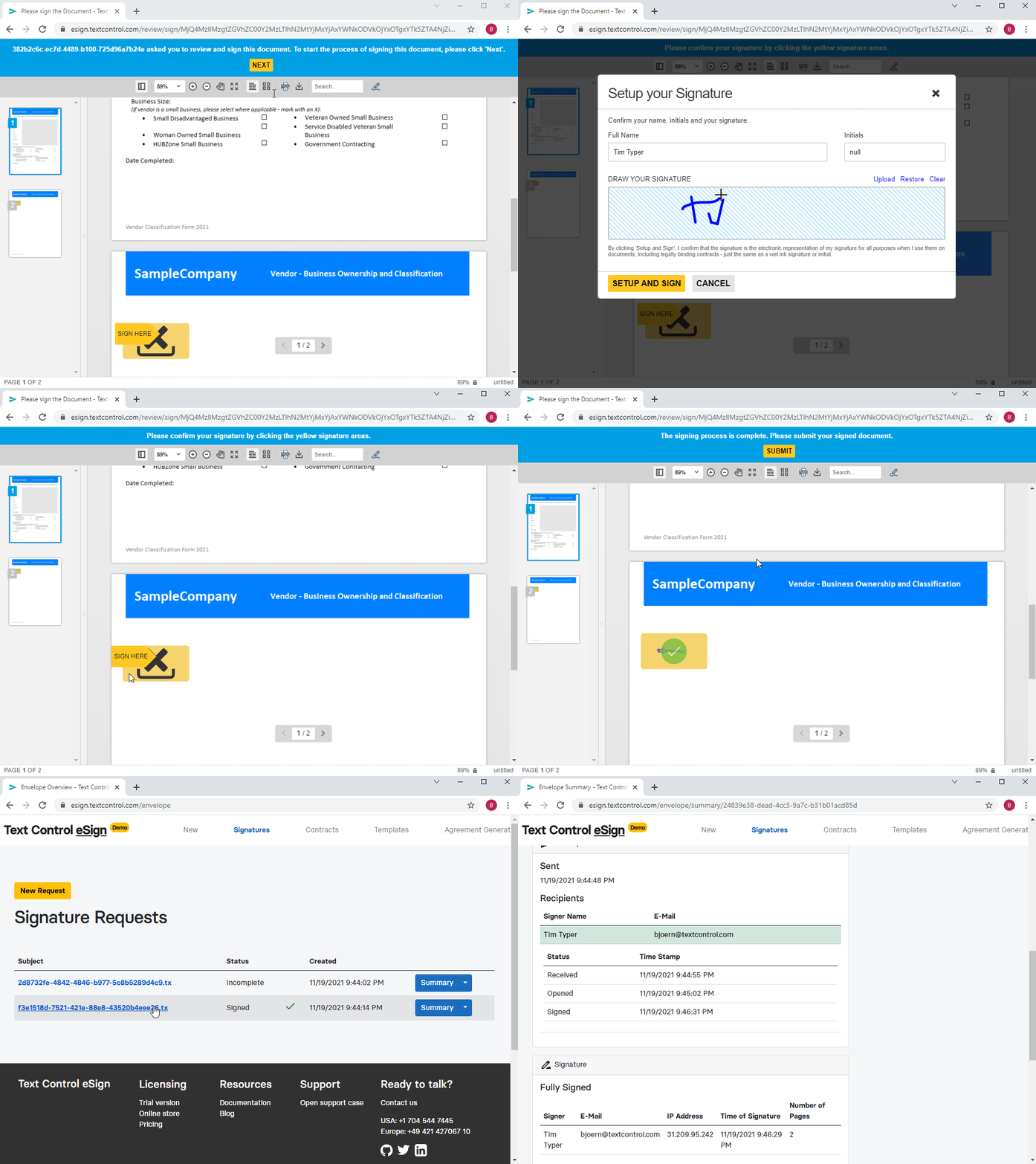
Use TX Text Control .NET Server to merge data from a web form into an existing template. This screenshot illustrates a web-based mail merge application. The resulting document is saved as a PDF file.
 

Example Application: Template-Based Document Automation

The ability to generate enterprise wide, consistent and personalized documents is a common challenge when authoring business software. Typically, these applications need to output documents as diverse as a single page form letter, all the way through to complex reports with hundreds of pages.

Using a modern server-side approach to such word processing applications, enterprise level software consists of a web interface to choose a specific dataset and a template with which to merge.

Templates are created by a designer and stored in a centralized location. These templates are then loaded by the TX Text Control .NET Server based application and merged with data from disparate data sources (such as data from an end user, databases or XML files).

The resulting documents can be saved in any of TX Text Control .NET Server's supported formats (e.g. RTF, DOC, HTML, XML, PDF) and be even personalized, based on the current recipient or the sender.

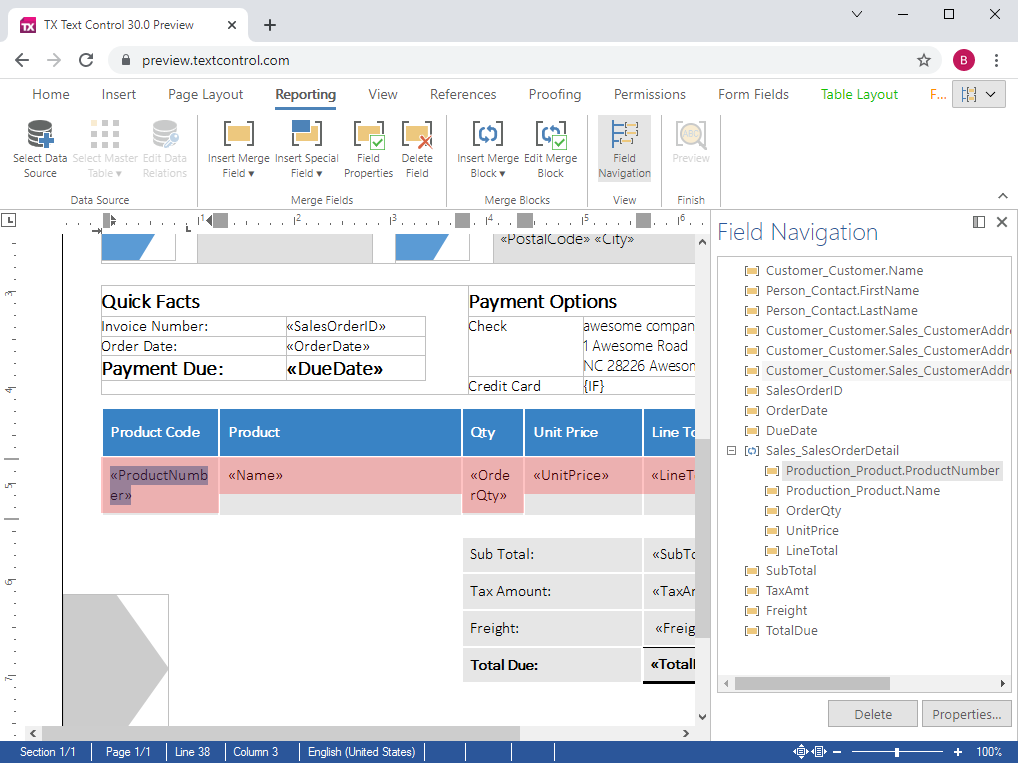
TX Text Control .NET Server ships with TX Template Designer - a small and intuitive application, whose only purpose is to offer template designers an easy-to-use interface to design templates.

Using TX Template Designer, templates can be easily designed and then populated with data from disparate data sources.
 

Building highly efficient word processing applications

Traditionally, managers have thought about client side applications, when wishing to equip an entire workforce with a word processing tool. Often, they do not realize that the task at hand may be better solved using either a pure server-based solution, or a hybrid solution that involves server and client components.

Pure server-based

For applications in which data from disparate data sources (databases, XML, form data) is merged with pre-defined templates, or in which documents are programmatically modified or converted, a server-based application that deploys TX Text Control .NET Server is an ideal choice.

Hybrid solutions (client/server)

Applications that are used by a vast user-base, spread out amongst several physical locations are ideally suited to deploy the TX Text Control .NET Server browser component. Part of the application runs on the server, the other part in Microsoft Internet Explorer.

We would like to talk to you about your personal word processing requirements. Please contact one of our pre-sales engineers.

Contact a pre-sales engineer

  1. Give us a call! Our engineers are waiting to assist you:
    Telephone Numbers
  2. Leave us your telephone number and we will call you back within one business day:
    Call Me Back
  3. Send us an e-mail and we will write back within one business day:
    Contact the Sales Department

We look forward to speaking to you.