Document Viewer

Display Documents In Web Browser

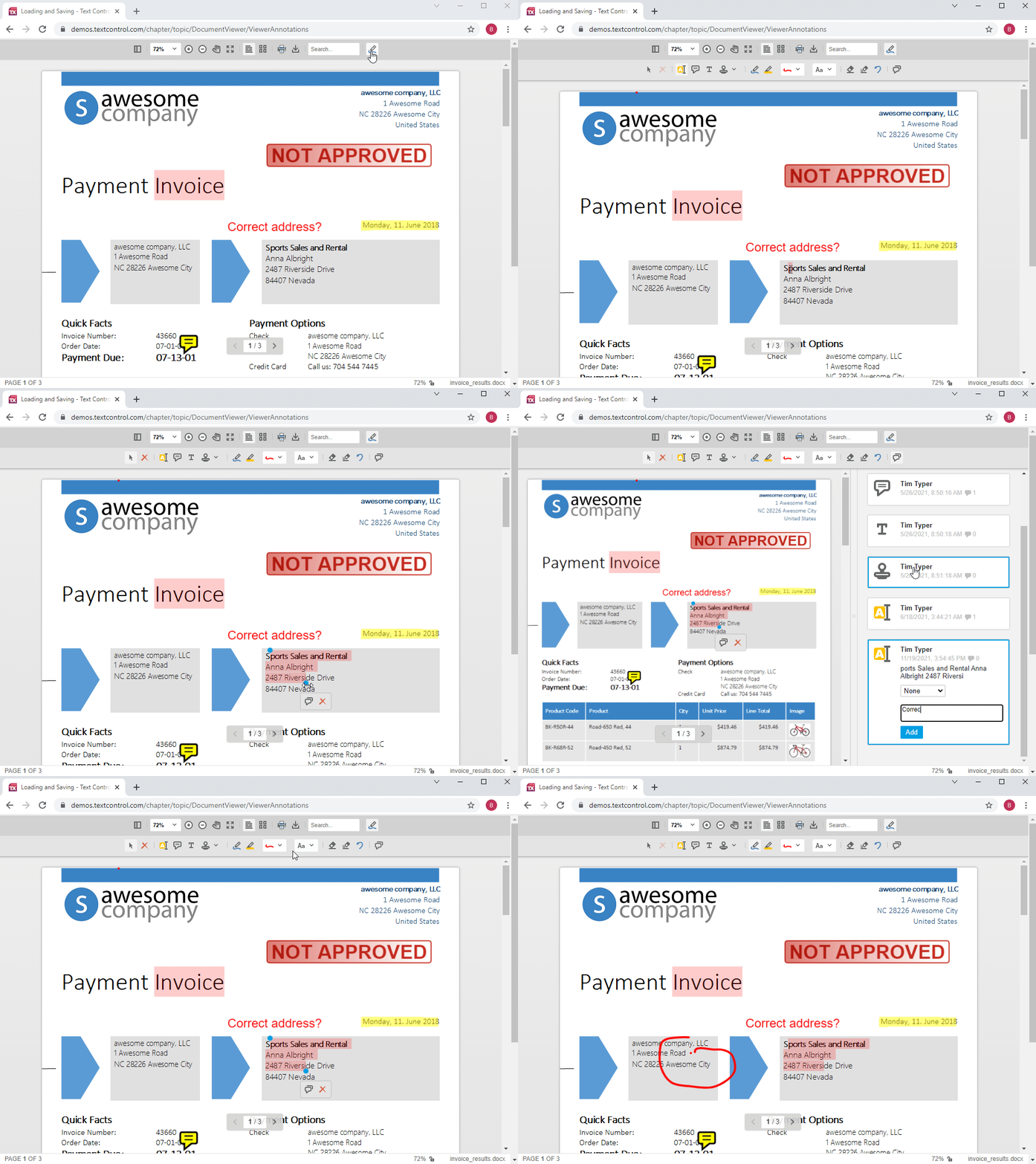
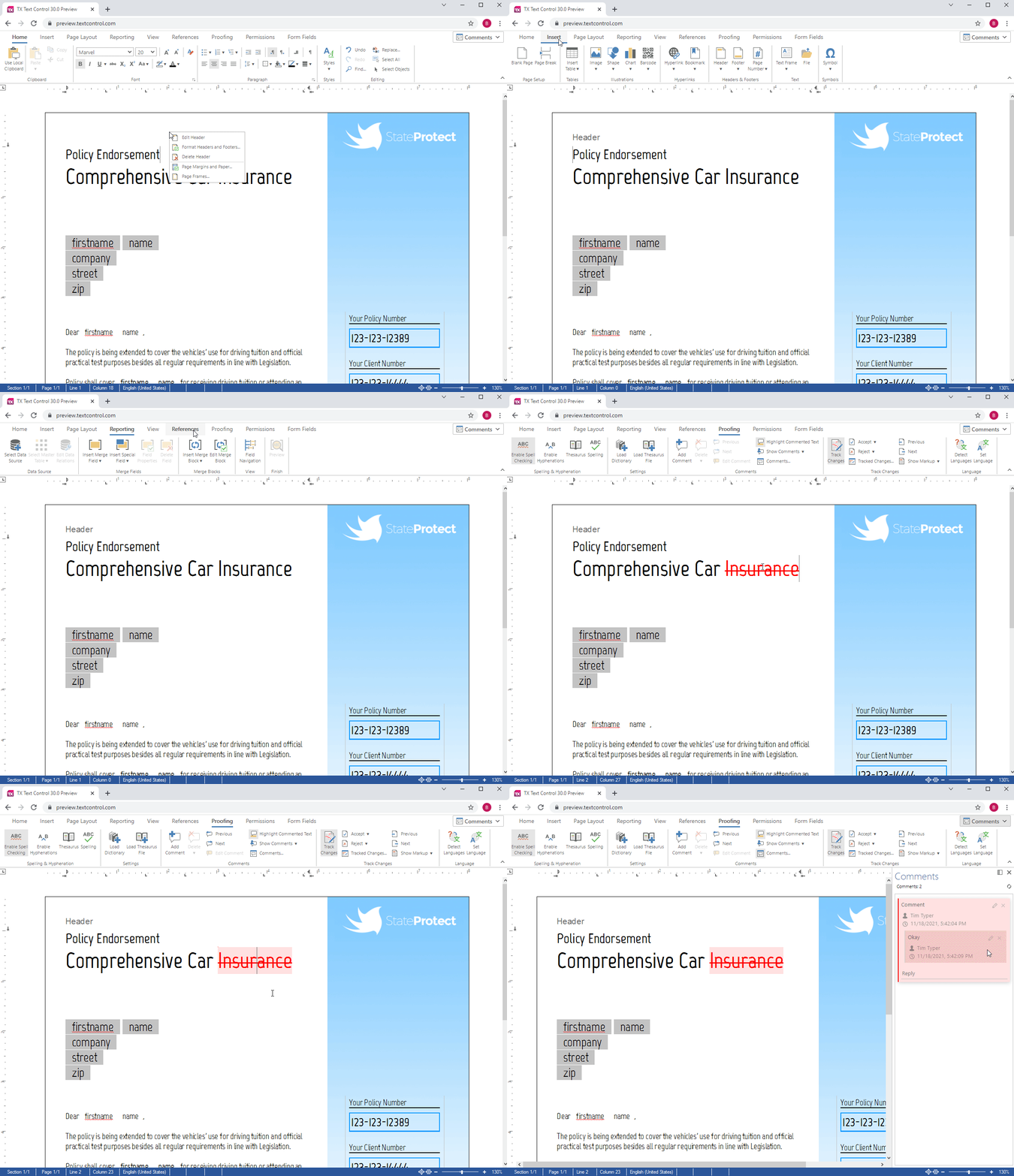
The DocumentViewer provides a very easy way to display the contents of a document, edit a template's form fields and to navigate around a document within a web browser.

As the DocumentViewer returns standard web file formats (HTML, CSS, JS and JPG etc.), documents can be displayed in the browser without having to install any third party plugins, nor extensions.

Using the elegant AJAX enhanced web interface, an end-user can:

  • Navigate backward and forward in a document
  • Jump to the first or last page of a document
  • Zoom in and out of a document
  • Fit a document to the width of the DocumentViewer
  • Fit a document to the width and height of the DocumentViewer

All file formats that are supported by TX Text Control Server for ASP.NET (incl. Windows Forms) are also supported by the DocumentViewer.

The DocumentViewer can be easily dragged into Visual Studio, as illustrated in the lower screenshot to the right. It is ready to use in a matter of seconds.

See this live

Display Documents In Web BrowserDisplay Documents In Web Browser
 

Collect Data From Web-Based Forms

In addition to displaying the contents of a document in the browser, the DocumentViewer in edit mode provides a very easy way to collect data from web-based forms, which have been created with TX Text Control Server for ASP.NET (incl. Windows Forms) or Microsoft Word.

Templates, which contain any supported form fields can be populated in a web browser. The entered data is POSTed back to the server, upon which it is collected and post-processed.

Post-processing includes saving the data as XML or saving the template and data together in a print-ready document.

Optionally, collected data can be cached on the client, where it can be used to resume editing at a later date. In such cases, the data is used to pre-populate the form fields the next time the template is opened.

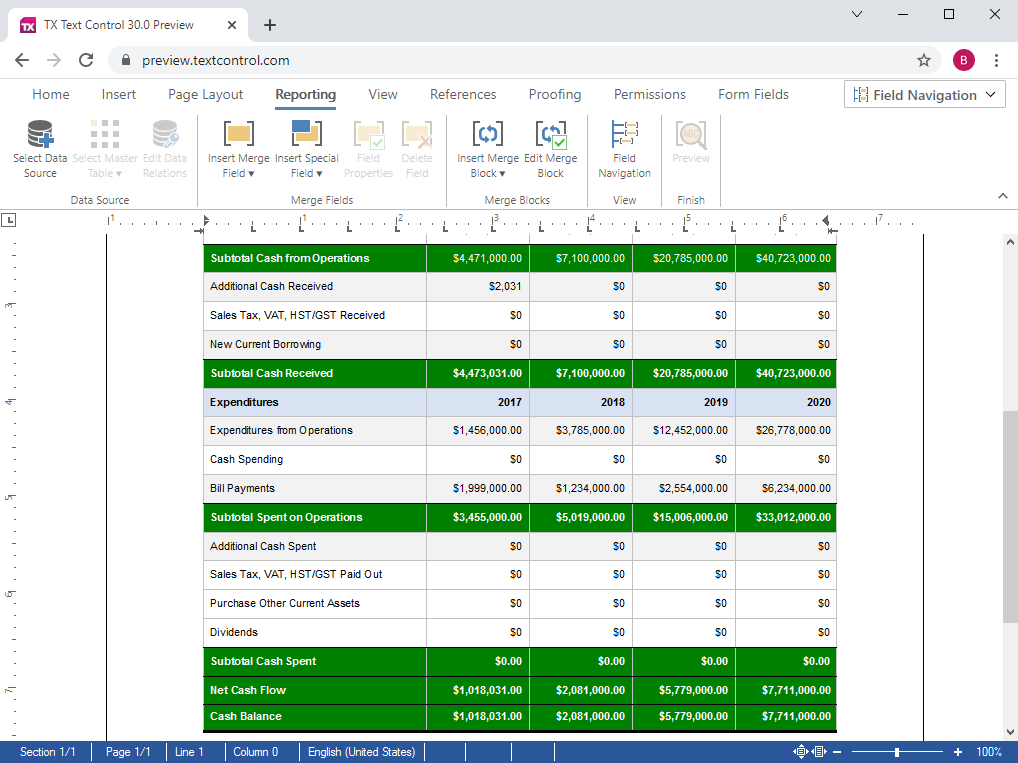
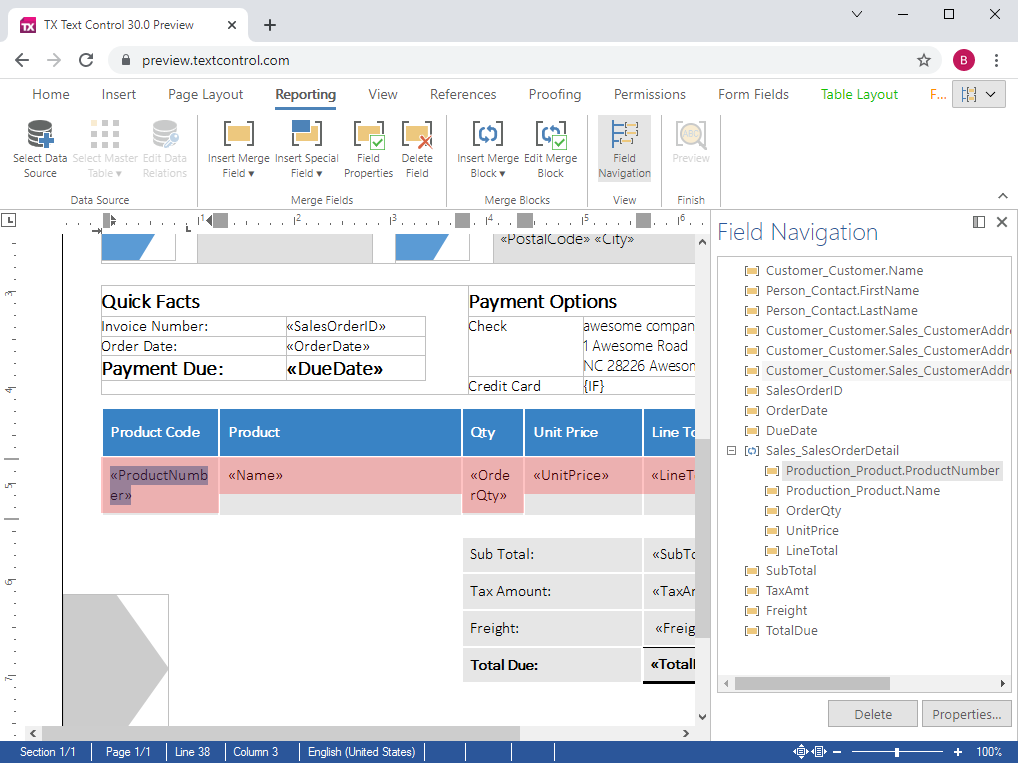
The upper screenshot to the right illustrates a template being displayed in a browser-based DocumentViewer application. Using the shipped logic, the template's form fields can be edited by an end-user and POSTed to the server.

The lower screenshot illustrates how the entered data has been merged with the template to produce the resulting document.

The populated document is displayed as a bitmap in a browser and in addition can be downloaded in any supported TX Text Control Server for ASP.NET (incl. Windows Forms) format.

Supported Form Fields

The following Microsoft Word form fields are supported by the DocumentViewer component:

FORMTEXTThe FORMTEXT form field inserts a text entry box.
FORMCHECKBOXThe FORMCHECKBOX form field inserts a check box.
FORMCOMBOBOXThe FORMCOMBOBOX form field inserts a combo (selection) list.

See this live

Collect Data From Web-Based FormsCollect Data From Web-Based Forms

Building highly efficient word processing applications

Traditionally, managers have thought about client side applications, when wishing to equip an entire workforce with a word processing tool. Often, they do not realize that the task at hand may be better solved using either a pure server-based solution, or a hybrid solution that involves server and client components.

Pure server-based

For applications in which data from disparate data sources (databases, XML, form data) is merged with pre-defined templates, or in which documents are programmatically modified or converted, a server-based application that deploys TX Text Control Server for ASP.NET (incl. Windows Forms) is an ideal choice.

Hybrid solutions (client/server)

Applications that are used by a vast user-base, spread out amongst several physical locations are ideally suited to deploy the TX Text Control Server for ASP.NET (incl. Windows Forms) browser component. Part of the application runs on the server, the other part in Microsoft Internet Explorer.

We would like to talk to you about your personal word processing requirements. Please contact one of our pre-sales engineers.

Contact a pre-sales engineer

  1. Give us a call! Our engineers are waiting to assist you:
    Telephone Numbers
  2. Leave us your telephone number and we will call you back within one business day:
    Call Me Back
  3. Send us an e-mail and we will write back within one business day:
    Contact the Sales Department

We look forward to speaking to you.


Products

Support

Downloads

Corporate

Buy Now